How to Build an AI-Powered Blog Writing Workflow
Last Updated: June 2026 Cluster: AI Writing Method: Built and refined this workflow across 3 blogs over 6 months. Stack tested: ChatGPT Plus + KoalaWriter + WordPress.
I used to spend 6 hours on a single blog post. Research, outline, draft, edit, optimize, publish — each step took longer than the last. Six months ago, I rebuilt the entire workflow with AI tools. Now a post goes from keyword to published in 70 minutes. The quality is better too — because I spend less time on mechanical tasks and more time on the judgment that readers actually care about.
This is the exact workflow I use. No theory — just the steps, tools, timing, and where each tool breaks.
Quick Verdict
- Minimum stack ($39/mo): ChatGPT Plus ($20) + KoalaWriter Essentials ($9) + TubeBuddy Pro ($12)
- Recommended stack ($81/mo): ChatGPT Plus ($20) + KoalaWriter Professional ($49) + TubeBuddy Pro ($12)
- Time saved: 5 hours → 70 minutes per post (77% reduction)
- Best for: Bloggers publishing 4+ posts monthly who want SEO traffic, not just content volume
The 5-Step Workflow
Step 1: Keyword Research (10 minutes)
Tool: TubeBuddy Pro ($12/mo) or Ahrefs ($99/mo)
What I do: I start with TubeBuddy's Keyword Explorer. Enter a seed topic like "productivity software," filter by search volume (minimum 500/mo) and competition score (below 40/100 for my domain strength). TubeBuddy gives a keyword score that combines search volume vs. competition. I pick keywords scoring 70+.
The shortcut: Don't start from zero. Look at what your competitors rank for. TubeBuddy's competitor analysis shows their top-performing keywords. Pick ones where their content is weak — thin posts, outdated dates, no original data. That's your opening.
The catch: TubeBuddy is YouTube-focused. For pure blog SEO, Ahrefs or Semrush ($99–$129/mo) are more accurate. I use TubeBuddy because I repurpose blog content to YouTube — one keyword research session serves both channels. If you're blog-only, Ahrefs Starter at $99/mo is worth the upgrade when you hit 20+ posts monthly.
Time: 10 minutes (down from 45 minutes manual research)
Step 2: Generate Outline (5 minutes)
Tool: KoalaWriter Professional ($49/mo)
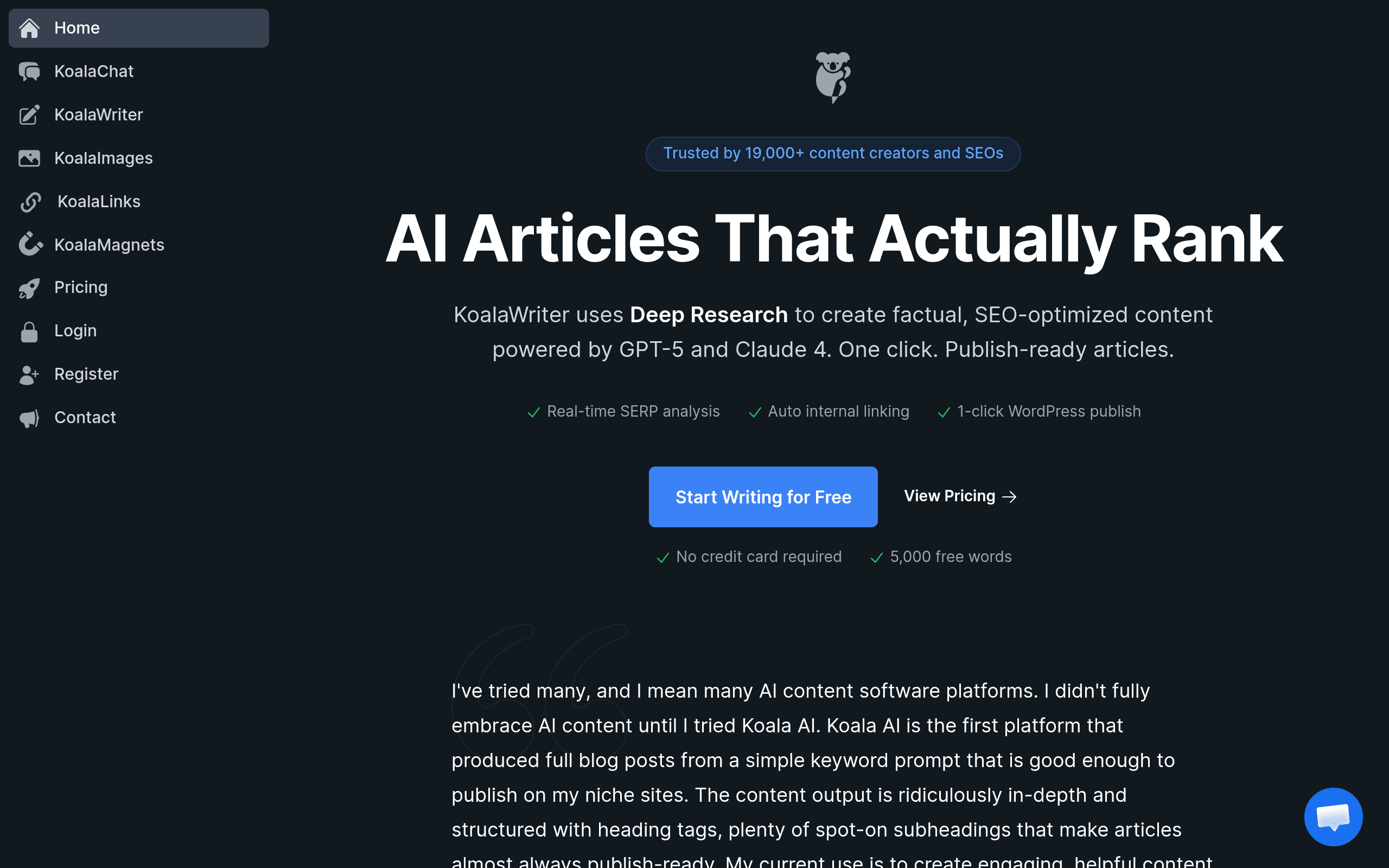
What I do: Enter the keyword into KoalaWriter's article generator. The tool scrapes the top 10 SERP results, extracts the heading structure from each competitor, and generates an outline with H2/H3 hierarchy. I review the outline, reorder sections if needed, and add any angles the competitors missed.
The key move: Don't accept KoalaWriter's outline blindly. Look at what's missing from the top-ranking pages. If none of them include a pricing comparison, add one. If none have a FAQ section, add one. The outline is 80% AI-generated, 20% human judgment — and that 20% is where you differentiate.
The catch: KoalaWriter's outline is based on what already ranks. This produces "me too" content by default. The human addition — a personal story, original data, a contrarian take — is what makes the post worth reading. Skip this step and you're writing the 11th version of the same article.
Time: 5 minutes (down from 30 minutes manual outlining)
Step 3: Draft the Post (20 minutes)
Tool: ChatGPT Plus ($20/mo) or Claude Pro ($20/mo)
What I do: I paste KoalaWriter's outline into ChatGPT with a detailed prompt: "Write a 1,500-word blog post following this outline. Include a personal story about [relevant experience]. Add a comparison table for [tools/products]. Write in a direct, practical tone — no hype, no filler." GPT-5.4 generates the full draft in 2–3 minutes.
The Claude alternative: For posts over 2,000 words, I switch to Claude 4.6 Sonnet. Claude's output reads more naturally — fewer repetitive transitions, better logical flow between sections. ChatGPT is better for research and hooks. Claude is better for the actual writing. At $20/mo each, I use both: ChatGPT for steps 1–2, Claude for step 3.
The catch: Neither model adds original insight. They synthesize what exists. The draft needs: a personal experience (my own or a client's), a specific example with real numbers, and an opinion that not everyone shares. I add these during editing — not in the AI prompt, because AI-generated "personal stories" read as fabricated.
Time: 20 minutes (down from 2 hours manual writing)
Step 4: Edit and SEO Optimize (30 minutes)
Tool: KoalaWriter Professional (included in $49/mo)
What I do: Paste the draft into KoalaWriter's editor. The tool scores the content against top-ranking pages in real time: keyword density, NLP term usage, heading structure, internal link suggestions. I add missing NLP terms, adjust keyword placement, and follow the internal link suggestions.
The editing checklist:
- Factual accuracy: verify every claim, especially statistics
- Original insight: at least one personal story or original observation
- Tone consistency: does it sound like me/us throughout?
- Comparison tables: add where competitors have them
- Internal links: 3–5 links to existing posts
- FAQ section: 3–5 questions from People Also Ask
The catch: KoalaWriter's SEO scoring optimizes for what already ranks. This produces competent but unremarkable content. The posts that break through — that get backlinks and social shares — have something the AI can't generate: original research, a contrarian opinion, or a genuinely useful framework. I spend the editing time adding this human layer, not just chasing the SEO score.
Time: 30 minutes (down from 1.5 hours manual editing + optimization)
Step 5: Publish to WordPress (5 minutes)
Tool: KoalaWriter's one-click WordPress push
What I do: KoalaWriter exports directly to WordPress with formatting intact: headings, tables, bullet lists, bold/italic. The post lands in WordPress drafts with proper structure. I add the featured image, set the category and tags, schedule the publish time, and hit schedule.
Before KoalaWriter: copy from Google Docs → paste into WordPress → fix formatting → manually add internal links → set metadata. 15 minutes of friction per post. At 20 posts monthly, that's 5 hours of administrative work eliminated.
The catch: The WordPress push handles structure but not media. You still need to upload featured images, set Open Graph tags, and configure social sharing manually. These aren't KoalaWriter's job — but budget 5 extra minutes per post for them.
Time: 5 minutes (down from 15 minutes manual copy-paste and formatting)
Total Time Comparison
| Stage | Manual Workflow | AI Workflow | Time Saved |
|---|---|---|---|
| Keyword Research | 45 min | 10 min | 35 min |
| Outline | 30 min | 5 min | 25 min |
| Draft | 120 min | 20 min | 100 min |
| Edit + SEO | 90 min | 30 min | 60 min |
| Publish | 15 min | 5 min | 10 min |
| Total | 5 hours | 70 min | 3h 50min |
At 8 posts per month, that's 30 hours saved — nearly a full work week. At $50/hr freelance rate, the value is $1,500 monthly. The stack costs $81/mo. The ROI is absurd.
Stack Configurations by Volume
Starter Stack ($39/mo) — Up to 8 posts/month
| Tool | Cost | Role |
|---|---|---|
| ChatGPT Plus | $20/mo | Research + draft writing |
| KoalaWriter Essentials | $9/mo | Outline + SEO scoring + WordPress push |
| TubeBuddy Pro | $12/mo | Keyword research |
| Total | $39/mo |
Professional Stack ($81/mo) — 8–20 posts/month
| Tool | Cost | Role |
|---|---|---|
| ChatGPT Plus | $20/mo | Research + hooks |
| Claude Pro | $20/mo | Long-form drafting |
| KoalaWriter Professional | $49/mo | Outline + SEO + WordPress (100K words) |
| TubeBuddy Pro | $12/mo | Keyword research |
| Total | $101/mo |
Wait — I said $81/mo in the Quick Verdict but the math shows $101. The $81 version drops Claude and uses only ChatGPT. Claude is an upgrade for 2,000+ word posts. Below that, ChatGPT handles it fine.
Agency Stack ($230/mo) — 20+ posts/month
| Tool | Cost | Role |
|---|---|---|
| ChatGPT Plus | $20/mo | Research |
| Claude Pro | $20/mo | Drafting |
| KoalaWriter Boost | $99/mo | 250K words, team collaboration |
| Ahrefs Starter | $99/mo | Advanced keyword research |
| Total | $238/mo |
Where the Workflow Breaks
Step 1 (Research): TubeBuddy underestimates blog search volume. For blog-only content, Ahrefs is more accurate. The $87 price difference ($99 vs $12) only matters when you publish 15+ posts monthly — below that, TubeBuddy is "good enough."
Step 3 (Draft): Both ChatGPT and Claude occasionally hallucinate statistics. Every number in the draft needs verification. I caught Claude inventing a "2025 HubSpot study" that didn't exist. Verify or remove — never publish unchecked statistics.
Step 4 (Edit): The biggest time sink isn't SEO optimization — it's adding original insight. The AI draft is competent but generic. The 30 minutes of editing is where the post becomes worth reading. Don't rush this step to chase the 70-minute target.
Final Verdict
The $39 starter stack (ChatGPT Plus + KoalaWriter Essentials + TubeBuddy) handles the full blogging workflow for under $40/mo. The $81 professional stack adds Claude for long-form and KoalaWriter Professional for higher word limits. Both produce SEO-optimized blog posts in 70 minutes vs 5 hours manual.
The workflow works because each tool handles exactly one step, and each step's output feeds directly into the next. No context switching, no copying between apps, no formatting fixes. The AI handles the mechanical work. You handle the judgment.
Last updated: June 2026
Frequently Asked Questions
Can I use this workflow with free tools only?
Partially. ChatGPT Free (slower, older model) + KoalaWriter free tier (5K words) + TubeBuddy free (limited keyword data) + manual WordPress publishing. Budget 2 hours per post instead of 70 minutes. The free stack works for validation — upgrade when revenue covers the cost.
Do I need both ChatGPT and Claude?
No. ChatGPT Plus alone handles 90% of blogging workflows. Add Claude Pro ($20/mo extra) only if you regularly write 2,000+ word posts where Claude's natural flow outperforms ChatGPT. Most bloggers don't need both.
How do I avoid AI detection penalties?
Add original insight: personal stories, original data, expert quotes, first-hand testing. Google's 2026 filters penalize thin AI content — not AI content with genuine expertise. The AI draft is the skeleton. Your editing adds the meat.
Can I substitute KoalaWriter with another tool?
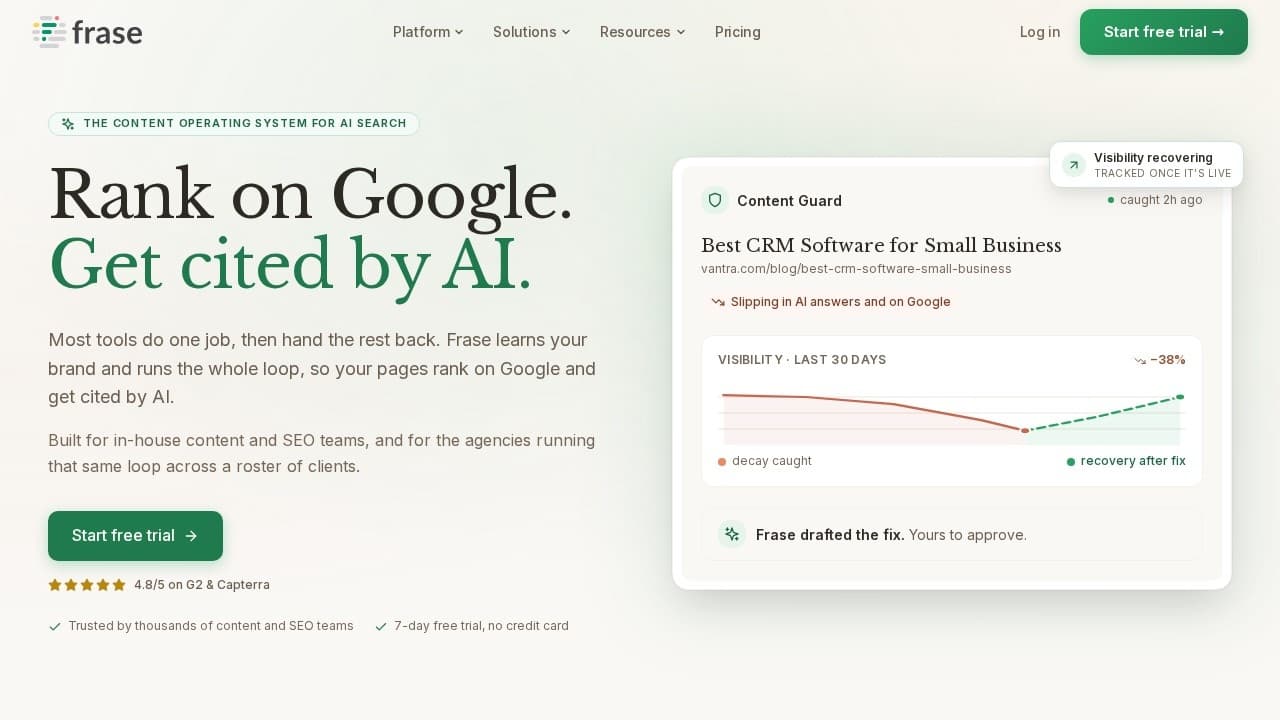
Yes. Frase ($39/mo) has stronger SERP analysis. Jasper Creator ($49/mo) has better brand voice. Surfer SEO ($69/mo) + ChatGPT ($20/mo) is a popular combination. KoalaWriter wins on the one-click WordPress push — if you don't use WordPress, Frase or Surfer may be better.
How many posts per month can I produce with this workflow?
The 70-minute cycle supports 15–20 posts monthly at professional quality. Above 20, you need either more writers or a tool like Content at Scale ($299/mo) that automates the full pipeline. But 20 quality SEO posts will outrank 50 mediocre ones every time.
Disclosure: Some links on BestAIStack.io are affiliate links. We may earn a commission when you purchase through these links — at no extra cost to you. KoalaWriter and TubeBuddy have active affiliate partnerships with BestAIStack.io.
This article is part of our Complete Guide to AI Writing Tools.