

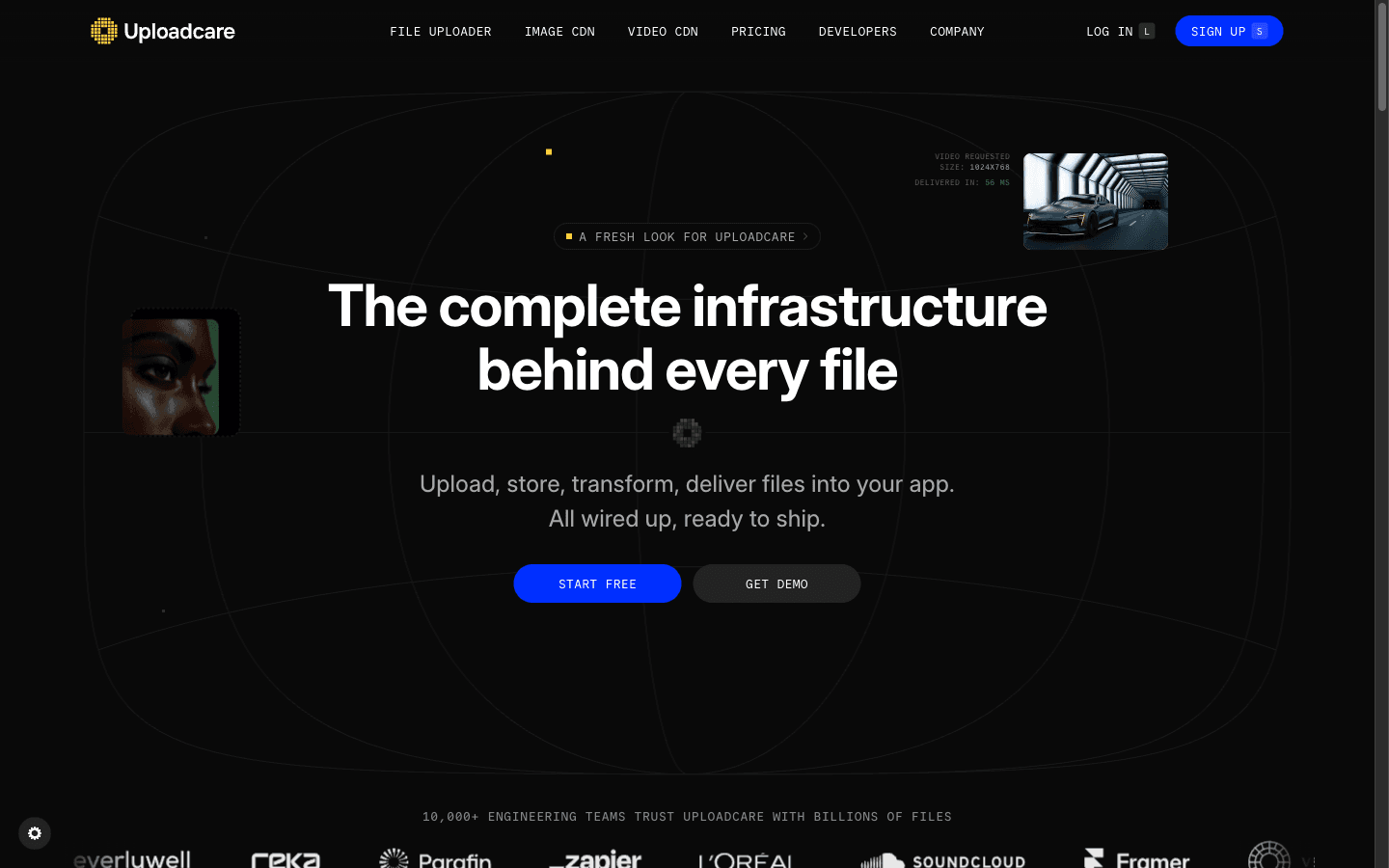
What is Uploadcare?
Reviewed Uploadcare's site/docs/pricing as of 2026-10-27; research-only, no hands-on. Uploadcare is file-upload infrastructure: a drop-in widget or headless API that takes uploads from device, camera, and cloud drives, then stores, scans, processes, and delivers files through a global CDN — 15 years in production with a claimed 10,000+ engineering teams. Pricing is operations-based with three separate meters (operations, traffic, storage), so the real bill depends on volume modeling the pricing page doesn't surface at a glance. Review signal is thin: 4.6/5 on G2 from 10 reviews, 2.9/5 on Trustpilot from 2.
Key Features
Drop-in File Uploader
Web Component widget with cloud sources, a built-in image editor, accessibility, and localization — or go headless via initFlow() and the Plugin API.
URL-based image & video processing
Chain resize, crop, face-detection, and format conversion onto the file URL; automated responsive images and AVIF/WebP optimization on paid tiers.
Security scanning at upload
Malware scanning, unsafe-content detection (including injection attempts via SVG, HTML, and XML), signed uploads, and file validation before anything reaches storage.
Storage + global CDN delivery
Keep files in Uploadcare storage or your own S3 bucket, deliver from worldwide edge nodes, and wire uploads, conversions, and deletes into your flow with webhooks.
Pros & Cons
What works
- The whole file lifecycle lands in one integration: drop-in widget plus storage, malware scanning, image/video processing, and CDN delivery — vendor case studies claim Aryeo cut upload failures 50x and Shogun saved 86% on image bandwidth.
- Developer experience is genuinely deep: a Web Component that drops into any framework, TypeScript definitions, a Plugin API, headless initFlow(), a CI/CD-native CLI, and docs written for devs and AI coding agents.
- Security and compliance ship with the platform: malware and unsafe-content scanning at upload, signed uploads and URLs, SOC 2 Type II, GDPR, HIPAA, and a claimed 99.99% uptime SLA.
- Cloud sources need no OAuth work: Dropbox, Google Drive, Google Photos, and OneDrive are built in, and files up to 5 TB upload via chunked parallel transfer.
Watch out for
- Usage is metered three ways — operations, traffic, storage — and the 'operations' unit is only defined in a collapsed pricing FAQ, so you pick a plan before you can model your volume.
- The free tier is thin and personal-use only: 1,000 operations/month, 500MB max file, 5GB traffic; one Trustpilot reviewer claims the free tier shrank after a buyout and files get locked behind paid migration.
- Review signal is stale and small: G2's 4.6 comes from 10 reviews (newest 9/2023), Trustpilot shows 2.9 from 2 — none reflect the current operations-based pricing.
- Real costs stack beyond the headline: monthly billing runs ~16% above yearly ($79 vs $66 on Pro), a custom CDN CNAME adds $25/mo on Pro, and Pro → Business is a 2.5x jump.
Who is it for?
Product teams replacing a DIY upload + processing stack
Widget, storage, moderation, and CDN in one integration; the 10,000+ team claim and case studies back the buy-don't-build pitch.
UGC-heavy apps needing moderation at upload
Pro adds auto-moderation and malicious content filtering at upload, before files ever hit storage.
Agencies and WordPress developers
The Web Component drops into any stack, but widget whitelabeling needs Business ($166/mo) and the free tier is personal-use only.
Tiny budgets or teams wanting flat, predictable billing
Operations, traffic, and storage each meter separately with per-unit overage; G2 reviewers repeatedly ask for more pricing flexibility.
Reviewed Uploadcare's site/docs/pricing as of 2026-10-27; research-only, no hands-on. We haven't shipped an integration with it — everything below comes from public pages and two review platforms.
Uploadcare is the infrastructure behind user uploads: a drop-in widget (or headless API) that takes files from device, camera, Google Drive, Dropbox, or a link, stores them, scans them for malware, processes images and video, and serves the result from a global CDN. Fifteen years in production, a claimed 10,000+ engineering teams and 99.99% uptime SLA, and case studies like Aryeo cutting upload failures 50x. The developer experience is the pitch — CLI, TypeScript definitions, a Plugin API, and docs written for devs and AI coding agents.
The Catch
Pricing meters usage three ways, and the headline price only shows you one. Every plan bundles a monthly quota of "operations" plus separate traffic and storage pools, each with its own overage rate: Pro includes 5,000 operations, then $1.60 per extra 1,000; Business includes 50,000, then $0.80. What actually counts as an operation is defined in the pricing page's FAQ — which was collapsed at capture — so you're choosing a plan before you can model your volume. The free tier won't carry a real app (1,000 ops, 500MB max file, personal use only), and one Trustpilot reviewer claims files get locked behind a paid migration if you leave — a single data point, but precisely the lock-in fear that keeps infrastructure buyers up at night.
What it actually costs
| Plan | Yearly | Monthly | Included ops |
|---|---|---|---|
| Free | $0 | $0 | 1,000/mo |
| Pro | $66/mo | $79/mo | 5,000/mo |
| Business | $166/mo | $199/mo | 50,000/mo |
| Enterprise | custom | custom | custom |
Yearly saves ~16%. A custom CDN CNAME adds $25/mo on Pro, and traffic beyond 25GB bills at $0.35/GB. An app doing 15,000 operations a month pays $82 on Pro before traffic overage enters.
Where it fits
Product teams replacing a DIY upload pipeline get the cleanest win. Pair by job: QuickNode applies the same buy-don't-build logic to blockchain infrastructure, InstaWP fits agencies shipping WordPress sites with upload-heavy clients, and Vapi is where voice agents start producing recordings that need somewhere to live.
Uploadcare is pipeline-first. Your invoice is meter-first.
Uploadcare FAQ
What does the Uploadcare free plan include?
How does Uploadcare's operations-based pricing work?
How much does Uploadcare cost?
Alternatives to Uploadcare


Voice agents for builders — build, deploy, and improve voice AI agents as fast as you ship
