Best Transcription Software 2026: 4 Verified Tools Compared by Workflow
Last Updated: October 27, 2026 Method: Research-only, with one exception stated up front: Clipto is the one tool in this roundup we have hands-on-verified (full notes in our Clipto review, October 2026). Every price was verified against vendor pricing pages on October 26–27, 2026. Scope note: our directory files transcription-capable tools across AI Transcription and AI Audio; this roundup features the four that carry transcription workloads, plus one closed-to-new-signups tool documented for completeness. Small but focused, on the record.
The transcription search market tells you exactly where the value moved: "best transcription software" pulls 880 US searches a month at KD 40, "best free transcription software" adds 590 at KD 36, while the generic head ("ai transcription tools") sits at just 210 with KD 71. People aren't shopping for transcription anymore — they're shopping for what transcription produces: searchable archives, show notes, captions, repurposed content. So this guide sorts by workflow, not by accuracy claims (every vendor claims 95%+; none publishes a methodology we can audit, so we weigh the meter and the workflow instead). One tool here is hands-on tested, one is closed to new signups, and the free-tier section answers the 590-searches-a-month question honestly.
Quick answer: for a searchable archive of everything you've ever recorded, Clipto ($12.49/mo yearly) is the pick — unlimited transcription, search across your whole library, and it's the one tool here we ran hands-on. For turning episodes into show notes and clips, Castmagic ($19/mo annual) is the podcast-native machine — head-to-head: Castmagic vs Swell AI. For the same job cheaper, Swell AI has a genuinely usable free tier and $29/mo working plan. For captions with translation, Zeemo ($8/mo yearly) is the price floor — covered in depth in our video roundup. And Unifire, the fourth repurposing tool we track, is closed to new signups — documented below so you don't chase old listicles.
One line worth keeping: transcription in 2026 is not a per-minute commodity anymore — it's the front door to a content workflow, and the tools that win price the workflow, not the audio hour.
The searchable archive: transcribe once, query forever
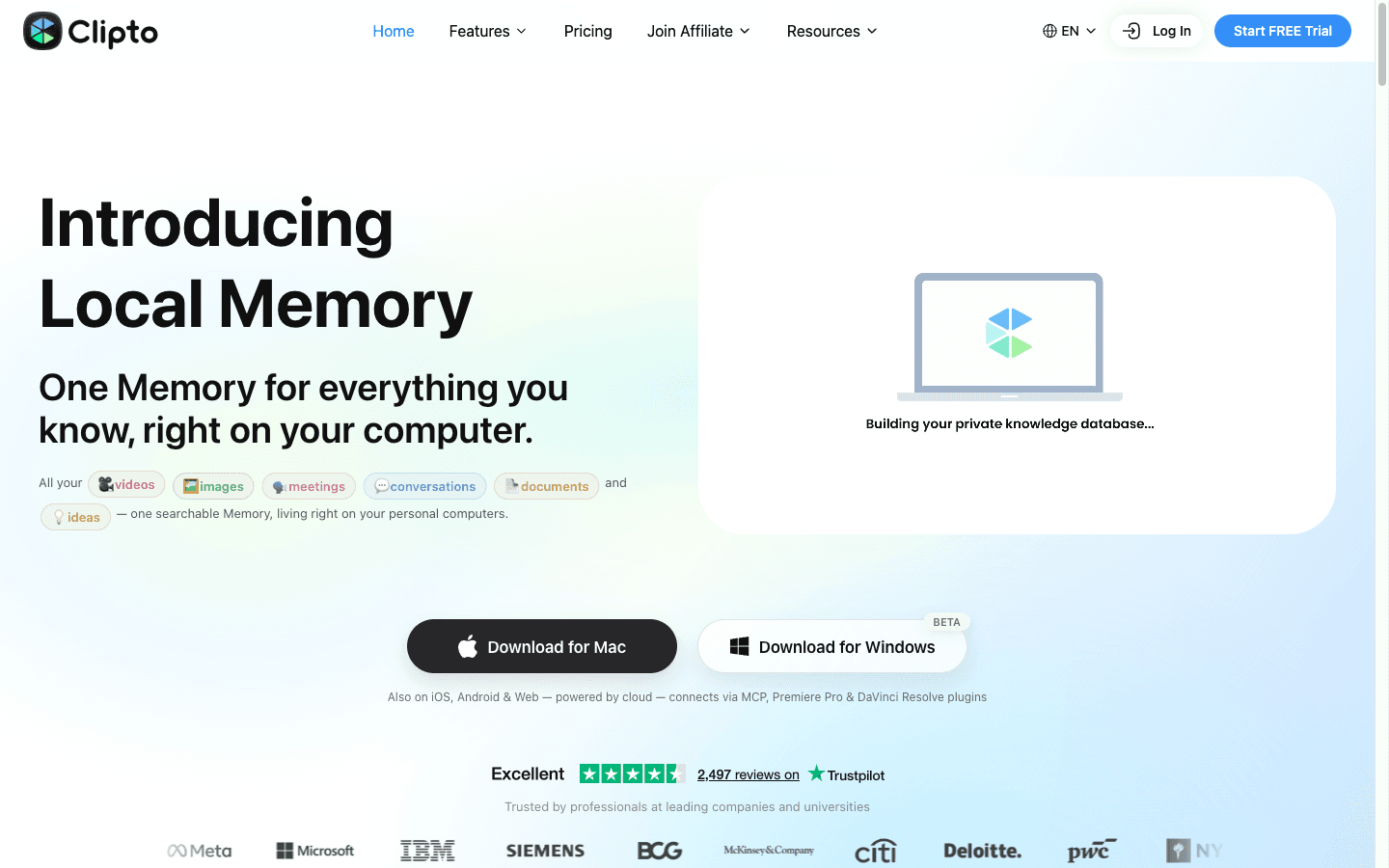
Clipto at $12.49/mo yearly is the archive play — unlimited transcription and video/audio upload, 99+ languages, 6-hour video support, and search plus Q&A across everything you've ever uploaded. It's also the only tool in this roundup we've hands-on verified. The catch: the pricing page's anchor pricing ($24.99 crossed out) and a 50%-commission marketing claim that the actual signup contract contradicts.
Clipto transcribes and indexes your recordings, then lets you search and ask questions across the whole library — the "where did I say that?" workflow for podcasters, researchers, and anyone with years of footage. Pricing: a 7-day free trial (card required at Stripe checkout); monthly is $9.99 for the first month under a "New Customer Discount" (struck-through $24.99), then $24.99/mo; yearly is $12.49/mo billed at $149.88/yr. Everything unlimited sits behind that single paywall: uploads up to 6 hours, transcription, speaker tagging, search, 99+ languages. In our hands-on verification (October 2026, full notes in the review), the core loop — upload, transcribe, search, ask — held up as marketed. The catches: the discount-anchored pricing makes the renewal month feel like a price hike (it's the list price resuming — the yearly rate is the honest number), and the affiliate story repeats a pattern we flag wherever we find it: the marketing page advertises 50% commission while the Rewardful signup contractually states 20%; we report the 20%. For the fireflies-versus-clipto question our readers ask most: Fireflies bills per seat for meeting workflows; Clipto bills one subscription for unlimited personal archive — different jobs, and the AI podcasting workflow guide shows where each fits.
The repurposing machine: episodes in, content out
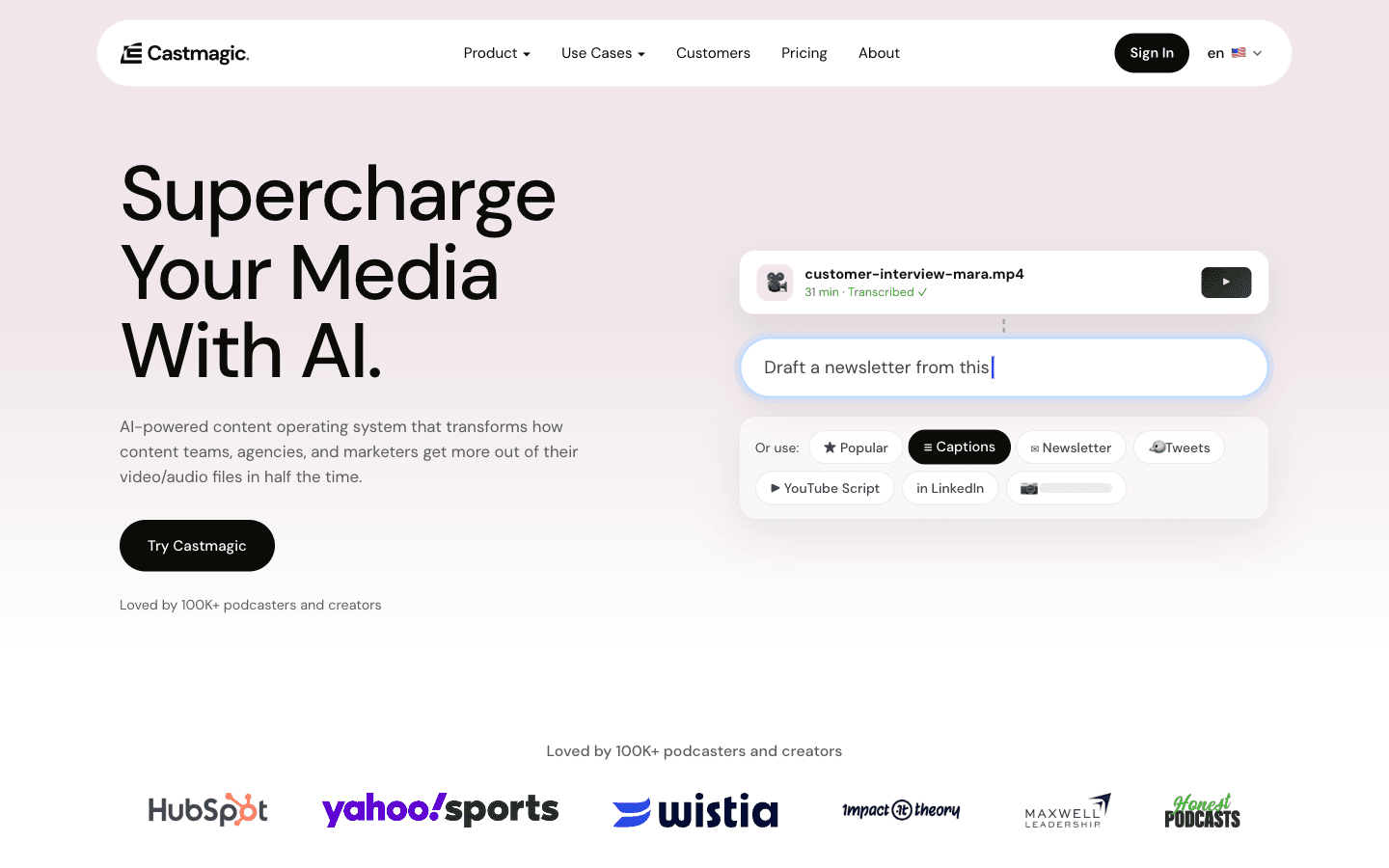
Castmagic ($19/mo annual) is the podcast-native repurposing engine — transcribe, then auto-generate show notes, titles, clips, and social posts from custom prompts, with API access from Starter. Swell AI does the same job cheaper (free tier, $29/mo working plan). Head-to-head with numbers: Castmagic vs Swell AI.
Castmagic is built for shows: upload or sync an episode, and it returns transcripts plus generated assets — show notes, chapter marks, timestamps, tweet threads, LinkedIn posts — all driven by reusable prompts. Hobby is $19/mo billed annually ($29 monthly) for a 30-hour library; Starter is $48/mo ($69 monthly) for 100 hours, API access, and an onboarding call; Team is $139/mo ($199 monthly) for 400 hours with seats at +$159/yr each; Business runs from $699/mo custom. The meter is total library hours, not monthly minutes — recordings accumulate, so a weekly show fits the Hobby tier for years, which makes Castmagic quietly cheap per episode. The catch: that library meter also never shrinks — delete nothing and the tier ladder becomes a storage bill at scale; and per-seat pricing at Team means the "who can upload" question is a budget question.
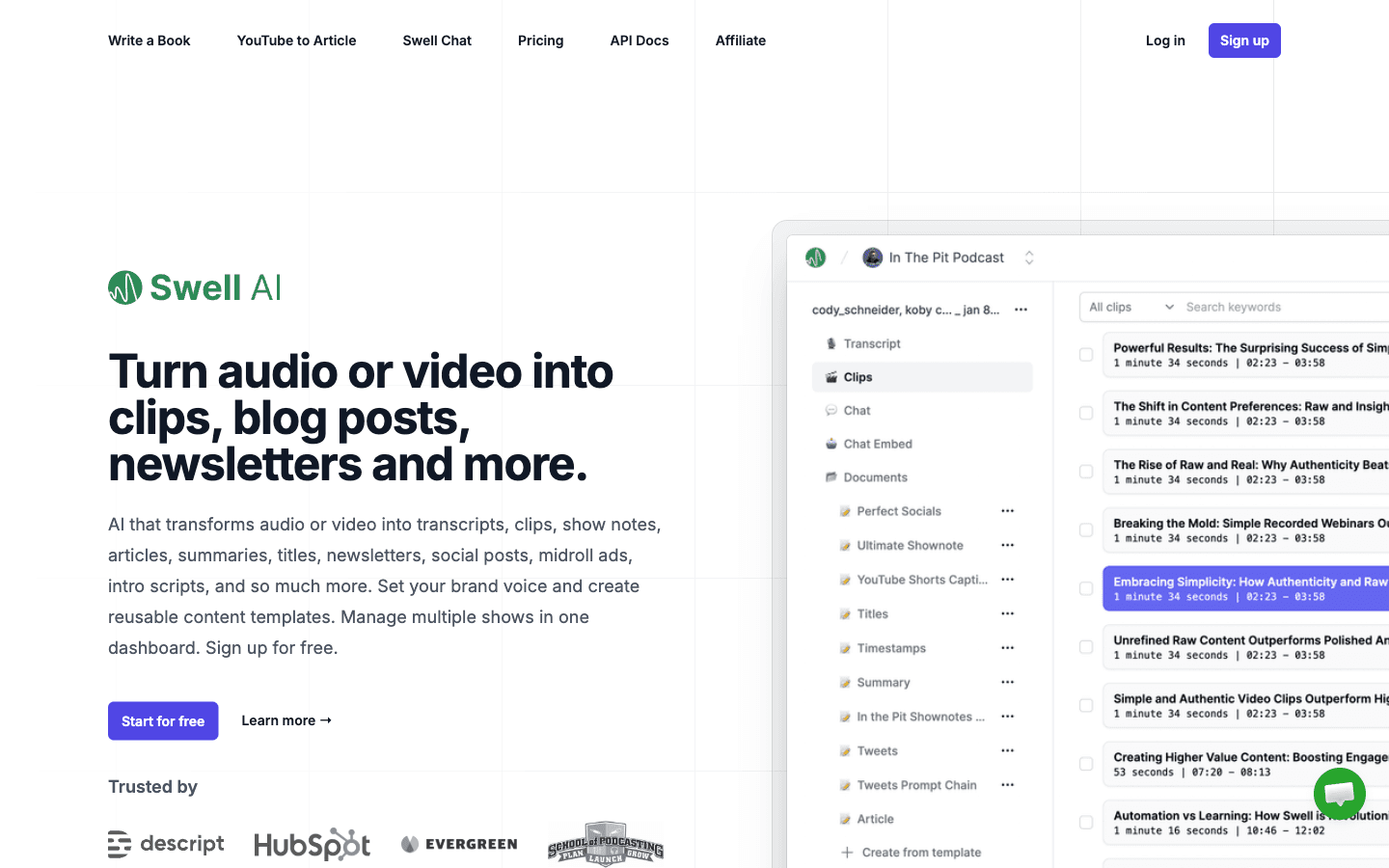
Swell AI runs the same transcript-to-content loop with a different meter: Hobby is genuinely free (1 upload/month, unlimited GPT-3.5-level writing, unlimited clips and audiograms — with no customer support, stated plainly on the plan); Studio is $29/mo ($290/yr, "2 months free") for 300 transcription minutes/month; Agency is $49/mo ($490/yr) for 600 minutes; pay-as-you-go is $8.99 per 60 minutes with all features, no subscription. The meter is monthly minutes, so the free tier is a real monthly habit (one episode), not a trial. The catch is the meter's other side: a daily podcast or long-form interviews blow past 300 minutes fast, and at $0.13–0.15/minute the effective rate is the comparison to run — at which point Castmagic's library model or the PAYG escape hatch wins depending on your shape. We also track Swell AI vs Unifire for the repurposing matchup.
Captions and translation: the $8 floor
Zeemo at $8/mo billed yearly is the price floor for transcription-adjacent work — captions in 95 input languages, translation into 124+, SRT export, about 60 hours of captioned video a year on Pro. The catch: the free tier can't agree with itself about its own credits, and the shared credit pool tempts scope creep.
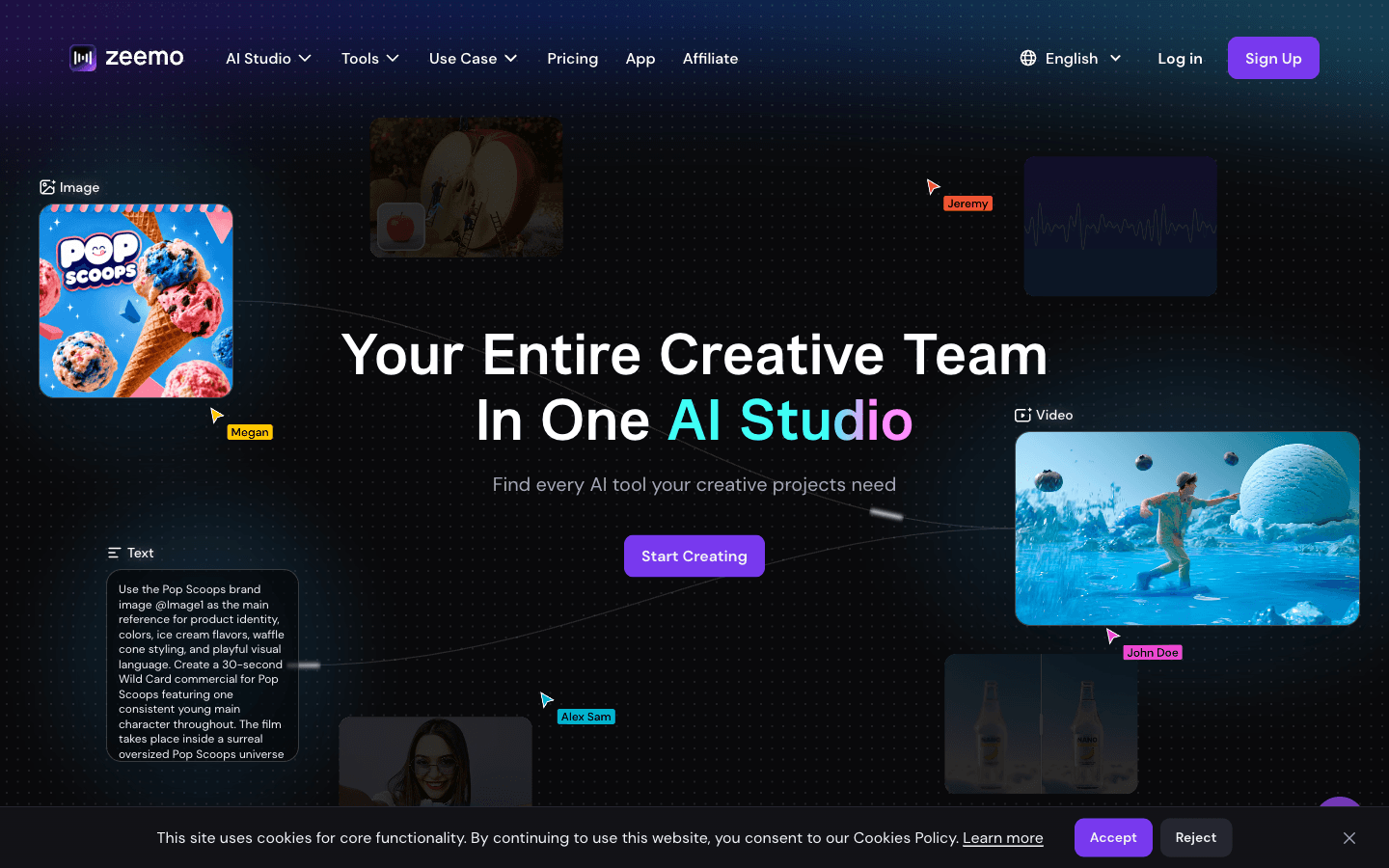
Zeemo (home category: AI social media) is a captioning tool that transcribes: Pro is $8/mo yearly ($96/yr, against $9.99 monthly) covering about 60 hours of captioned video with watermark-free export in 95 input languages and translation into 124+; Expert is $13.39/mo for ~120 hours at 4K; Business is $16.07/mo for 2 seats and a team canvas. Free exists but contradicts itself (10 credits on the card, 120 in the compare table) — and one Trustpilot reviewer reports a trial without enough credit to produce a single output (TP 3.0 from 5 reviews). The deeper catch, from our video roundup: Zeemo's 2026 product wants to be an AI studio, and captions share one credit pool with video generation, image models, and music — the $96 caption bargain lives in the same wallet as expensive experiments. Buy it for the caption job; ignore the studio.
The one we track but can't recommend to new users
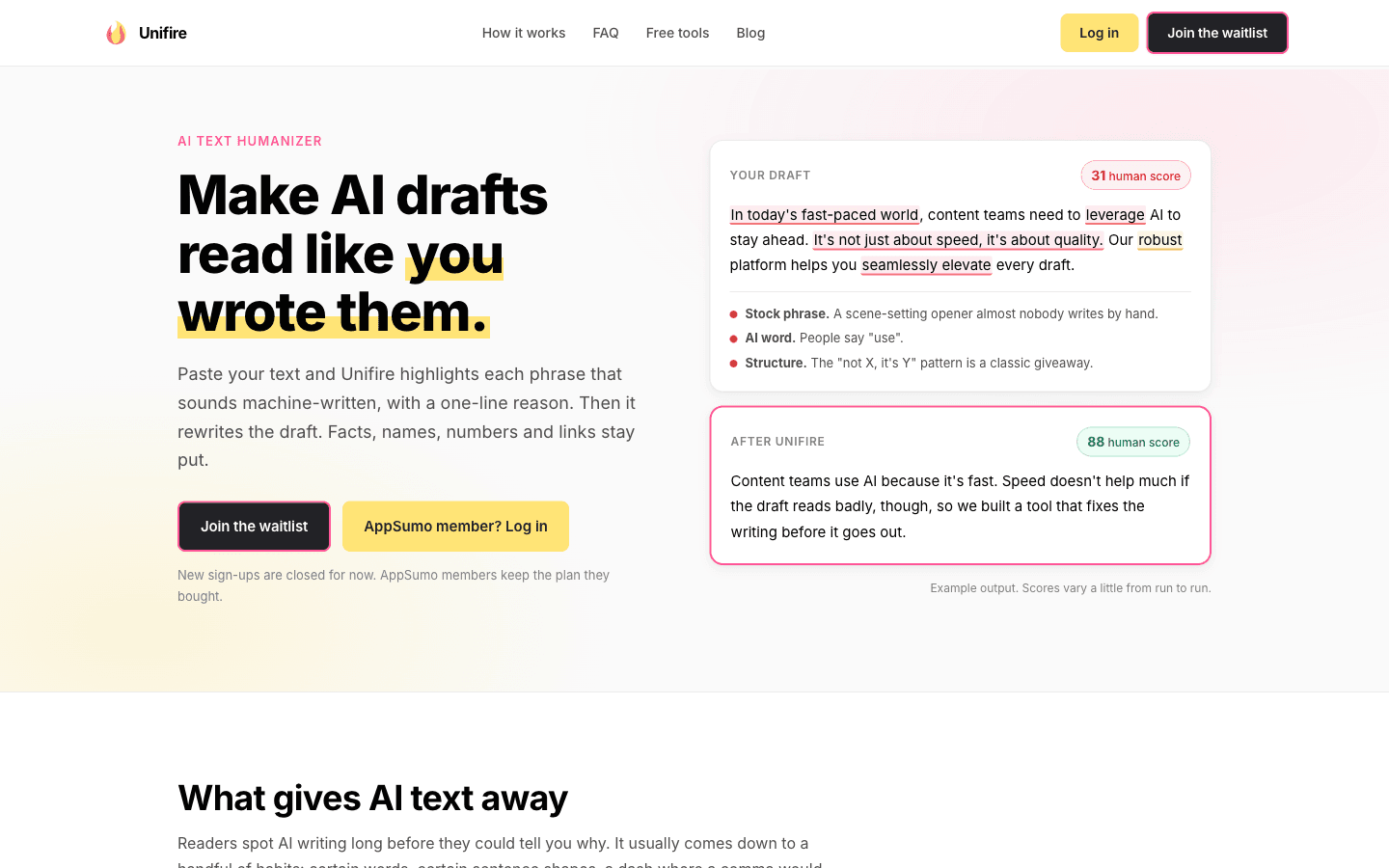
Unifire is closed to new signups — the pricing page states it plainly ("there's nothing to buy on this page yet"), existing AppSumo lifetime users keep their tiers, and old free accounts were not migrated. We document it because it still appears in "best transcription" listicles via its lifetime-deal reputation, and because our Swell AI vs Unifire comparison keeps getting read.
Unifire repurposed long content into multi-format assets (its credit unit: 1 credit = 1 word pasted in, rewrites included at no extra cost). If you hold a lifetime tier, the meter resets monthly and the app works; if you don't, the waitlist is the only door as of October 2026. There's no honest way to include it in a buying recommendation this quarter — the 2026 lesson it teaches is the one this roundup opened with: lifetime-deal transcription tools are a bet on a company's next funding round, and that bet fails often enough that "closed to new signups" is a status you should check before any listicle's recommendation.
The free question: what "free transcription" actually gets you
Answer first, because 590 searches a month ask it: the genuinely free options are Swell AI's Hobby tier (1 upload/month, real output, no support) and Zeemo's small caption quota; Clipto gives 7 days full-featured with a card; Castmagic has no free tier. And the honest limitation on all of them: free transcription in 2026 is a monthly ration, not a workload.
- Swell AI Hobby — 1 upload/month with unlimited writing from it: the best free tier in the roundup, sized for a monthly podcast habit.
- Zeemo Free — a few short captioned videos' worth of credits (the pages disagree on exactly how many), enough to judge accuracy.
- Clipto Trial — 7 days of the full product, card required, cancel-before-day-7 discipline required.
- Castmagic — trial-gated, no free plan: judge it in the trial or from our head-to-head.
The structural reason repeats from our video roundup: transcription costs real GPU money per audio hour, so genuinely free tiers are rations. The 2026 move that actually saves money isn't hunting free — it's picking the meter (library vs monthly minutes vs per-minute) that matches your recording cadence, because at any real volume the meter decides the price, not the tier name.
What transcription actually costs per workflow
a podcaster repurposing weekly runs $19–29/month; a researcher building a queryable archive runs $12.49/month; a caption-heavy video team runs $8–16/month. Verified October 2026:
| Workflow | Tool | Meter | Steady state |
|---|---|---|---|
| Monthly podcast, repurpose | Swell AI Hobby → Studio | 1 upload/mo → 300 min/mo | $0 → $29/mo |
| Weekly show, full assets | Castmagic Hobby | 30-hr library (total) | $19/mo (annual) |
| Team show, API + onboarding | Castmagic Starter | 100-hr library | $48/mo (annual) |
| Searchable archive of everything | Clipto | Unlimited (1 subscription) | $12.49/mo (annual) |
| YouTube/video captions + translation | Zeemo Pro | ~60 hrs/yr credits | $8/mo (annual) |
| Occasional long interviews | Swell AI PAYG | $8.99/hr | $0/mo + usage |
The table's quiet lesson: the cheapest rows are the ones where the meter matches the cadence. Castmagic's never-shrinking library is cheap for a weekly show and expensive for a daily news operation; Swell's monthly minutes are cheap for a monthly show and punishing at daily volume; Clipto's flat subscription wins the moment "how many hours?" becomes an unanswerable question.
Where AI transcription still breaks in 2026
the failure modes are meter mismatches, accuracy theater, and lifetime-deal risk. Three checks before you upload anything.
- Match the meter to the cadence or overpay. Library hours (Castmagic), monthly minutes (Swell), flat unlimited (Clipto), annual credit pools (Zeemo) — each is optimal for a different recording shape. Compute your last 90 days of audio hours, put them in each meter, and the winner is arithmetic, not reviews.
- Nobody publishes accuracy methodology. Every vendor claims 95%+; none publishes a test set. The practical check: run your worst audio (accents, crosstalk, field recordings) through the free tier or trial — clean-podcast accuracy is table stakes, and the differences that matter live in the noise.
- Check the tool is actually open for business. Unifire is closed to new signups; older listicles still recommend it and per-minute incumbents from the 2020 era. "Best transcription software" results age badly — the October 2026 verification date on this page is the feature, not the footnote.
Decision framework
| Your workflow | Pick | Verified entry price | The catch that decides |
|---|---|---|---|
| Queryable archive, unlimited hours | Clipto | $12.49/mo yearly | Anchor pricing; card-required trial; renewal-month sticker |
| Podcast assets from episodes | Castmagic | $19/mo annual (Hobby) | Library meter never shrinks; seats at Team |
| Same job, monthly habit | Swell AI | Free (1/mo); $29/mo Studio | Monthly-minute meter punishing at volume |
| Captions + translation | Zeemo | $8/mo yearly (Pro) | Shared credit pool; self-contradicting free tier |
| Repurposing (existing LTD users) | Unifire | Closed to new signups | Lifetime-deal risk, documented |
FAQ
What is the best transcription software in 2026?
Sorted by workflow: Clipto ($12.49/mo yearly) for an unlimited, searchable archive of everything you've recorded — the only hands-on-verified pick here; Castmagic ($19/mo annual) for podcast-to-content repurposing with API access; Swell AI (free–$29/mo) for the same job on a monthly-minute meter; Zeemo ($8/mo yearly) for captions with translation into 124+ languages. There's no single winner because archive search, episode repurposing, and captioning are different meters — pick by how often you record and what the transcript needs to produce.
What's the best free transcription software?
Swell AI's Hobby tier is the strongest genuinely free option: 1 upload per month with unlimited writing, clips, and audiograms generated from it — no card, real output, the stated catch being no customer support. Zeemo's free tier captions a few short videos (its own pages disagree on the quota). Clipto offers a 7-day full-featured trial with a card required. At any real volume, free tiers are rations — transcription costs GPU money per audio hour, so the durable savings come from picking the right paid meter, not the biggest free one.
How much does transcription software cost per month?
Verified October 2026: Zeemo $8, Clipto $12.49 (yearly; $24.99 monthly after a $9.99 first month), Castmagic $19–48, Swell AI $29 (free tier available; $8.99/hour pay-as-you-go). A weekly podcast fits $19–29/month; a queryable personal archive costs $12.49/month flat; caption-heavy video teams run $8–16/month. The billing unit matters more than the number: library hours, monthly minutes, flat unlimited, and annual credit pools produce very different invoices for the same recording habits.
Is AI transcription accurate enough to skip manual review?
For clean audio — one speaker, good mic, no crosstalk — verified tools are production-grade for internal use. For the audio that matters legally or editorially (interviews for publication, compliance records, noisy field recordings), keep a human pass: no vendor in this roundup publishes an accuracy methodology we can audit, and every "95%+" claim is self-graded. The working pattern: AI transcript as the draft, human review of names, numbers, and quoted lines — which is exactly how our own Clipto review handled its verification quotes.
What's the difference between Clipto and Fireflies?
Different jobs that share a transcription engine: Fireflies is built for meeting workflows — per-seat pricing, calendar-bot auto-join, CRM sync — while Clipto is one flat subscription for a personal archive of any audio/video (up to 6-hour files, 99+ languages, search and Q&A across everything). A solo researcher with years of footage fits Clipto's $12.49/mo unlimited model; a sales or ops team living in meetings fits Fireflies' seat model. Our AI podcasting workflow guide maps where each sits in a recording pipeline.
Can transcription tools translate transcripts?
Yes at the caption layer: Zeemo translates captions into 124+ languages from 95 input languages at $8/mo yearly — the verified floor for multilingual video. For full transcripts, KreadoAI and Akool handle translation inside video workflows (see Best AI Video Tools), and Clipto's 99-language support covers transcription-and-search across languages. The distinction that matters: caption translation (subtitles, burned-in) is commodity-cheap now; transcript-grade translation for legal or editorial use still deserves a human pass.
Related Guides
- Castmagic vs Swell AI — the repurposing head-to-head
- Swell AI vs Unifire — and what Unifire's closure teaches
- Clipto Review (Hands-On) — the only tested tool in this roundup
- AI Podcasting Workflow (2026) — where transcription sits in the recording pipeline
- How to Transcribe YouTube Videos With AI — the free-options walkthrough
- Browse all tools: AI transcription · AI audio
Last updated: October 27, 2026. Pricing verified October 26–27, 2026 from vendor pricing pages, both billing toggles where shown; Clipto additionally hands-on verified October 2026. Ratings reflect documented strengths and failure modes from our full tool pages.
Disclosure: This article contains affiliate links. All four active tools above have affiliate programs, with commissions verified from signup pages October 2026: Clipto 20% recurring (the marketing page advertises 50% — the signup contract says 20%, and we report the signup number), Castmagic 30% recurring (90-day cookie, FirstPromoter), Swell AI 20%, Zeemo 25% (first 12 payments). Unifire is closed to new signups and included for the record, not for the commission. We also recommend tools with no affiliate program when they're the best fit. Pricing can change — verify at checkout.