AI Podcasting Workflow: From Recording to Distribution (2026)
Last Updated: October 27, 2026. Pricing verified October 2026 from vendor pages and our own Clipto hands-on test. Cluster: AI Audio & Voice Method: Research-based workflow assembled from vendor documentation and podcaster reports. Pricing for Clipto, Castmagic, Swell AI, Podpage, and the AI music tools was verified on their sites in October 2026 (Clipto hands-on — details below); Descript, ElevenLabs, Headliner, and Make.com are external recommendations with June 2026 pricing that you should recheck before buying. No produced season sits behind the time figures — treat them as estimates.
Podcast production typically takes around 8 hours per episode for solo producers. Recording is 45 minutes. Everything else — editing, show notes, clip extraction, scheduling social posts, writing the newsletter mention — consumes the other 7 hours and 15 minutes.
With AI tools, that same episode fits into roughly 90 minutes total. The recording is still 45 minutes. Everything else fits into 45 minutes of AI-assisted work.
This is the workflow described here, assembled from tool documentation and podcaster reports. The tools changed a lot since our June draft: the transcription layer got cheaper and local, the repurposing layer split into a library-metered pipeline (Castmagic) and a minutes-metered one (Swell AI), and podcast websites became a solved problem (Podpage builds one from your RSS feed in about a minute).
Quick answer on search demand: "ai podcasting" itself is a small keyword — about 140 US searches a month (Semrush, October 2026). The demand lives in the cluster around it: "ai podcast generator" at 4,400/month, "best podcast hosting" at 1,600/month, and a question cluster — "how to start a podcast step by step 2026," "how to create a podcast with ai" — that adds a few hundred more. This guide covers the whole cluster's job: one workflow, verified costs, honest break points.
The Tool Stack (two verified builds)
a budget build runs about $22–34/month using Swell AI's free tier, Clipto's $9.99 first month, and Podpage Basic. A weekly-publisher build runs about $70–100/month with Castmagic Starter and Podpage Pro. Don't run both repurposing tools — pick one.
| Layer | Budget build | Weekly-publisher build |
|---|---|---|
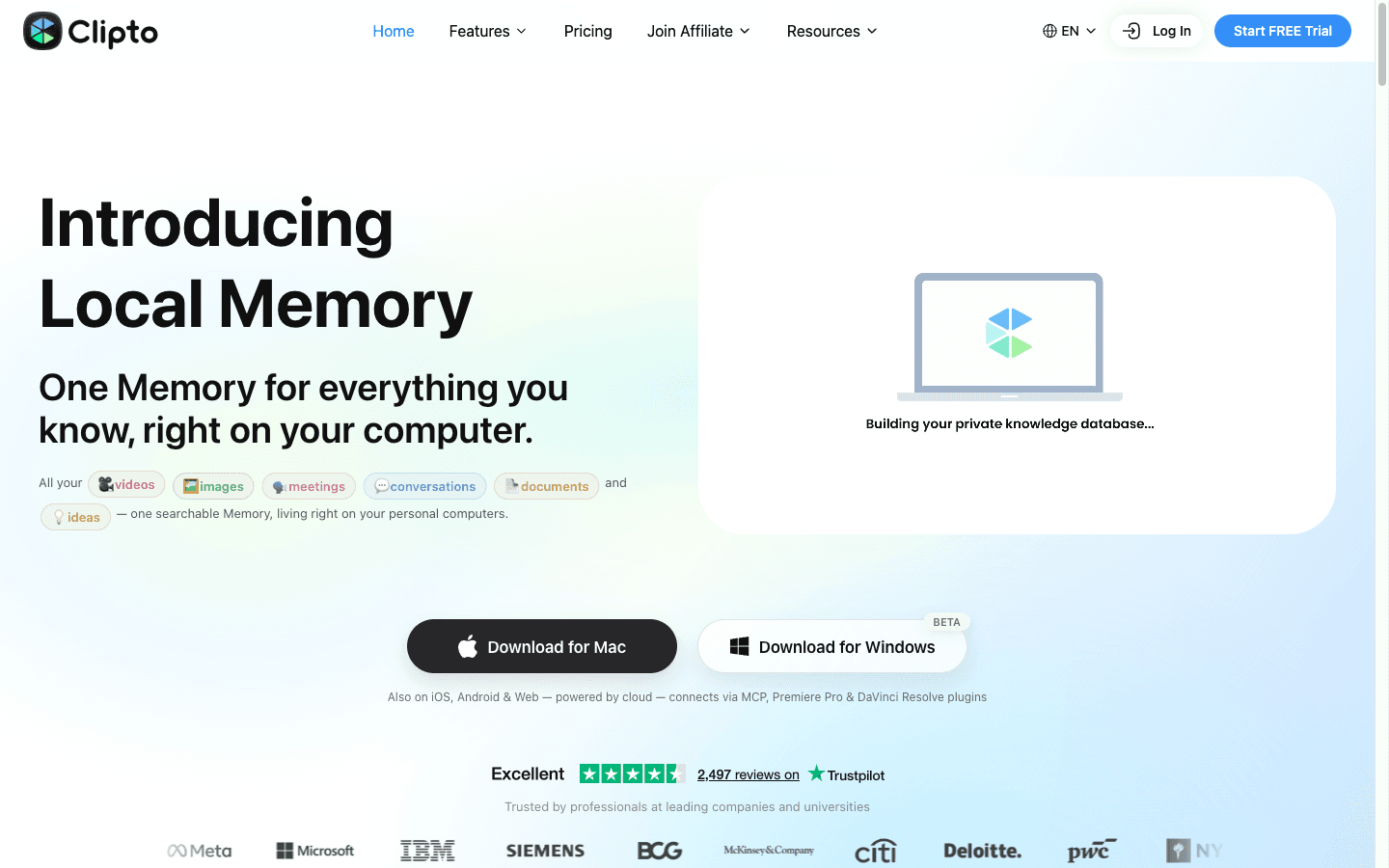
| Transcription | Clipto — $9.99 first month, then $24.99/mo (verified 2026-10-26, hands-on) | Clipto — same |
| Repurposing pipeline | Swell AI — Hobby $0 (1 upload/mo) or Studio $29/mo | Castmagic — Starter $48/mo annual ($69 monthly) |
| Editing | Descript (external rec, ~$24/mo — recheck current pricing) | Descript (external rec) |
| Voice enhancement | Adobe Podcast Enhance (external, free) | Adobe Podcast Enhance (external, free) |
| Podcast website | Podpage — Basic $12/mo annual ($19 monthly) | Podpage — Pro $19/mo annual ($29 monthly) |
| Intro/voice-over | ElevenLabs (external rec, ~$11/mo as of June 2026) | ElevenLabs (external rec) |
| Social clips | Headliner (external rec, $19.99/mo as of June 2026) | Hypernatural — Starter $29/mo annual for podcast-to-video |
Budget total: roughly $22 the first month (Swell $0 + Clipto $9.99 + Podpage $12), $47/month after Clipto's discount ends. Publisher total: $96–117/month depending on billing. At 4 episodes a month, even the publisher build is under $29 per episode in tools — one $500 sponsor spot covers it several times over.
The one rule: Castmagic and Swell AI do the same job with different meters. Castmagic meters library-total hours (30 hours on the $19 Hobby plan, no documented monthly reset); Swell meters minutes of upload per month (300 on the $29 Studio plan). We put the full breakdown in Castmagic vs Swell AI.
Phase 1: Recording Setup (45 minutes)
Hardware (Worth Investing In)
AI tools fix a lot, but they can't fix terrible source audio. A solid setup:
- Microphone: Shure MV7 ($249) — the minimum recommended for professional podcasts. AI enhancement helps, but starting with clean audio produces better results.
- Headphones: Audio-Technica ATH-M40x ($99) — for monitoring during recording
- Recording environment: Closet with clothes (free acoustic treatment). AI noise reduction helps, but recording in a quiet space eliminates the need.
- Pop filter: $15. Non-negotiable.
Total hardware investment: $363. One sponsor spot pays for it.
Recording Approach
Record in the editor you'll edit in. For most solo producers that's Descript (external recommendation — it's not on our directory because our transcription slot goes to Clipto, but it remains the best transcript-first editor). Three reasons:
- Automatic transcription starts immediately. By the time recording finishes, the transcript is most of the way ready.
- Multi-track for remote guests. Each speaker gets a separate track automatically.
- Marker placement during recording. Hit 'M' to mark a moment for later clip extraction. 4–5 markers per episode during recording is a common practice.
Recording checklist:
- Test levels (peak at -12dB, never clip above -6dB)
- Hit record
- Place markers at quotable moments
- Record 45-minute episode
- Let transcription finish (3–5 minutes)
Phase 2: AI Enhancement (5 minutes)
Before editing, run the audio through Adobe Podcast's "Enhance Speech" feature (external, free). This single step is widely reported to be the biggest quality upgrade in the workflow.
What it fixes:
- Room echo
- Background noise (HVAC, computer fans, street noise)
- Uneven levels between speakers
- Mouth clicks and plosive peaks
What it doesn't fix:
- Crosstalk (both speakers talking simultaneously)
- Extreme background noise (construction, loud cafes)
- Recording distortion (clipping, too-quiet sources)
Process: export raw audio → upload to Adobe Podcast → wait 2–4 minutes → download → import back into your editor.
The limitation: Adobe Podcast processes files up to 30 minutes and 1GB. Longer episodes get split, enhanced separately, and recombined.
Phase 3: Editing (25 minutes, text-based)
This is where AI transforms the workflow. Instead of editing waveforms, you edit text.
The Process
- Import enhanced audio into the editor
- Review the auto-transcription — fix misheard names and technical terms first; they're the errors listeners notice
- Remove filler words — auto-detect, but review each one. Removing around 80%, keeping some for naturalness, is the usual approach.
- Edit by deleting text — read the transcript, delete what doesn't add value, the audio cuts automatically
- Tighten transitions — remove long gaps between speakers (anything over ~1.5 seconds)
- Add intro/outro from the voice and music layer (Phase 4)
- Final listen at 1.5x speed — awkward cuts stand out at speed
Estimated time comparison:
- Traditional DAW editing (Audacity/Adobe Audition): 3–4 hours
- Transcript editing: ~25 minutes
- Estimated time saved per episode: 2.5–3.5 hours
Where this breaks: text-based editing assumes clean speaker separation. Crosstalk confuses transcription, crosstalk-heavy interviews (fast interruptions, laughing over each other) need manual waveform passes anyway. Music-heavy segments — a produced intro bed under voice — also edit worse by text than by waveform. Budget a manual pass for those 2–3 minutes of any episode.
Editing Principles
Cut aggressively. A tight 35-minute episode beats a rambling 55-minute one. If a sentence doesn't add information, emotion, or entertainment, it goes. Cutting 15–20% of the raw recording is typical.
Preserve authenticity. Keep natural speech patterns — false starts, self-corrections, genuine laughter. Over-edited podcasts sound robotic. The goal is polished, not sterile.
Mind the transitions. The most common editing mistake is cutting too tight between speakers. Leave 0.3–0.5 seconds of pause before responses.
Phase 4: AI Voice Elements (10 minutes)
Intro/Outro Generation
A typical podcast intro is 30 seconds of cloned voice (ElevenLabs, external recommendation) over a music bed:
- Script the intro (same every episode with episode-specific guest/topic inserted): "Welcome to [Podcast Name], the show where [value proposition]. I'm [Host], and today I'm joined by [Guest] to discuss [Topic]. Let's dive in."
- Generate with the cloned voice (seconds)
- Position on the timeline with a 2-second music fade-in before voice starts
- Add an outro with the same formula + CTA (subscribe, review, website)
Estimated time saved: roughly 20 minutes versus recording intros manually and re-recording the mistakes.
Ad Reads
Live reads: if the sponsor requires live delivery, record during the episode. No AI involved.
Pre-recorded AI reads: for evergreen sponsor messages, generate with the cloned voice and drop the file at the marker. Consistent delivery, no "reading an ad I just saw" awkwardness.
Phase 5: Transcription, Show Notes, and Repurposing (20 minutes)
This phase is where the 2026 tool market actually moved. Two credible approaches:
Approach A — the pipeline tools (upload once, everything comes out)
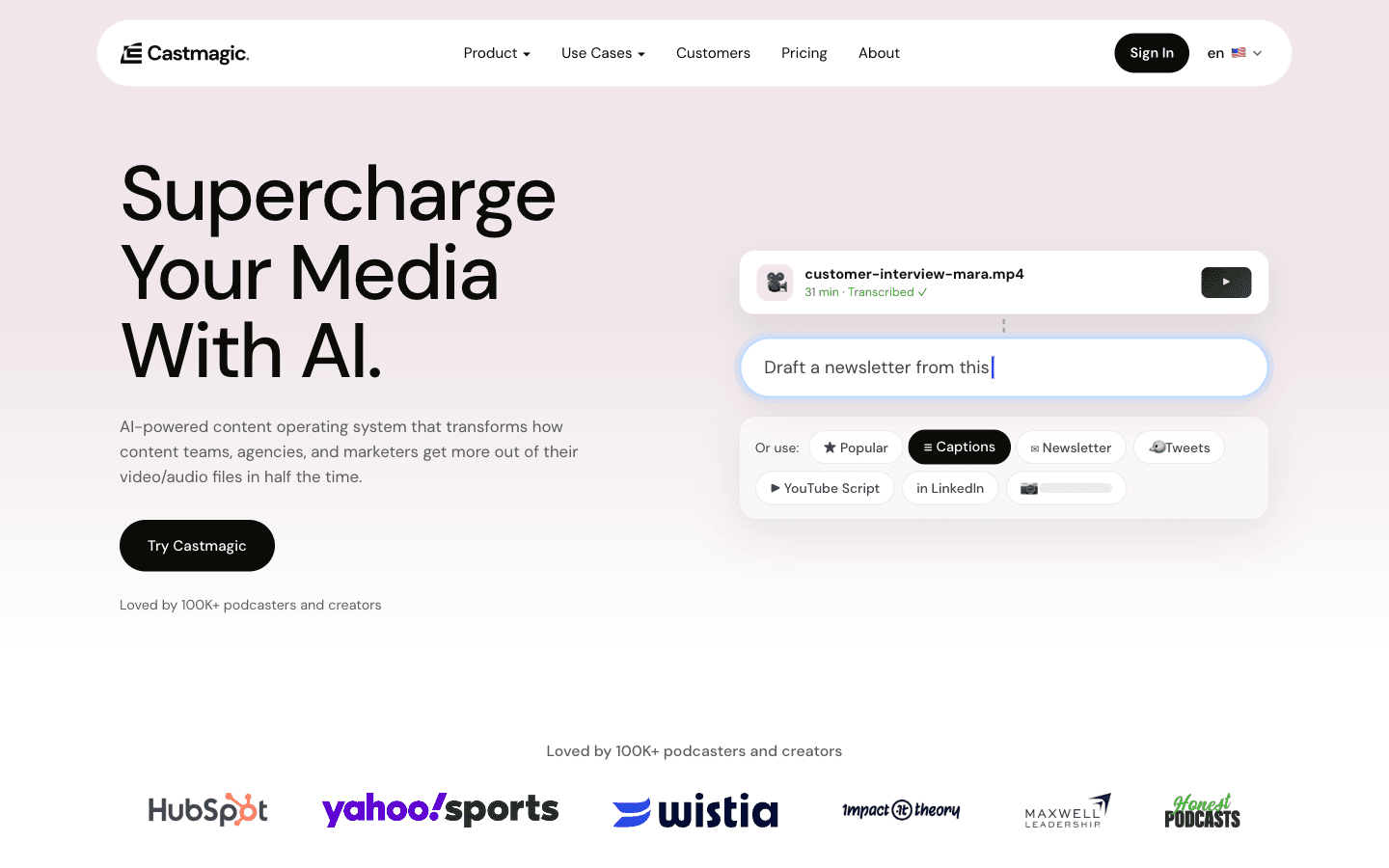
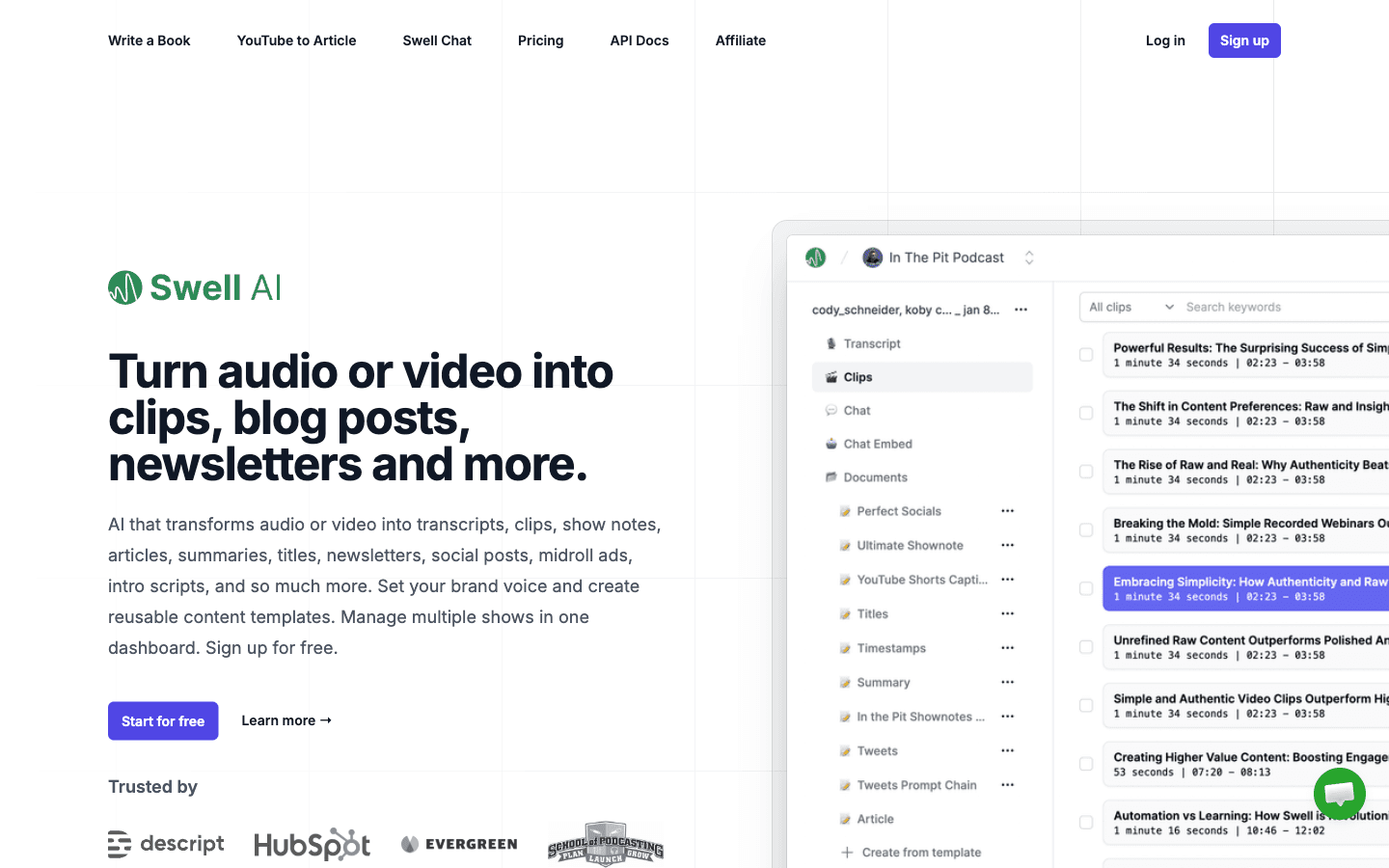
Castmagic and Swell AI both take the finished episode and draft the whole written stack: transcript with timestamps, show notes, blog post, newsletter, LinkedIn and Twitter posts, and clips. Castmagic adds a chatbot over your back catalog and an MCP connector that pipes the library into Claude as context. Swell adds a per-episode chatbot and RSS/Apple Podcasts import that backfills an entire show.
For a weekly show, the honest math: Swell Studio ($29/mo) covers about 4–5 hour-long episodes a month in its 300 minutes; Castmagic Hobby ($19/mo annual) holds 30 hours of library history, which a weekly hour-long show crosses in roughly seven months — after that, the overage story is undocumented (our comparison has the details). Casual creators repurposing twice a month waste money on either one; weekly shows are who they're built for.
Approach B — the hand-rolled chain (transcript + your own LLM)
- Transcribe: upload to Clipto. We ran a real transcription test on it in October 2026 — a 43-word clean-audio sample came back word-for-word (43/43). That's a best-case test, and Clipto's "99% accuracy" is a vendor claim without independent verification, but the pipeline works and the web converter runs without a subscription.
- Draft show notes with the transcript in Claude or ChatGPT (~$20/mo external):
Create podcast show notes from this transcript. Include:
- 2-sentence episode summary
- 5 key takeaways with timestamps
- 3 notable quotes with speaker attribution
- Links to tools/resources mentioned
- Guest bio (if applicable)
Format: Markdown, professional but conversational tone.
- Blog post version: feed transcript + show notes back with structure instructions (hook → insights → takeaways → CTA), then edit for voice.
- Social clips: pull 2–3 quotable moments (your recording markers tell you where), export 30–90 second cuts.
Approach B costs $9.99–24.99 (Clipto) + $20 (LLM) and about 20 minutes of manual assembly per episode. Approach A costs $19–48 and shrinks the assembly to minutes. If you publish written channels weekly, A pays; if you publish monthly, B is cheaper.
A dedicated show-notes tool roundup — including a free-tier path and the "Castmagic alternatives" question — lives in Podcast Show Notes Generator: 5 Tools Compared.
What one episode becomes
| Asset | Tool layer | Time (est.) |
|---|---|---|
| Transcript with timestamps | Clipto / pipeline | 3–5 min |
| Show notes page | Pipeline or LLM prompt | 5 min |
| 1,500-word blog post | Pipeline or LLM + edit | 10–15 min |
| 2 X/Twitter clips | Recording markers + editor | 5 min |
| 2 LinkedIn clips | same | included |
| 1 Reel/TikTok with captions | Headliner (external) or Hypernatural | 5 min |
| Newsletter mention | Pipeline output + light edit | 5 min |
| Episode chatbot (optional) | Castmagic / Swell | automatic |
The full pipeline with per-step costs and failure points is in Podcast Repurposing: 1 Episode → 12 Content Pieces.
Phase 6: The Podcast Website (set up once, ~$12–39/month)
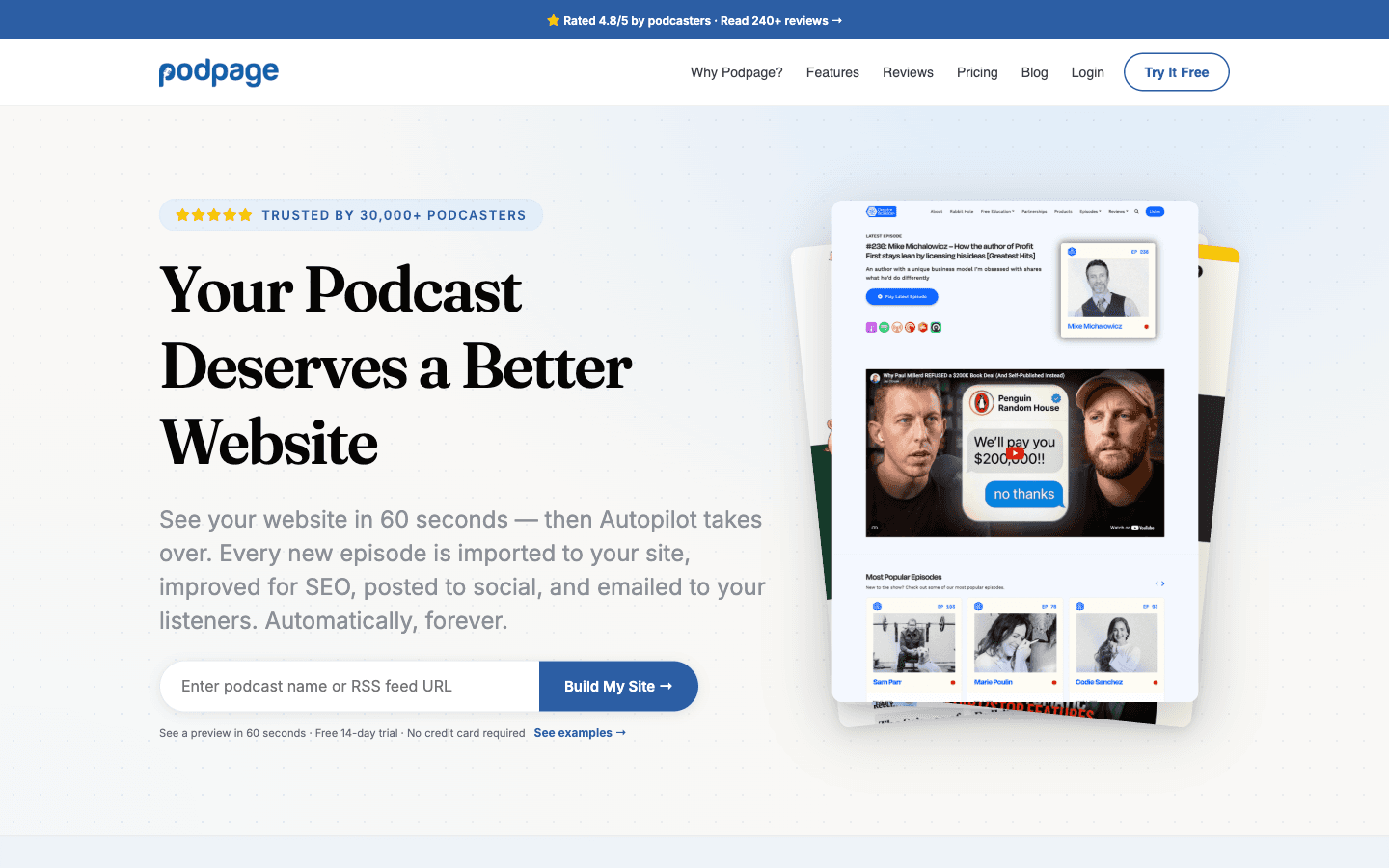
The 2026 answer to "do I need a podcast website" is Podpage: give it your RSS feed, get a complete site in about a minute, and every future episode imports itself with player, show notes, and SEO metadata. Social posts and listener emails go out automatically. Verified pricing, October 2026: Basic $12/mo billed annually ($19 monthly), Pro $19 ($29 monthly), Elite $39 ($59 monthly). Transcripts on the site start at Pro; the AI blog-post and newsletter writer is Elite-only. A 14-day trial with no credit card backs it.
Two traps we verified on the pricing page: the quoted prices are annual-commitment rates (pay monthly and Basic costs $19 — a 58% premium), and one plan covers one show — a two-show household either buys two plans or jumps to the network tier ($50/month for 25 shows).
If you'd rather own the stack, WordPress + a podcast theme does the same job with manual chore. For most solo producers, the chore is the thing they stop doing by week six. The "best podcast hosting" search demand (1,600 US searches/month, Semrush October 2026) mostly conflates audio hosting with the website — we untangle that in Start a Podcast With AI, including the audio-host layer this guide deliberately doesn't pick for you.
Phase 7: AI Music for Podcasters (optional layer)
Three verified options for intro beds and background music, October 2026:
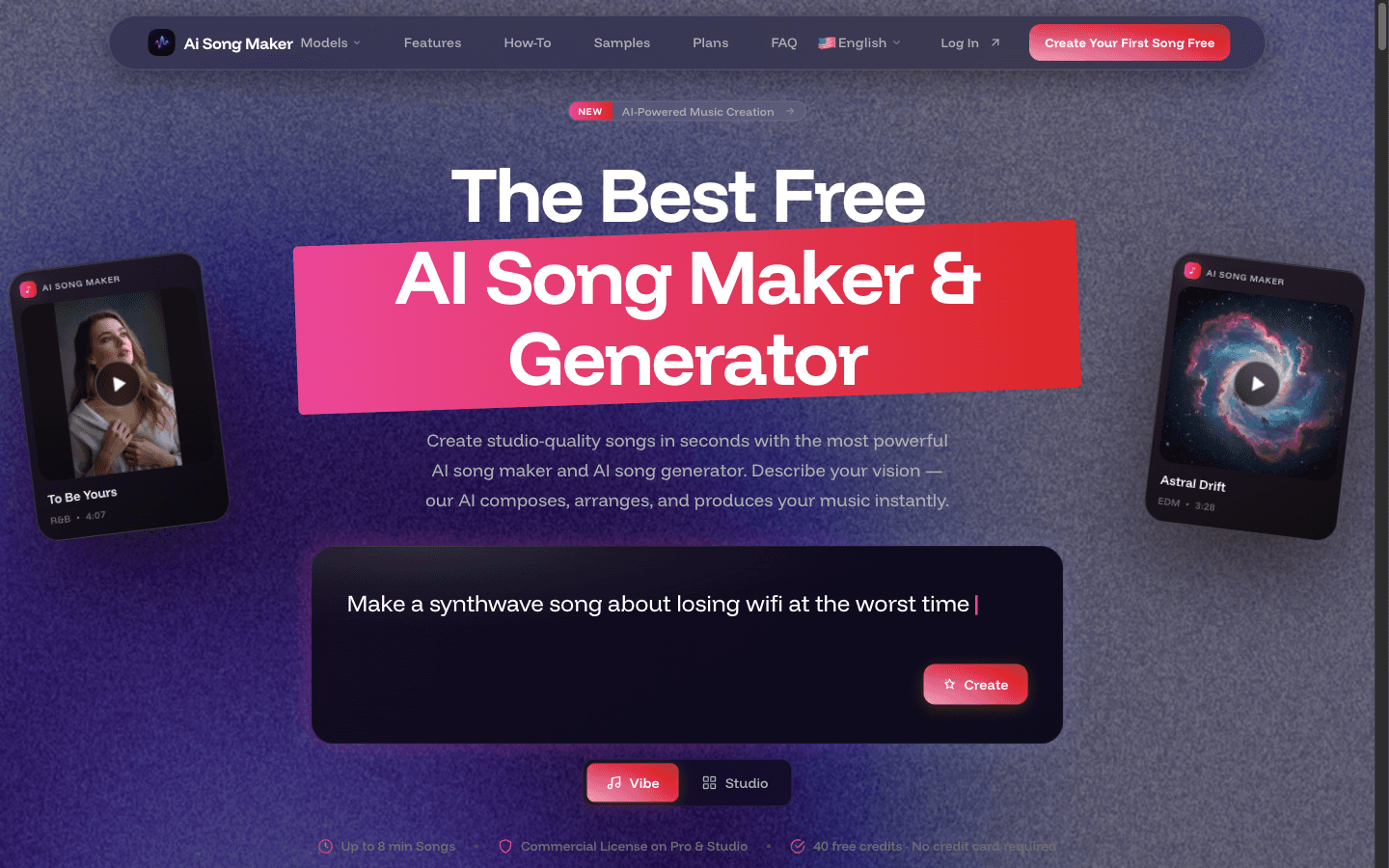
- AI Song Maker — text-prompt songs. Free tier makes listen-only tracks that vanish after 30 days; the commercial-use license (a PDF with license ID covering monetized use) starts at the $10.50/mo Pro plan. Starter ($7/mo) gets downloads but no license — the classic wrong-tier purchase.
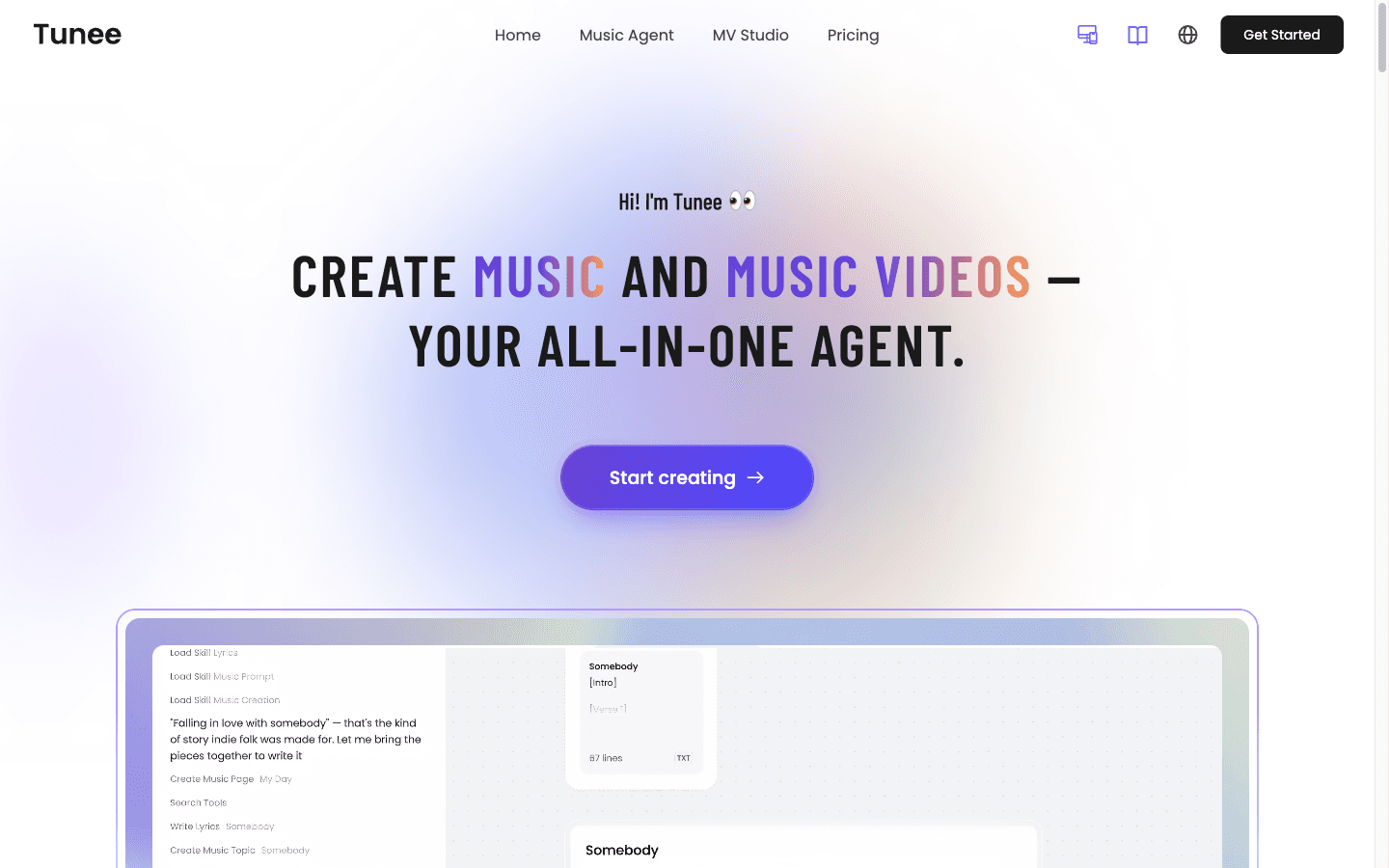
- Tunee AI — chat-first generation across multiple models, free tier with "Created by Tunee AI" attribution and unlimited downloads. Trustpilot record is rough (2.5/5 across 8 reviews, failed generations burning credits); prove it on free before paying.
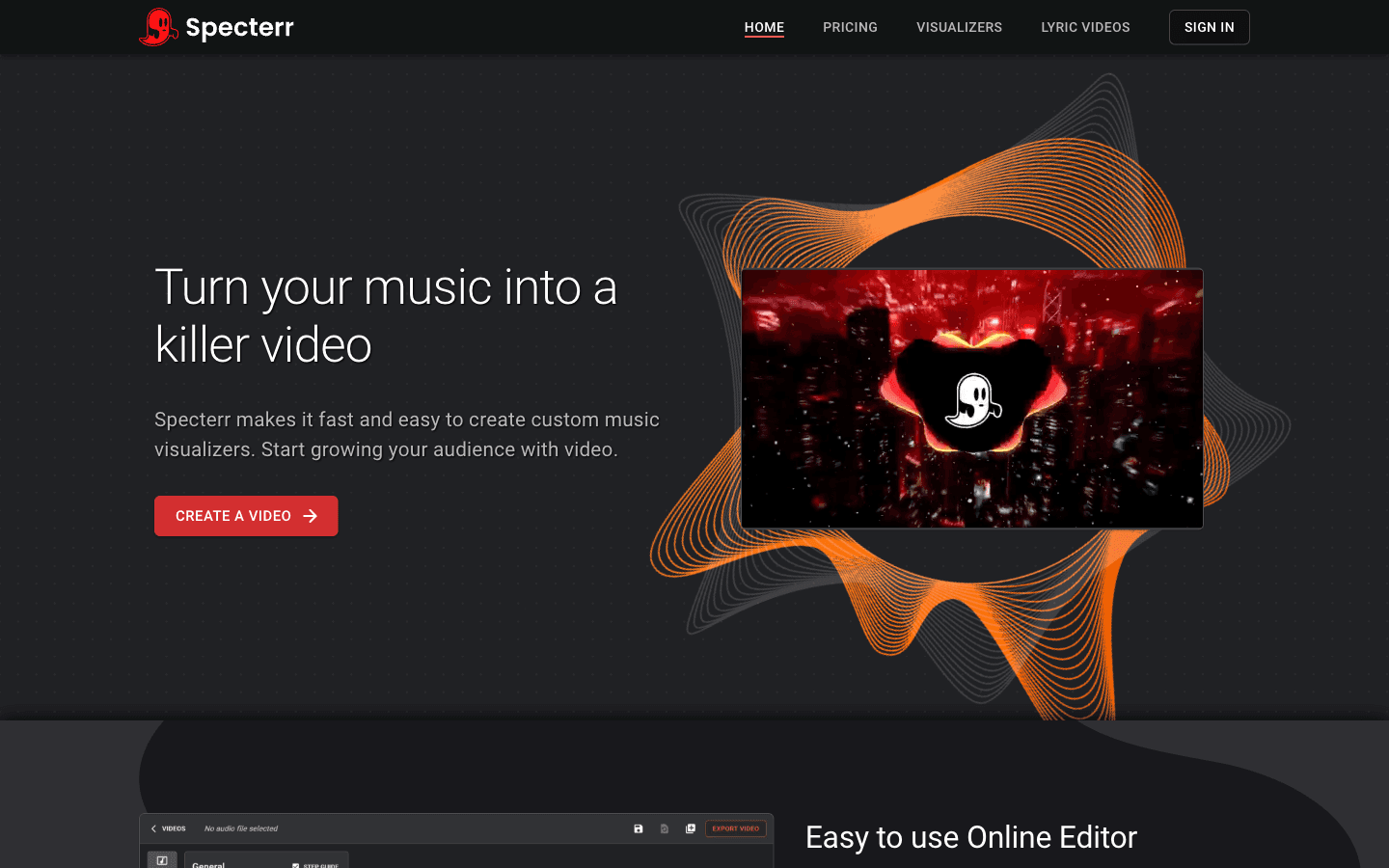
- Specterr — turns a finished track into a visualizer video. Free tier renders 1 video/day at 720p with a watermark; Pro is $16.50/mo annual.
Licensing honesty: what's verified is each vendor's own license documentation — the tier boundaries above. What's not settled is AI-generated music copyright generally; Tunee's own FAQ says as much. For a podcast intro, the practical risk is low, but if your show is monetized and music is more than a 10-second bed, read the license PDF for your tier before publishing, and keep the receipt.
The Complete Time Breakdown (Estimated)
| Phase | Before AI | With AI | Time Saved |
|---|---|---|---|
| Recording | 45 min | 45 min | — |
| Enhancement | 0 min | 5 min | -5 min (extra step, worth it) |
| Editing | 3.5 hrs | 25 min | 2 hrs 35 min |
| Intro/outro | 30 min | 10 min | 20 min |
| Show notes | 45 min | 5 min | 40 min |
| Blog post | 1.5 hrs | 10–15 min | ~1 hr 15 min |
| Social clips | 1 hr | 5 min | 55 min |
| Distribution | 45 min | 5 min | 40 min |
| Total | ~8 hrs | ~1 hr 45 min | ~6 hrs 15 min |
All figures are estimates based on vendor documentation and practitioner reports, not measured results.
Where the Whole Workflow Breaks
Three failure modes no tool page advertises:
- Multi-voice crosstalk. Every transcription layer degrades when two people talk at once. Interview shows with fast interruptions need human waveform passes regardless of stack.
- The editing ceiling. AI removes 80% of edit labor. The last 20% — pacing judgment, emphasis, the cut that changes meaning — is the part listeners actually notice. The workflow caps out at "good enough fast," not "great hands-free."
- Meter drift. Castmagic's library-hours meter, Swell's monthly minutes, Hypernatural's expiring credits — every 2026 repurposing tool meters something, and the meter is calibrated for their target customer. Match the meter to your cadence before the price.
Common Mistakes in AI Podcasting
Over-relying on auto-edit. The "remove all filler words" button produces robotic-sounding conversation. Review each removal; keep the ones that sound natural.
Skipping the final listen. At 1.5x speed playback, most editing artifacts become easy to catch. Always do one.
AI-generated intros that sound too perfect. Zero breath sounds and perfectly consistent pacing read as "sterile" to listeners. Adding intentional pauses and slight variation via speech-to-speech recording is the common fix.
Trusting show notes blindly. LLMs hallucinate tool names and misattribute quotes. Fact-check every claim a pipeline drafts — the transcript is right there to check against.
Buying the wrong music tier. AI Song Maker's $7 Starter plan downloads files it isn't licensed to monetize. Commercial license starts at Pro ($10.50/mo). Read the tier table twice.
FAQ
How much does it cost to produce a podcast with AI?
A working budget build runs about $22 the first month — Swell AI Hobby ($0), Clipto's $9.99 first month, Podpage Basic ($12) — and $47/month once Clipto's discount ends, plus optional Descript (~$24) if you want transcript-first editing. A weekly-publisher build with Castmagic Starter ($48) and Podpage Pro ($19) runs $67–96/month. Hardware aside, one $500 sponsor spot covers several months of either build.
What's the most accurate AI transcription tool for podcasts?
There's no independent accuracy benchmark for the category — every accuracy figure is vendor-sourced. In our own October 2026 test, Clipto transcribed a 43-word clean-audio sample word-for-word (43/43 words), and its free web converter worked without a subscription. Clean studio audio is the easy case; multi-speaker, noisy, or accented audio is where any tool needs human review.
Is AI-generated music safe to use in a podcast?
The license tier decides it, and the tiers are stricter than most buyers assume: AI Song Maker grants its commercial-use license PDF only from the $10.50/mo Pro plan, and Tunee's free tier requires attribution. What's untested is AI copyright generally — fine for a 10-second intro bed, worth a license-document read if music is central to a monetized show.
Can AI run the entire podcast workflow?
No — it runs about 80% of it. Recording still takes real time, crosstalk still needs human editing, and the judgment calls (pacing, what to cut, whether a guest quote lands) stay human. The realistic outcome is 8 hours compressed to roughly 90 minutes, not a fully automated show.
What's the best AI podcast generator?
"AI podcast generator" searches (about 4,400 US searches/month, Semrush October 2026) mostly mean one of two different jobs. NotebookLM and Wondercraft generate synthetic host conversations from documents — external picks, not in our directory. If the job is turning real recordings into a published show with all the written extras, the pipeline tools do it: Castmagic for weekly volume, Swell AI for the free-to-$29 path.
Related Guides
This pillar anchors the podcasting cluster. The spokes:
- Start a Podcast With AI: The Under-$100/Month Setup — the step-by-step 2026 build
- Podcast Repurposing: 1 Episode → 12 Content Pieces — the full asset pipeline
- Podcast Show Notes Generator: 5 Tools Compared — including free options and Castmagic alternatives
- AI Podcast Editing vs Traditional DAW — where text-based editing wins and loses
- Castmagic vs Swell AI — the two repurposing pipelines head-to-head
- How to Transcribe YouTube Videos With AI — the video-side transcription workflow
Workflow assembled from vendor documentation and practitioner reports; originally drafted June 2026, pricing re-verified October 2026 (Clipto hands-on tested 2026-10-26). Time figures are estimates, not measurements. Descript, ElevenLabs, Headliner, Adobe Podcast, and Make.com are external recommendations with no tool pages on this site — we also recommend tools with no affiliate program when they're the best fit.
Disclosure: Some links on this page are affiliate links for tools with active partnerships (Clipto, Castmagic, Swell AI, Podpage, Hypernatural, and the AI music tools). This never influences recommendations.