How to Humanize AI Blog Posts Before Publishing: The 8-Step Checklist (2026)
Last updated: October 27, 2026 | Method: the editing sequence is our own working practice from publishing AI-assisted content; the tool costs and capabilities are research-only, verified 2026-10-26/27 from vendor pricing pages and documented review records. No humanizer was run against a detector battery for this article — for what the documented test record shows, see humanizer vs detector test evidence.
Here's the mistake almost everyone makes with AI drafts: they run the text through a humanizer first and edit never. The output ships sounding like a calmer robot, and six weeks later a detector update flags it anyway. The order of operations is the whole game — detect first, edit substance by hand, spend machine credits only on what your hands couldn't fix, then re-scan before publish.
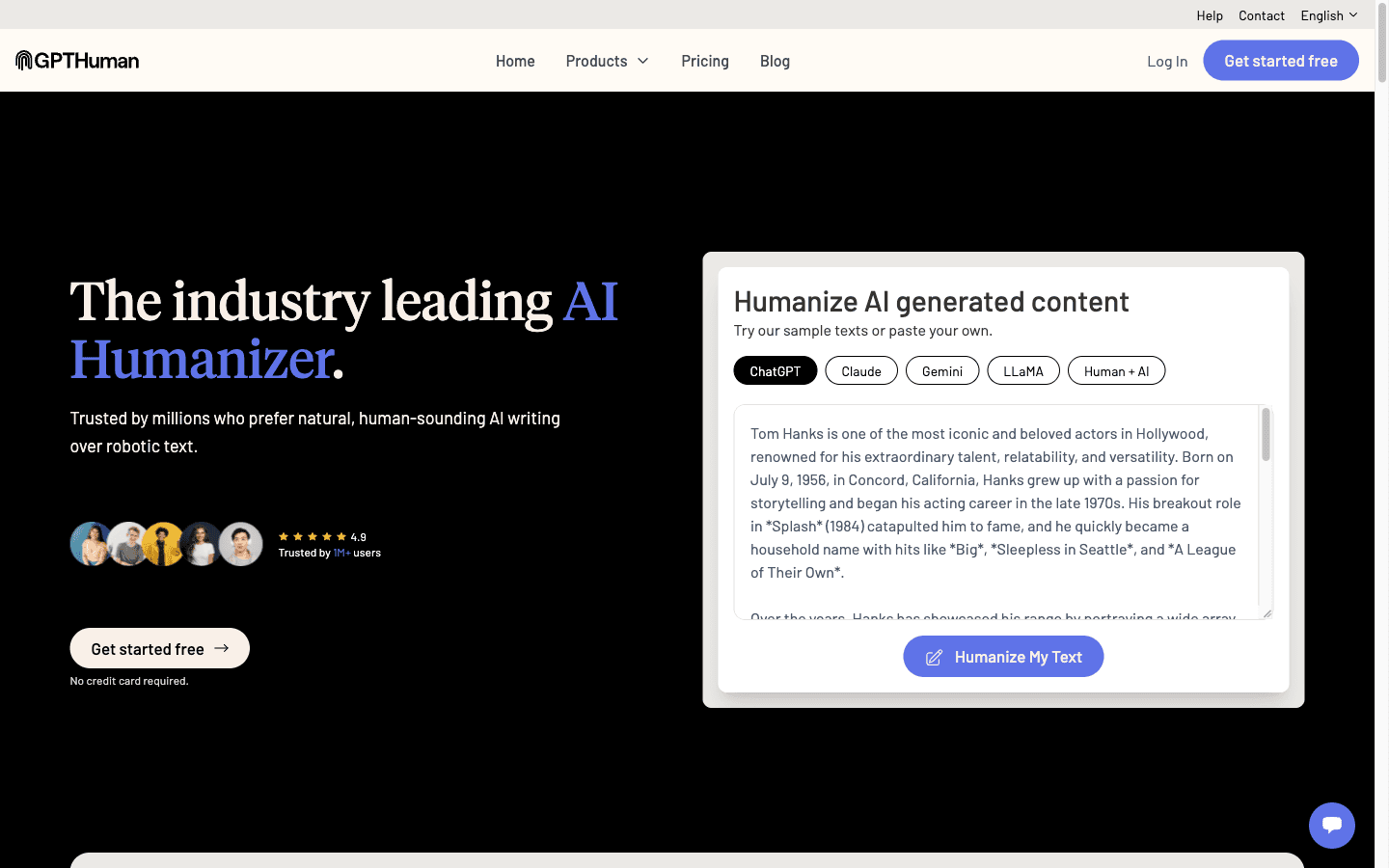
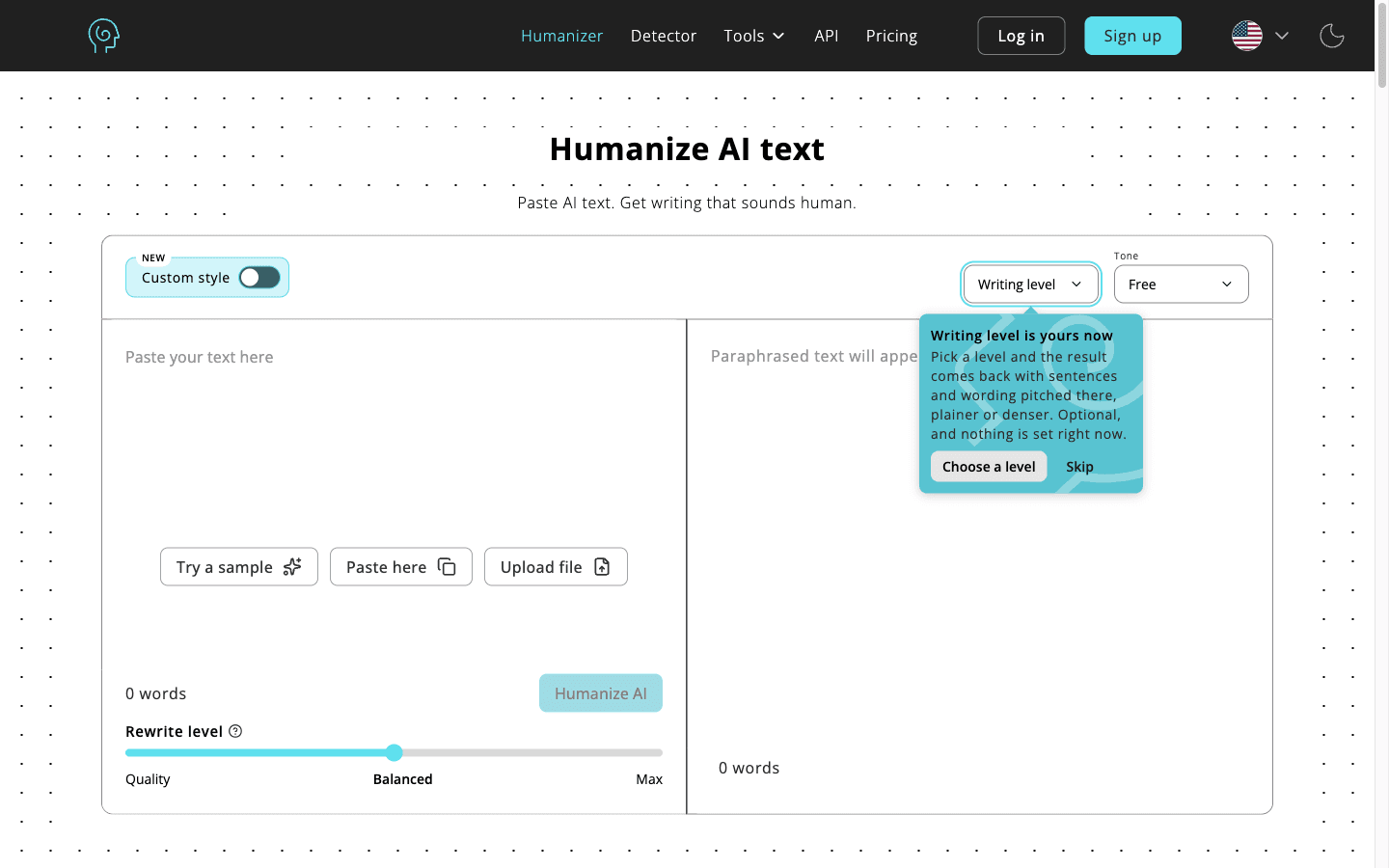
Quick verdict, by persona: if your draft is your own content heading to your own blog, steps 1–6 below are free and usually sufficient. If a client or editor runs scans, add the humanizer step (step 7) with WriteHuman ($12/mo annual) for per-sentence fixes or GPTHuman ($8.25/mo annual) for volume. If you're trying to pass off AI text as human work where AI isn't allowed — this checklist isn't for you, and no tool below changes the ethics of that.
The 8 steps in working order
scan (GPTZero free) → cut stock openers → replace generic entities with named ones → add first-hand specifics you can defend → break the rhythm → read it aloud → humanize flagged sections only (WriteHuman/GPTHuman/Humanize AI) → re-scan and log the score.
| Step | Tool | Cost (verified Oct 2026) | Time |
|---|---|---|---|
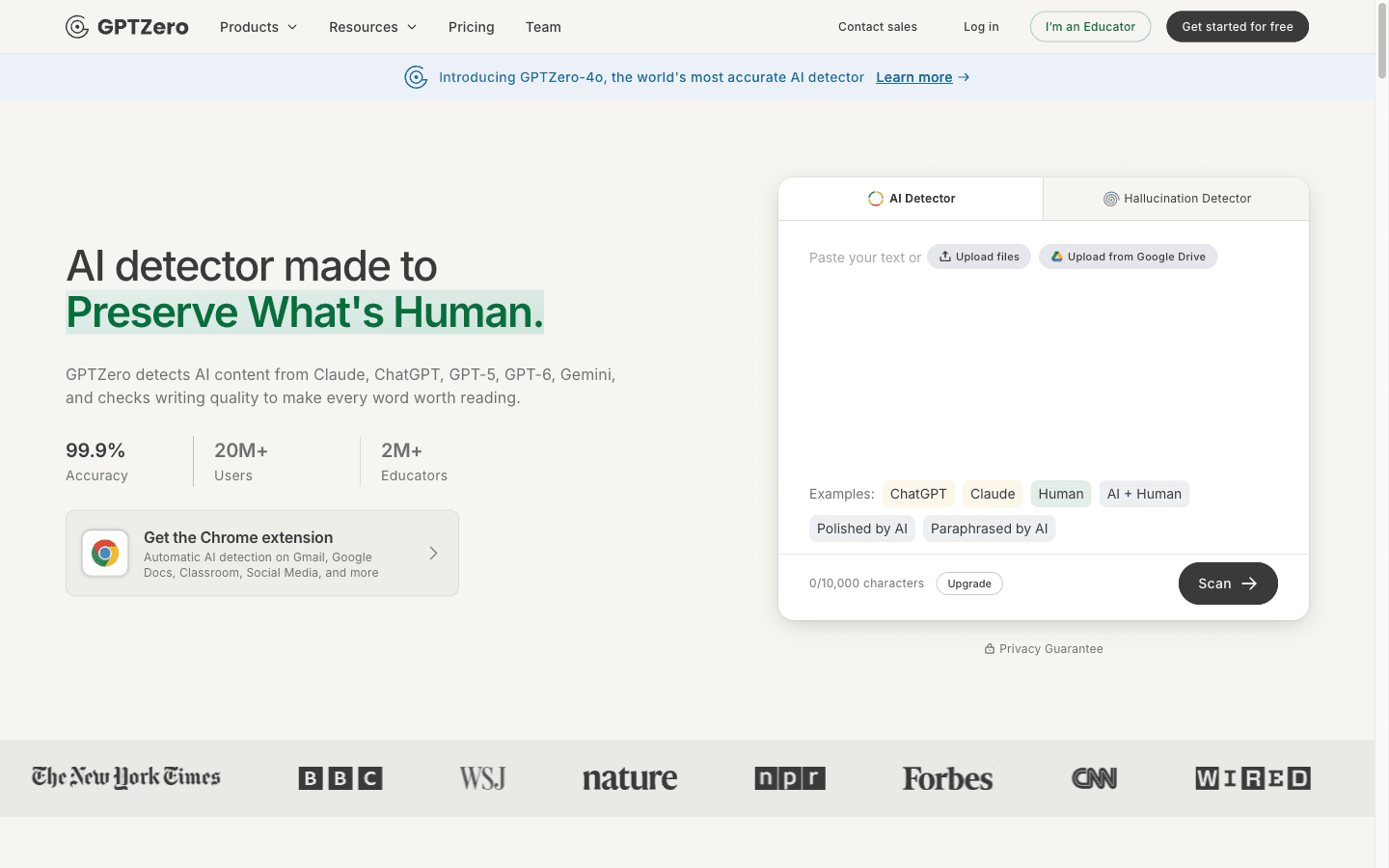
| 1. Scan before editing | GPTZero | Free (10K words/mo) | 2 min |
| 2. Cut stock openers | your cursor | $0 | 10 min |
| 3. Name the entities | your cursor | $0 | 15 min |
| 4. Add defensible specifics | your notes | $0 | 20–40 min |
| 5. Break the rhythm | your cursor | $0 | 10 min |
| 6. Read aloud | your voice | $0 | 10 min |
| 7. Fix flagged sections | WriteHuman / GPTHuman / Humanize AI | $4.99–12/mo annual | 10–20 min |
| 8. Re-scan and log | same detector as step 1 | $0 | 3 min |
Six of the eight steps cost nothing. The paid step exists for the sections your hands couldn't fix — it's last in line for a reason.
Steps 1–2: scan first, cut the tells you can see
scanning an unedited draft gives you the flag map — which sections read machine-made — and cutting stock openers removes the tells every detector and every human reader catches in the first two sentences.
Step 1 costs nothing and changes how you edit. GPTZero's free tier covers 10,000 words a month with sentence-level highlighting, so you know which paragraphs read as AI before you've touched anything. Originality.AI works too (100 one-time free credits) if plagiarism matters for the piece. Editing without a scan is guesswork; editing with one is triage.
Step 2 is the cheapest credibility upgrade in publishing. The stock openers — "In today's fast-paced digital landscape," "Whether you're a beginner or an expert," "Let's dive in" — are the tells every detector class looks for and every reader scrolls past. Cut the first sentence of most AI drafts and the second sentence is usually a better opener. Then hunt the connective tissue: furthermore, moreover, additionally, in conclusion. Delete them and start sentences abruptly. "But." works. So does "Wrong."
Where this breaks: you can scrub every stock phrase and still ship something that reads machine-made, because phrasing was never the real problem. That's what the next two steps are for.
Steps 3–4: the substance pass nobody can automate
AI text reads as AI because it's generic — unnamed tools, rounded numbers, nobody's experience. Naming entities and adding specifics you can personally defend is the only step that makes content genuinely yours.
Step 3: name everything. "A video editor" becomes "CapCut." "Many users report" becomes the actual review you read, on the actual platform, with its date. "Several studies show" becomes the study name or gets deleted. Aim for a dozen-plus named entities in a 1,500-word piece — products, people, platforms, publications — because specificity is the one signal neither detectors nor readers can fake.
Step 4 is where the article becomes yours or doesn't. Add the numbers you actually observed (2 min 17 sec, not "about two minutes"), the date you checked a price, the thing that broke when you tried it, the outcome with its real figure. One honest specific — "the export failed twice on Safari before it worked in Chrome" — outweighs a paragraph of polished generality. If you have no specifics because you didn't do the thing, the piece needs your experience or needs a disclaimer, not a humanizer.
This is also where you catch the AI-tell numbers: everything suspiciously round. Vendors state "~2 minutes" when their own docs say 2:17. Round numbers in your draft are a hint the model summarized rather than cited — go find the source or cut the claim.
Steps 5–6: rhythm and the read-aloud test
machine text keeps an even tempo — 15-to-25-word sentences in uniform paragraphs. Break the tempo deliberately, then read the piece aloud; your ear catches robotic transitions your eye forgives.
Step 5 is mechanical and fast. Follow a 40-word sentence with a four-word one. Let a paragraph be one line. Put an aside in parentheses where a real person would. Vary paragraph lengths across sections — three long, one short, one medium — because uniformity itself is the tell. One symmetric pair like "One is X. The other is Y." can open an article; three of them in a page is a fingerprint.
Step 6 costs ten minutes and finds what the eye forgives: the transition that no human would say out loud, the metaphor that sounds written-by-committee, the paragraph where your voice vanished. Read the intro and every section opening aloud — that's where AI voice concentrates. Fix what your ear trips on, even if a scanner scored it fine. A detector pass is quality control, not the definition of quality.
Step 7: spend humanizer credits on the stubborn sections only
run a humanizer only on the sections that stayed flagged after your edit pass — WriteHuman ($12/mo annual) for per-sentence scoring with 2–5 output variations, GPTHuman ($8.25/mo annual) for a detector-rewriter loop at volume, Humanize AI ($4.99/mo annual) as the cheapest entry.
This is the step people put first. Put it seventh and it gets cheap: after steps 2–6, most drafts have two or three flagged sections, not fifteen. WriteHuman scores every sentence and returns multiple variations, so you fix the flagged lines instead of re-rolling the document — that's the premium option at $12/mo annual for Basic. GPTHuman pairs a built-in detector with a re-humanize loop from $8.25/mo annual for 25,000 words, though per-output caps (300–2,500 words by tier) force long documents through multiple runs. Humanize AI is the cheapest paid entry at $4.99/mo annual with unlimited grammar and plagiarism checks bundled — but its Lite tier can't re-humanize its own output, so a weak first pass means upgrading.
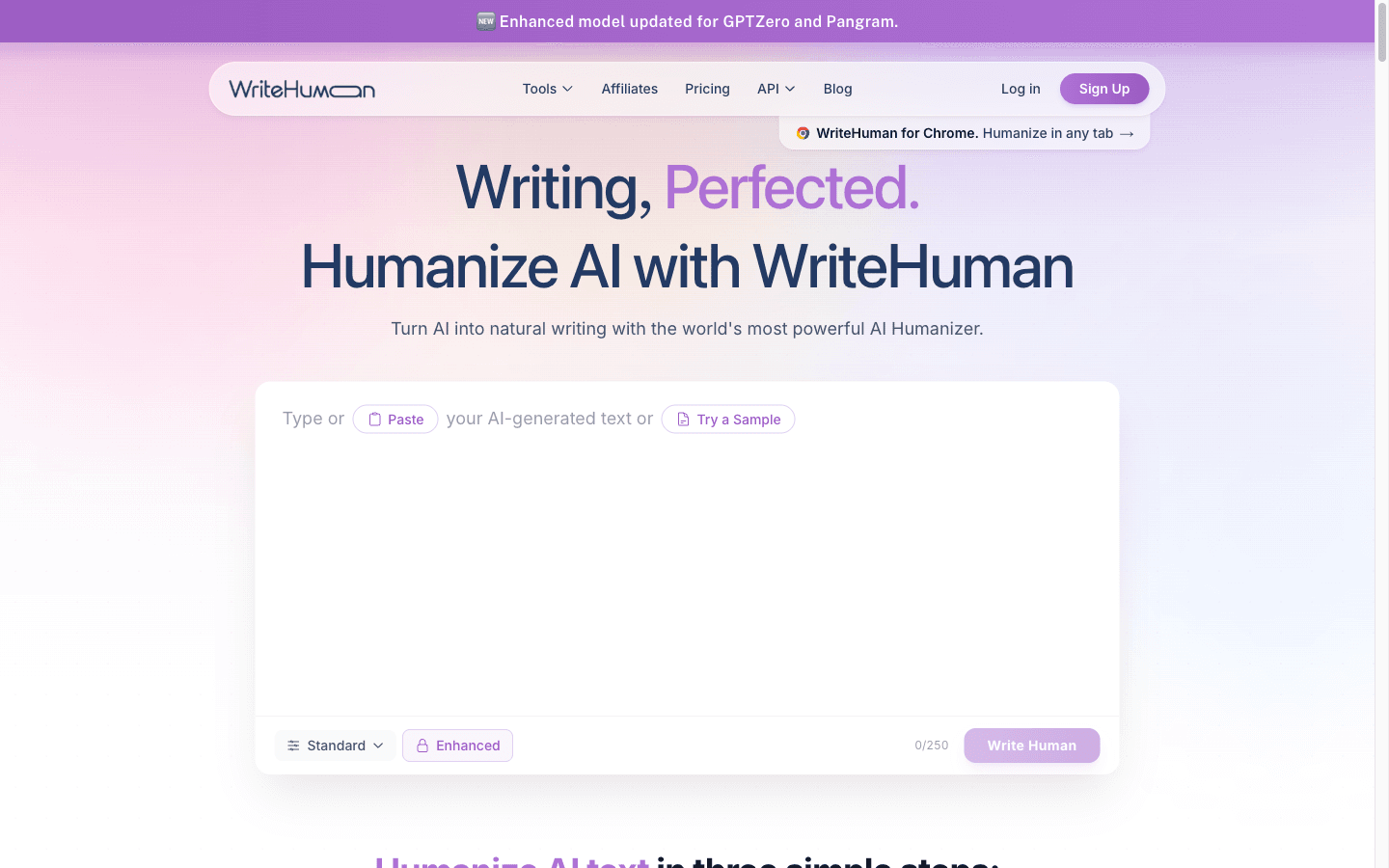
Two structural caveats, from the vendors' own materials. Detector evasion decays: WriteHuman's site advertises a model "updated for GPTZero and Pangram," which is the arms race admitting it's an arms race — a pass today can fail after the next detector update. And the records have warnings: GPTHuman sits at 3.9/5 on Trustpilot from just 16 reviews, including one reporting output that still scored 99% AI on a free detector and another describing a refused refund on an unused 12-month subscription. Test on your own text before annual commitments. We compared the two head-to-head in WriteHuman vs GPTHuman.
Step 8: re-scan, log, and know when humanizing is the wrong tool
re-scan the final text with the same detector from step 1 and log the score with the date — and if the piece still reads flat, the fix is more experience in it, not more machine rewriting.
Logging sounds bureaucratic until the day a client asks "was this AI?" and you have a dated scan of the published text plus your edit notes. Ten seconds per article, and it's the difference between a conversation and an accusation.
The honest limits, stated once: humanized AI text can still be detected by the next model update; no pass is permanent; and where AI use isn't allowed — academic submissions, disclosed-ai-required programs — humanizing is not a loophole, it's the violation itself. For your own blog content, the goal was never a zero score anyway. It's a draft that carries your specifics, your rhythm, and your name on claims you can defend. Detectors are a spell-checker for authenticity, not authenticity itself.
One line worth keeping: humanizing isn't a tool you run — it's an order of operations, and the machine credit comes second-to-last, not first.
What the full pass costs
| Scenario | Stack | Monthly cost (verified Oct 2026) |
|---|---|---|
| Own blog, low volume | GPTZero free + manual pass | $0 |
| Own blog, weekly publishing | GPTZero free + GPTHuman | $8.25/mo (annual) |
| Client work with plagiarism checks | Originality.AI + WriteHuman | $24.95/mo (both annual) |
| Student essays | Don't — integrity risk regardless of scanner output | — |
Final verdict
The working order for AI-assisted drafts: scan free, edit substance by hand, break the rhythm, read aloud, spend humanizer credits on what stayed flagged, re-scan, log. Most weeks the free floor — GPTZero's 10,000 words and your own editing — is the entire stack. Pay for the humanizer when volume or client scanning makes the manual pass uneconomical, buy monthly before annual, and re-check anything that aged in a queue.
Last updated: October 27, 2026.
FAQ
How do I make AI writing sound like me?
Feed the machine your specifics, not your vibes: paste your own past writing as a style reference, then replace every generic entity with named ones and add the details only you have — dates you checked, numbers you observed, things that broke. Voice lives in specifics and rhythm, and both are manual passes. A humanizer can mask phrasing; it cannot add your experience.
Do AI humanizers actually beat detectors?
Sometimes, temporarily. The documented record shows humanizer output passing on the day it's processed and failing after detector model updates — WriteHuman's own marketing advertises a model "updated for GPTZero and Pangram." We compiled the documented evidence, including refund disputes, in humanizer vs detector test results. Treat every pass as temporary and re-scan before anything ships.
Can Google tell if my blog post is AI-written?
Google's systems target thin, unoriginal content rather than AI drafting itself, and its own guidance says AI-assisted content is fine when it's helpful and reviewed. The practical risk isn't a scanner at Google — it's readers bouncing off generic text and editors declining unoriginal work. The checklist above makes content better by hand first; detection scores are a byproduct, not the goal.
What's the cheapest AI humanizer that works?
Humanize AI at $4.99/mo annual is the cheapest paid entry, with unlimited grammar and plagiarism checks bundled — but its Lite tier can't re-humanize its own output, so a weak first pass means upgrading. GPTHuman at $8.25/mo annual (25,000 words) runs a detector-rewriter loop; WriteHuman at $12/mo annual is the premium per-sentence option. Test all three on your own text before any annual plan.
Should I run my text through a humanizer before or after editing?
After — it's step 7 of 8 for a reason. A humanizer on an unedited draft spends credits machine-rewriting generic content, and generic content with humanized phrasing still doesn't rank or read well. Edit substance first (entities, specifics, rhythm), then humanize only the sections that stayed flagged, then re-scan. The order typically cuts humanizer usage by two-thirds.
Disclosure: This page contains affiliate links for several tools reviewed. GPTZero, Originality.AI, WriteHuman, GPTHuman, and Humanize AI have active affiliate partnerships with BestAIStack.io. We also recommend tools with no affiliate program when they're the best fit. Pricing was verified from vendor pages on 2026-10-26/27 and can change.