Podcast Repurposing: 1 Episode → 12 Content Pieces (The 2026 Pipeline)
Last updated: October 27, 2026 | Method: the asset map reflects documented practice from working podcasters; tool pricing and meters verified from vendor pages in October 2026 (Clipto additionally hands-on tested 2026-10-26). Time figures are estimates of what the pipeline achieves, not measured results from a season we produced.
Nobody has time to make 12 things from one episode. That's the point — the pipeline does the making, and you do the checking. One 45-minute recording, run through the map below, becomes every asset a small media company would publish in a week: the transcript, the show notes, a blog post, a newsletter, five social posts, quote graphics, two short clips, and an FAQ entry for the site.
How people find this article matters: "podcast repurposing" as a search phrase is nearly empty (Semrush shows no US volume for it, October 2026) — the demand lives in the questions, like "how do podcasters turn episodes into blog posts" and "podcast to blog post." So this guide is built as the answer to those questions, with the costs verified line by line.
The short version: transcribe (free to $24.99/month), let a repurposing engine draft the derivatives (Swell AI free for 1 upload, Castmagic from $19), fact-check everything against the transcript, and schedule the outputs across two weeks. Total added human time: about 90 minutes per episode after the recording. The engine meters and the four break points are below.
The 12-asset map
every asset below comes from one transcript. The transcript is the product; the episode was just how you made it.
| # | Asset | Made with | Time (after transcript) | Where it publishes |
|---|---|---|---|---|
| 1 | Timestamped transcript | Clipto or pipeline | automatic | Site episode page / archive |
| 2 | Show notes page | Pipeline or LLM prompt | 5 min review | Podcast host + site |
| 3 | 1,500-word blog post | Pipeline or LLM + edit | 10–15 min | Blog |
| 4 | Newsletter mention | Pipeline draft + light edit | 5–10 min | Email list |
| 5 | 2 X/Twitter posts (quote + thread) | Pipeline draft | 5 min | X |
| 6 | 1–2 LinkedIn posts | Pipeline draft + rewrite | 10 min | |
| 7 | 2–3 short-form video clips | Recording markers + editor | 15–20 min | Shorts/Reels/TikTok |
| 8 | Quote graphics (2–3) | Any design template | 10 min | Instagram/Pinterest |
| 9 | Audiogram | Headliner (external, ~$19.99/mo) or Hypernatural | 10 min | Social |
| 10 | Episode FAQ entry (the questions the episode answered) | LLM from transcript | 5 min | Site FAQ / schema |
| 11 | Internal-link seed (what this episode connects to) | You | 5 min | Your own cluster |
| 12 | The archive entry | Automatic (Clipto library / pipeline) | automatic | Searchable corpus |
Assets 1, 2, 3, 4, 5, 6, 10, and 12 are pure transcript derivatives — the repurposing engines draft all of them in one pass. Assets 7 and 9 need the original audio/video. Asset 8 is a template job. Asset 11 is five minutes of your judgment that compounds: linking the episode into your own content cluster is the difference between a pile of episodes and a library.
Step 1: The transcript is the product
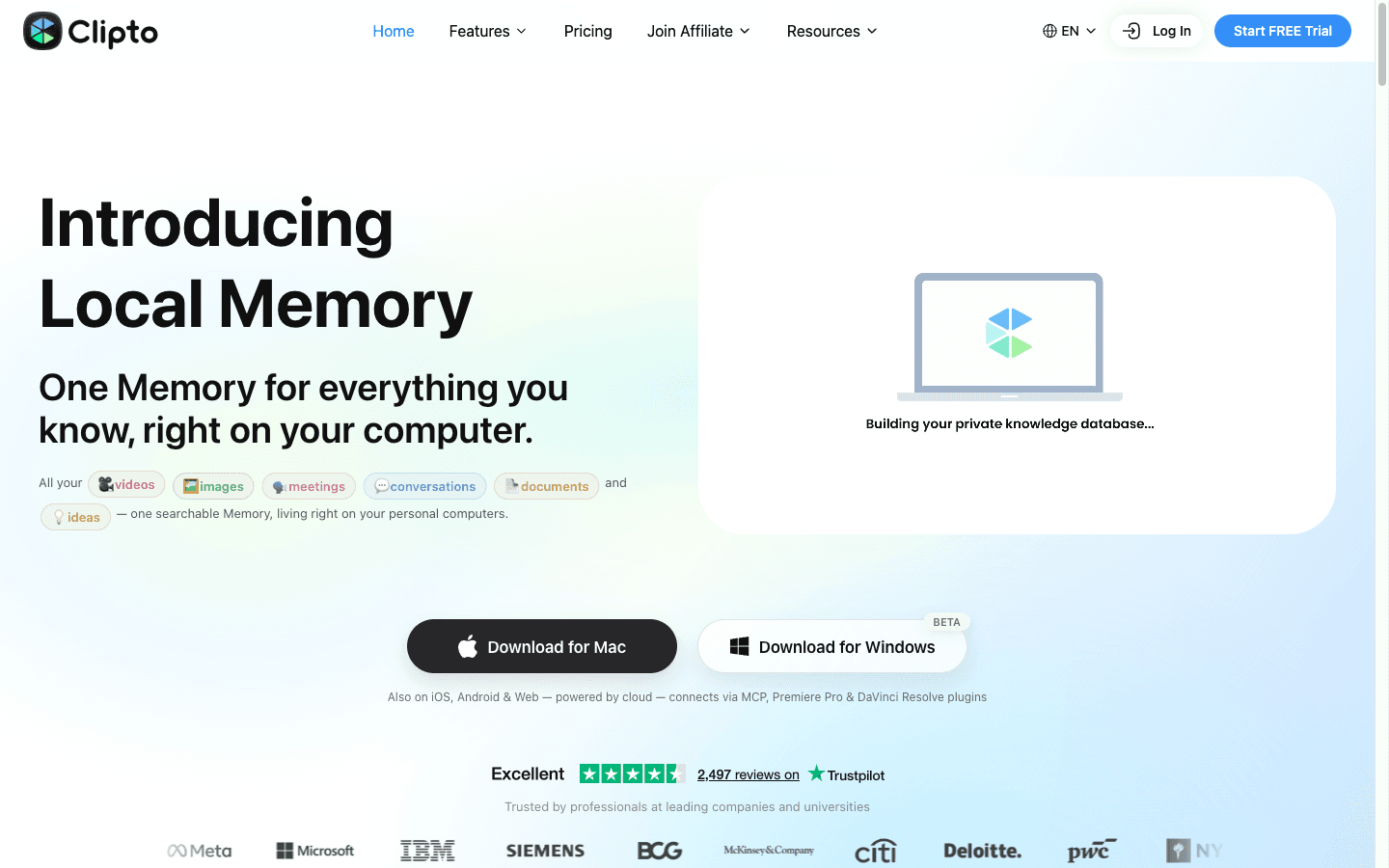
transcribe immediately after recording, while you still remember which moments were strong. Free works: Clipto's web converter takes files with no account, and we verified it word-for-word on clean audio (43/43 words, October 2026).
Paid tiers buy the archive and the workflow: Clipto at $9.99 for the first month ($24.99 after, $12.49/mo annual) keeps every transcript searchable — which is what turns 40 episodes into a body of work rather than a feed. Its billing fine print (card-required trial, post-cancellation complaints on Trustpilot) is documented in our full review; start monthly.
Where this breaks: crosstalk and music-heavy segments transcribe badly, and everything downstream inherits the errors. Five minutes of cleanup before repurposing — names, terms, speaker labels — protects all twelve assets. Skip it and you'll publish a quote with the guest's name wrong, which is the kind of mistake guests notice.
Step 2: Draft the derivatives in one pass
this is the step the dedicated engines automate. Upload once; receive transcript, notes, article, newsletter, and social drafts together.
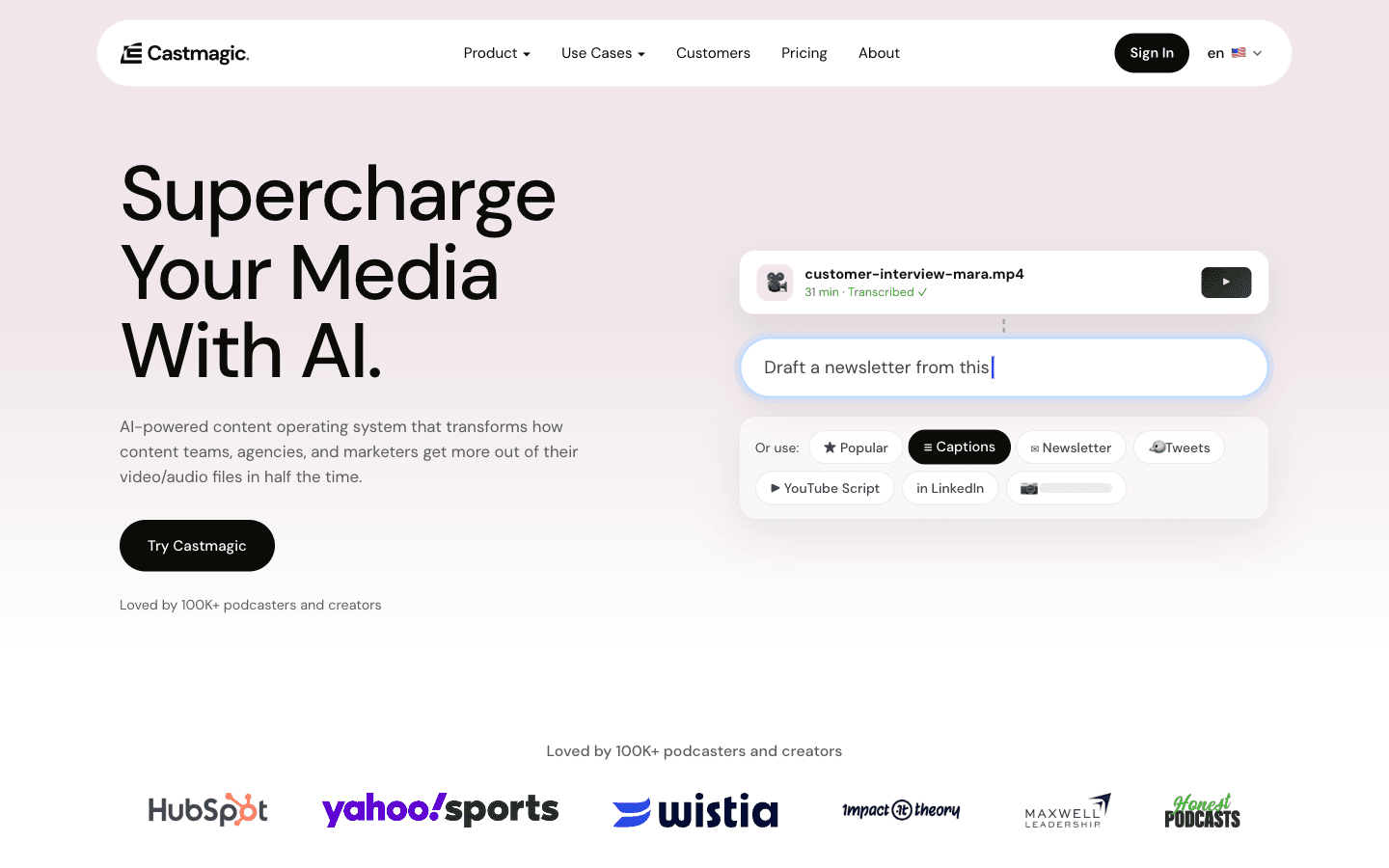
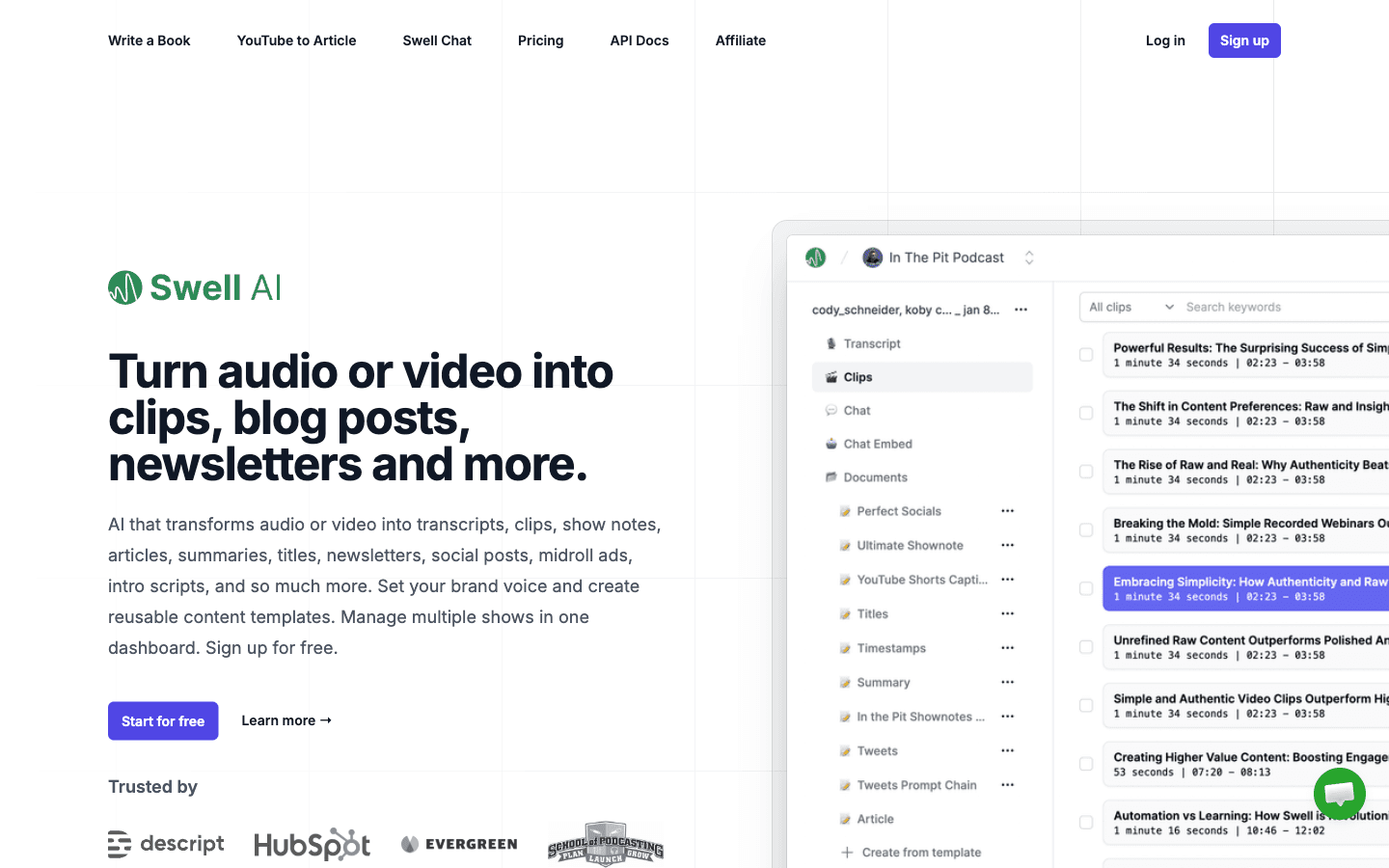
Swell AI ($0 Hobby for 1 upload/month; $29 Studio for 300 minutes) drafts the whole written stack per upload and backfills entire catalogs from your RSS feed. Castmagic ($19/month annual for 30 library hours, $48 Starter) does the same job with deeper prompt packs, captioned clips, and a chatbot over your archive — metered on library-total hours rather than monthly minutes, which suits weekly publishers and penalizes casual ones. Their meters, catches, and refund records are head-to-head in Castmagic vs Swell AI.
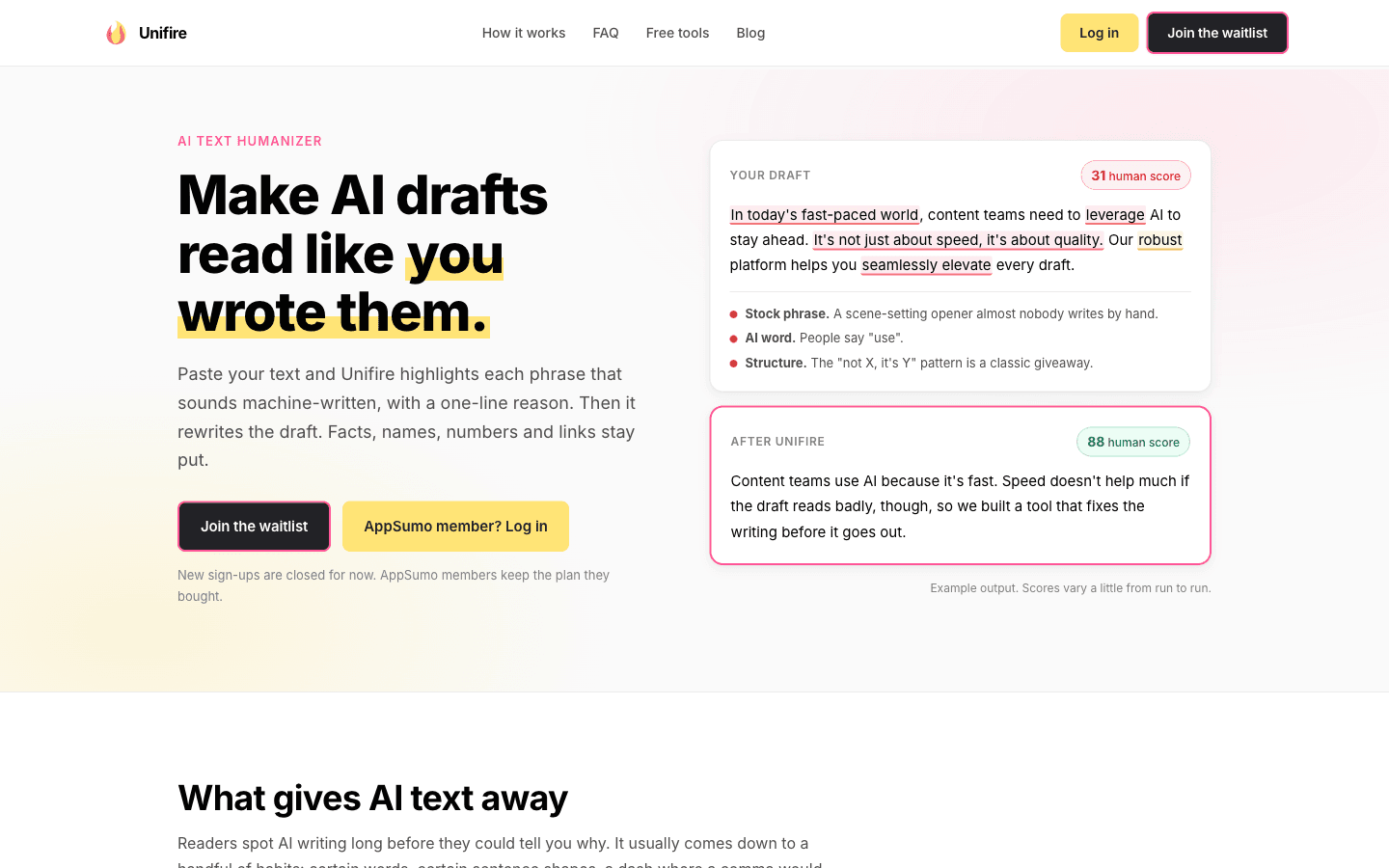
Unifire shows up in older repurposing roundups and can be skipped outright: it pivoted to a text-humanizer product and closed new sign-ups entirely (verified October 2026) — the reviews praising its repurposing describe a tool that no longer exists. The record is in Swell AI vs Unifire.
The $0 path is the prompt chain: transcript → show notes prompt → blog-outline prompt → social-extraction prompt, run through any LLM. It adds 30–40 minutes of manual assembly per episode and keeps you vendor-independent. Under four episodes a month, it's the right call; the engines buy back minutes at weekly cadence.
Where this breaks: hallucination, always. Every engine — and every LLM — will invent a link, misattribute a quote, or add a takeaway the episode didn't contain. The pipeline's quality gate is a fact-check pass against the transcript. Nobody's pricing includes it; nobody should skip it.
Step 3: Edit for the destination, then schedule
spoken prose dies on the page. Every drafted asset gets one destination-specific pass before scheduling — and then goes into a queue, not "whenever I get to it."
The passes, honestly timed: the blog post needs the longest (10–15 minutes — restructure from conversational to reader order, cut the Oral-ness); LinkedIn needs a rewrite more than an edit (the drafts are the weakest derivative everywhere); X quotes need almost nothing; the newsletter is a light trim. The clip assets (7–9) are cutting-room work from your recording markers, not transcript work at all.
Then schedule the batch: show notes and blog publish with the episode; X and LinkedIn drip across days 2–5; the newsletter goes with your next send; the clips spread over two weeks. One recording session feeds two content weeks — that's the actual math that makes weekly podcasting survivable for a team of one.
Where this breaks: voice mismatch on LinkedIn, and clip quality. AI-drafted LinkedIn posts read like AI-drafted LinkedIn posts; rewrite them in your own register or don't post them. And clips cut by timestamps alone miss the contextual beat — watch before you ship.
The cost of the pipeline, verified
| Layer | Free path | Paid path (verified Oct 2026) |
|---|---|---|
| Transcription | Clipto web converter, $0, no account | Clipto $9.99 first month → $24.99 ($12.49 annual) |
| Derivative drafting | LLM prompt chain, $0–20 | Swell AI $0–29 or Castmagic $19–48 |
| Clips/audiograms | Manual in editor, $0 | Headliner ~$19.99 external; Hypernatural $29/mo annual |
| Quote graphics | Any free template tool | — |
| Total | $0–20/month | $29–97/month |
The honest floor: $0–20/month and about 2.5 hours of human time per episode (cleanup, fact-check, destination passes, scheduling). The paid ceiling buys that down to roughly 90 minutes. What no budget removes: recording time and the judgment passes. Tools that promise otherwise are describing the drafts, not the publishable assets.
One line worth keeping: repurposing is a transcription business with a scheduling habit — the tools draft, but the transcript you can still search in a year is the asset that compounds.
The four break points, summarized
- Crosstalk garbage in, garbage out — cleanup before repurposing or every asset inherits it.
- Hallucinated details — the fact-check pass against the transcript is the quality gate; nothing automates it honestly.
- Voice mismatch on LinkedIn — the weakest AI derivative everywhere; rewrite or skip.
- Meter drift — Swell's monthly minutes vs Castmagic's library hours vs Clipto's flat fee: match the meter to your cadence before it matches itself to your invoice.
FAQ
How do podcasters turn episodes into blog posts?
Transcribe the episode (free converters work; Clipto's is $0 without an account), feed the transcript to an LLM or a repurposing engine with a structure prompt — hook, key insights, actionable takeaways, CTA — then edit for reader order and fact-check every link and quote against the transcript. The engines (Swell AI, Castmagic) draft the article automatically with the show notes; the manual route costs $0–20/month and about 20 extra minutes per episode.
How many content pieces can one podcast episode produce?
Twelve is the realistic map: transcript, show notes, blog post, newsletter, 2 X posts, 1–2 LinkedIn posts, 2–3 short clips, quote graphics, an audiogram, and an archive entry. The transcript derivatives (roughly 8 of the 12) draft in one pass through a repurposing engine or a prompt chain; the video clips need the original recording. Human time: about 90 minutes with paid tools, 2.5 hours on the free path.
What's the best tool for podcast repurposing?
For weekly shows: Swell AI at $29/month (300 upload-minutes, whole written stack per upload) or Castmagic from $19/month annual (30 library-hours, deeper prompts and clips) — the choice is the meter, and we compared them directly. Below weekly cadence, the free path — Clipto's free converter plus an LLM prompt chain — does the same job for $0–20/month. Unifire, which older roundups recommend, closed to new sign-ups after pivoting products (verified October 2026).
Is repurposing a podcast episode bad for SEO?
Duplicate-content worries are misplaced — a blog post built from a transcript is not a copy of anything Google has indexed (the audio never was text). The real SEO risks are thinner: publishing the raw unedited transcript as a "post" (low value, no structure) and letting AI drafts hallucinate links. A properly edited 1,500-word episode post with timestamps, an FAQ block, and internal links is one of the better article formats there is — you're answering questions a real conversation already surfaced.
Related Guides
- AI Podcasting Workflow: From Recording to Distribution — the pillar this pipeline lives in
- Podcast Show Notes Generator: 5 Tools Compared — deep dive on asset #2
- Castmagic vs Swell AI — the drafting engines head-to-head
- The AI Transcription Workflow — the five-step system behind asset #1
- Start a Podcast With AI: Step-by-Step Setup — if the episode doesn't exist yet
Pricing verified from vendor pages October 2026 (Clipto hands-on tested 2026-10-26). Time figures are estimates from documented practice. Search-volume figures: Semrush US, October 2026.
Disclosure: This article contains affiliate links. Clipto, Castmagic, Swell AI, and Hypernatural have active affiliate partnerships with BestAIStack.io; Headliner is an external recommendation; Unifire cannot accept sign-ups and is listed for completeness. We also recommend tools with no affiliate program when they're the best fit.