Start a Podcast With AI: The Step-by-Step Setup Under $100/Month (2026)
Last updated: October 27, 2026 | Method: research-based. Every price below was verified from vendor pricing pages in October 2026; the Clipto line item comes from our own hands-on account and test (October 26, 2026). Time figures are estimates from documented practice, not a produced season — flagged where that matters.
People searching "how to start a podcast" in 2026 are usually stuck on the same two questions: what does the stack actually cost, and how much of the work can AI really do. The honest answers: a working stack costs $23 the first month and roughly $47–60/month at weekly cadence (verified below, line by line), and AI does most of the production work except recording, judgment, and the parts of editing that involve taste.
Here is the full setup, step by step, priced as we verified it this month.
Quick answer: record on any $249-or-less USB mic setup (Shure MV7 is the standard floor), enhance free in Adobe Podcast, edit by text in Descript or skip fine editing entirely at first, transcribe and repurpose with Swell AI's free tier or Clipto at $9.99 for month one, put the show on the host that fits your budget, and let Podpage build the website from your RSS feed in about a minute. Total first month: $23.42 with the budget picks. Everything after is cadence.
Step 0: Decide the show before you buy anything
name, format, cadence, and the one sentence that says who it's for. AI can't decide these, and every purchase below assumes them.
- Format: solo, co-hosted, or interview. Interviews need scheduling and crosstalk cleanup (the one thing AI editing handles worst); solo shows are the cheapest to produce and the hardest to keep interesting.
- Cadence: weekly is the 2026 default because the repurposing tools meter on weekly assumptions. Biweekly is fine — but then buy monthly plans, not annual, until cadence proves out.
- Length: 30–40 minutes beats an hour. Editing time scales with length, and so does listener drop-off.
Cost so far: $0. This step is where most stalled podcasts actually stalled.
Step 1: Recording hardware ($363 one-time, or $0 to start)
a $99–249 USB microphone in a closet beats a $1,000 setup in an echoey room. AI enhancement fixes room noise; it can't fix what the mic never captured.
| Item | Pick | Price |
|---|---|---|
| Microphone | Shure MV7 (USB) | $249 |
| Headphones | Audio-Technica ATH-M40x | $99 |
| Pop filter | any | $15 |
| Room | closet with clothes | $0 |
The $0 path: your phone's voice-memo app in a parked car or closet records clean enough for Adobe Podcast's enhancer to finish the job. It will not sound like a studio. It will sound better than most first episodes deserve.
Step 2: Record (45 minutes per episode, human time)
Recording is the step AI hasn't touched — you still have to say the things. What AI changes is what happens around the recording: record into an editor that transcribes as you go (Descript, external recommendation from ~$24/month), drop markers at quotable moments, and the back-half of this workflow starts while you're still on the air.
Levels matter more than gear: peak around -12dB, never above -6dB, record 30 seconds of room tone. Those 30 seconds give the enhancer its noise profile.
Step 3: Enhance and edit (AI does the heavy lifting)
run the file through Adobe Podcast Enhance Speech (free, external) before editing — it's the single biggest quality jump in the chain, cleaning room echo and hiss in minutes. Then edit by deleting text, not by cutting waveforms.
The text-based edit is where AI actually replaces labor: Descript (or your editor's equivalent) turns the episode into a document; you delete the sentences that don't earn their minutes; the audio follows. Filler-word removal runs in one pass — review it, because removing every "um" produces a robot. Budget: ~25 minutes of editing for a 40-minute episode, against 3–4 hours in a traditional DAW. Our AI editing vs DAW breakdown covers where text editing loses (crosstalk, music beds) and what that costs.
Where this step breaks: two people talking over each other. Every transcription-based editor degrades on crosstalk — interviews with fast interruptions need manual waveform passes regardless of what you bought.
Step 4: Transcribe and repurpose (the AI payoff, $0–25/month)
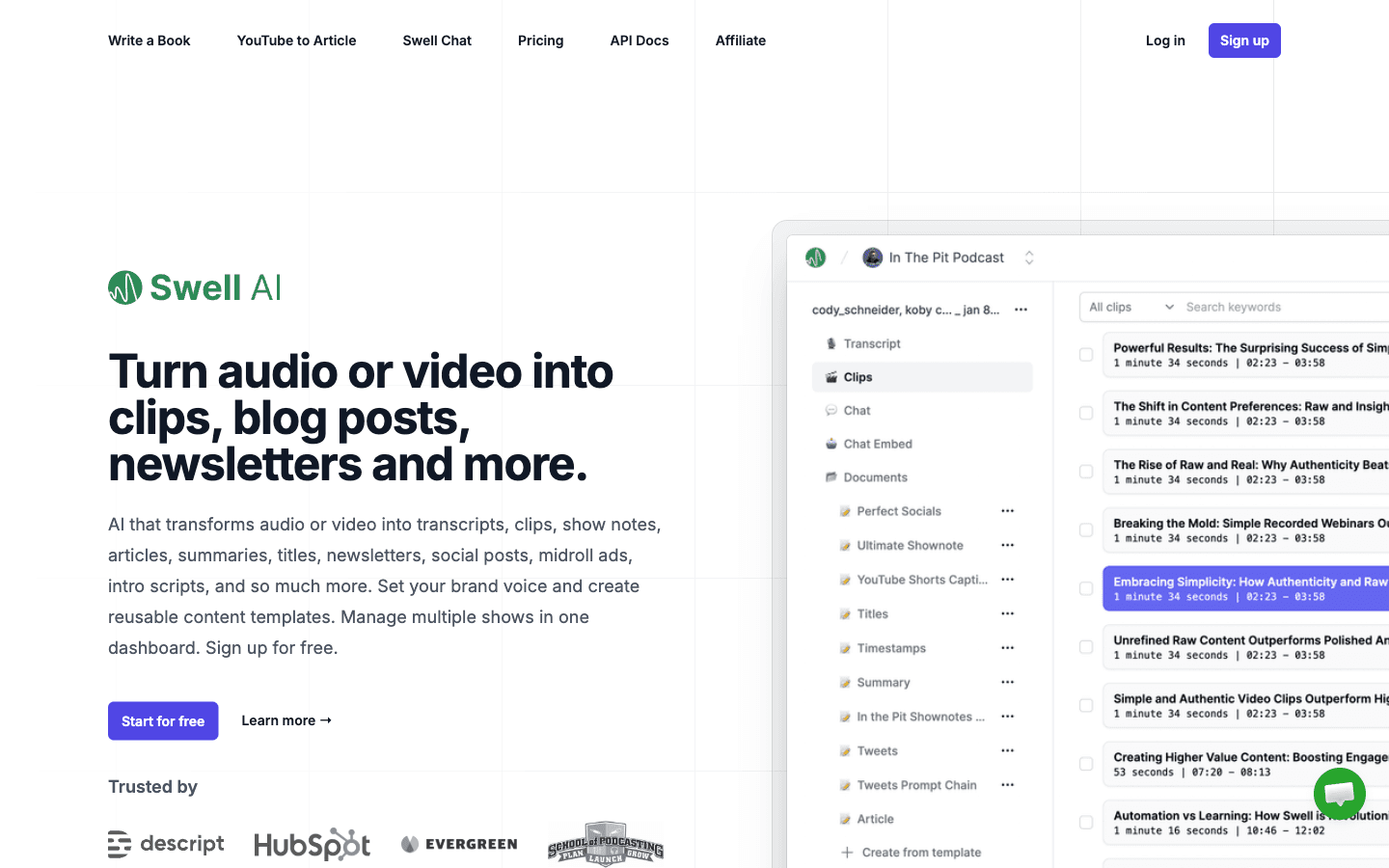
this is the step that turns one recording into a week of content. The budget path is genuinely free to start — Swell AI's Hobby tier takes 1 upload a month at $0; Clipto's web converter is free without an account and transcribed our test file word-for-word.
| Tool | Verified cost (Oct 2026) | What it does |
|---|---|---|
| Swell AI | $0 (1 upload/mo) → $29/mo Studio (300 min) | Transcript, show notes, article, newsletter, social posts from one upload |
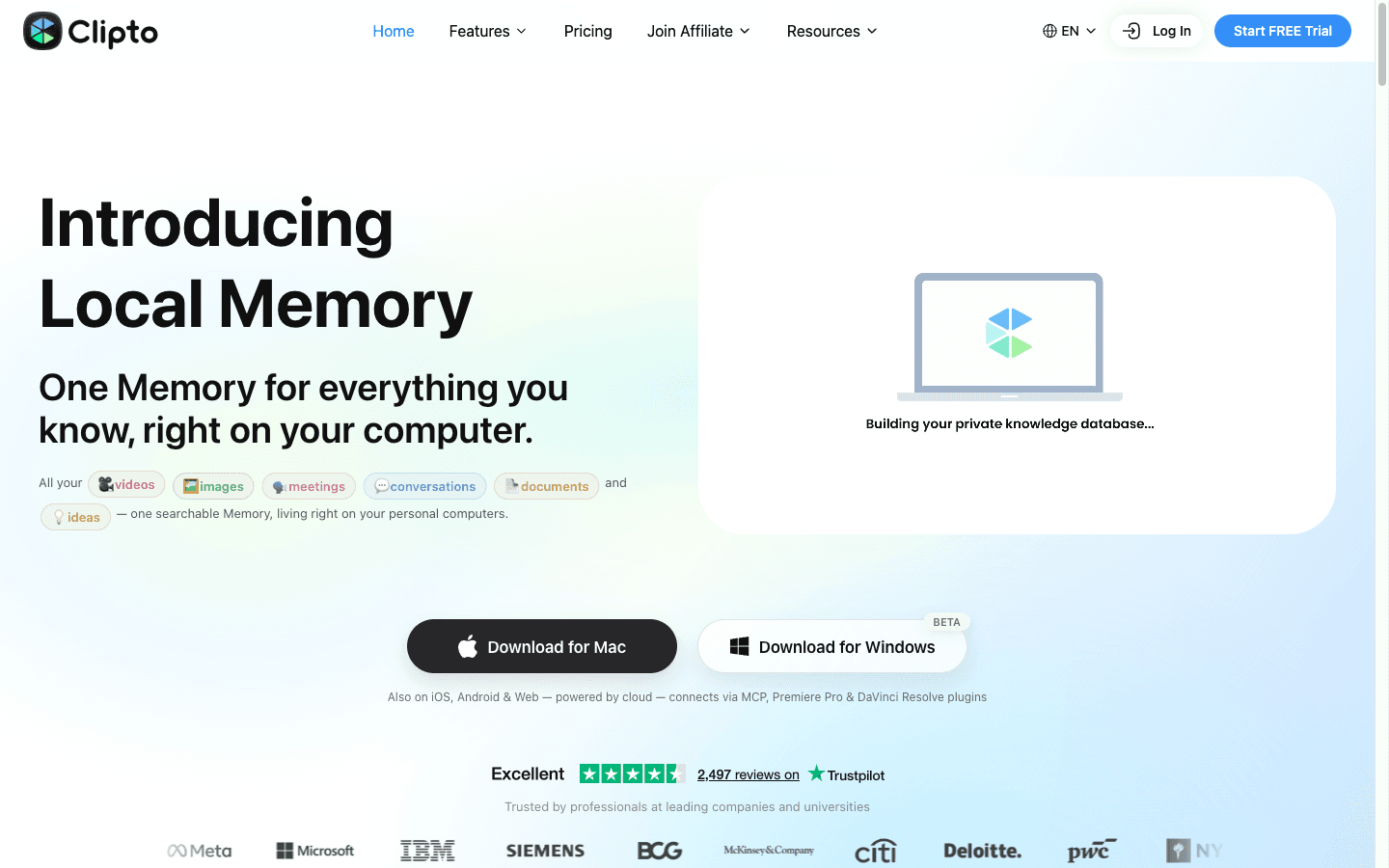
| Clipto | $9.99 first month → $24.99/mo (annual $12.49) | Transcription + searchable archive; hands-on tested, 43/43 words clean audio |
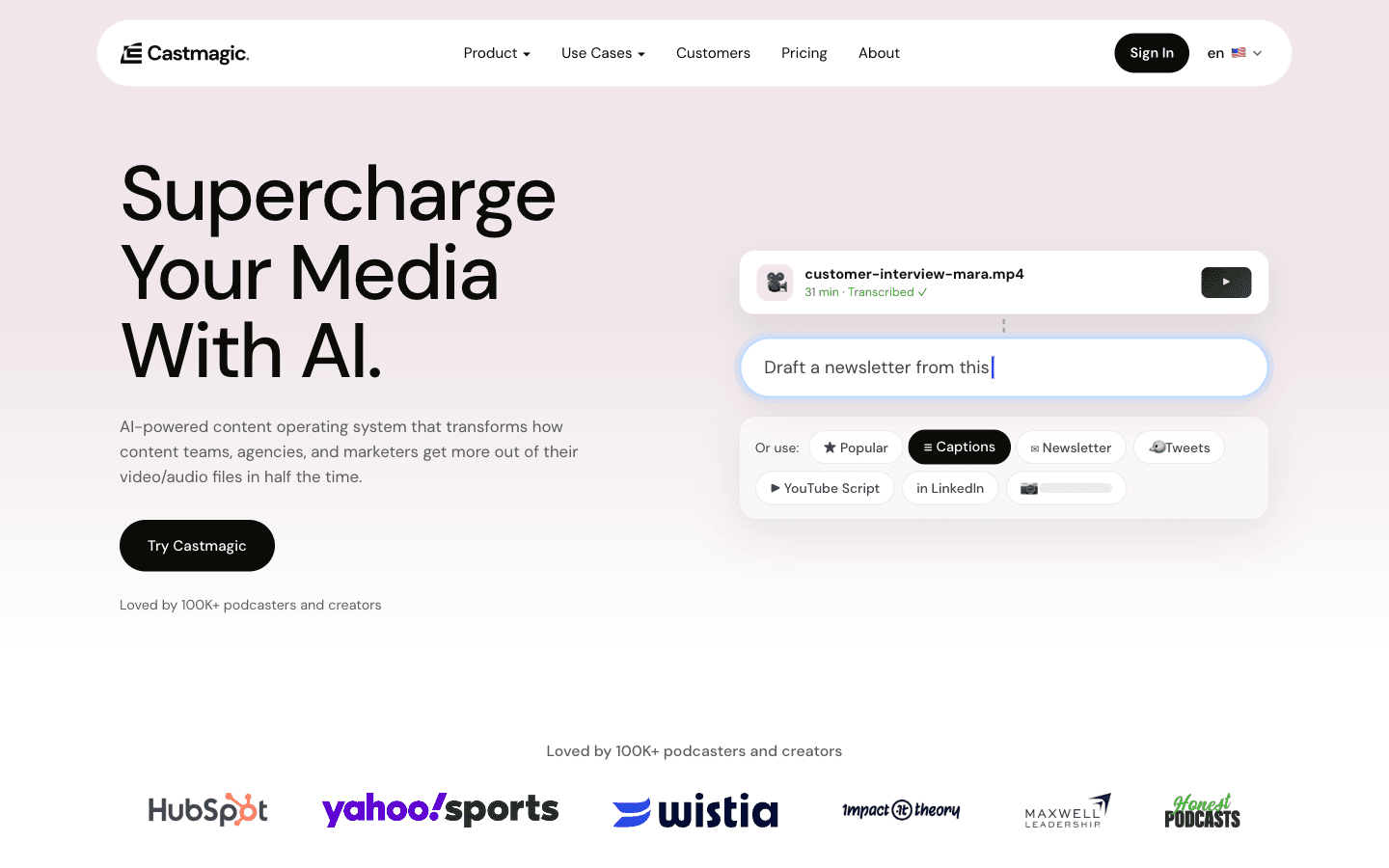
| Castmagic | $19/mo annual ($29 monthly), 30 library hrs | The weekly-volume pipeline: show notes to clips, chatbot, MCP |
Pick ONE repurposing engine — Swell and Castmagic overlap almost completely (we compared their meters in Castmagic vs Swell AI). The honest threshold: monthly shows run free tiers; weekly shows justify $19–29; the $48 Castmagic Starter tier is for multi-show operations. The full asset pipeline — 12 pieces from one episode — is in our repurposing guide.
The fine print that matters: Swell's Hobby tier includes no support, and its refund promise has no policy page behind it (details in the comparison). Clipto's trial needs a card and its Trustpilot record includes post-cancellation billing complaints — set a day-6 reminder. Castmagic's 30 hours are a library total, not a monthly allowance, and the overage rate is unpublished.
Step 5: Pick a podcast host (audio hosting, ~$0–19/month)
"best podcast hosting" searches (1,600/month US, Semrush October 2026) mostly mean audio hosting — where your MP3 lives and the RSS feed is generated. This is deliberately the one layer this guide doesn't pick a winner for, because no podcast audio host maintains a tool page in our directory and pricing there moves quarterly. What we can say honestly:
- A free tier from a major host (Spotify for Podcasters is the obvious $0 incumbent) is genuinely fine for starting — the RSS feed is the product, and RSS feeds are commoditized.
- Paid hosts ($10–19/month typical) buy analytics depth, multiple shows, and better support — worth it when sponsorship or network features matter, not before.
- Verify whatever you pick against the host's own pricing page the week you buy; this segment reprices often.
What we do maintain a verified page for is the website layer:
Step 6: The podcast website ($12–19/month, set up once)
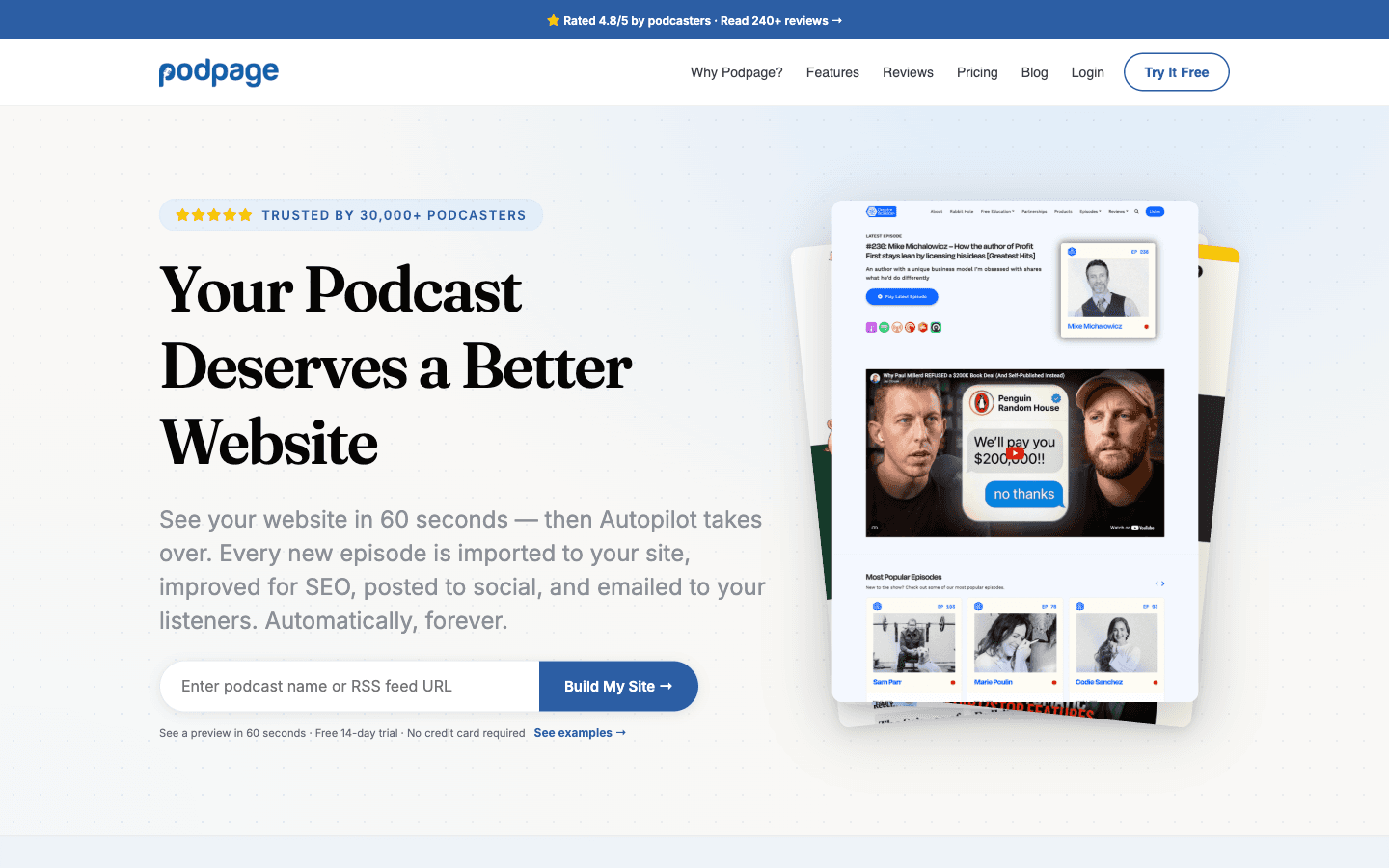
Podpage builds a complete podcast website from your RSS feed in about a minute, then imports every future episode automatically — player, show notes, SEO metadata, social posts, and listener emails on its own. Verified October 2026: Basic $12/mo billed annually ($19 month-to-month), Pro $19 ($29 monthly), Elite $39 ($59 monthly). 14-day trial, no credit card, 30-day money-back guarantee.
Traps we verified on the pricing page: the headline prices are annual-commitment rates (Basic monthly costs $19 — a 58% premium for doubting); one plan covers one show (two shows means two plans or the $50/mo network tier for 25); and the AI blog/newsletter writer is Elite-only — if AI-written companion content is why you want the site, budget $39, not $12. Transcripts on episode pages start at Pro.
Budget path: Basic annual at $12. Skip the website entirely? You lose the search presence — "best podcast hosting" demand aside, a show with no site has no home for the show-notes pages your repurposing engine just wrote.
Step 7: Music and the launch layer (optional, $0–10.50/month)
AI music tools make intro beds cheap, but the license tier decides whether you can legally use what you made — and the license starts higher than the download tier.
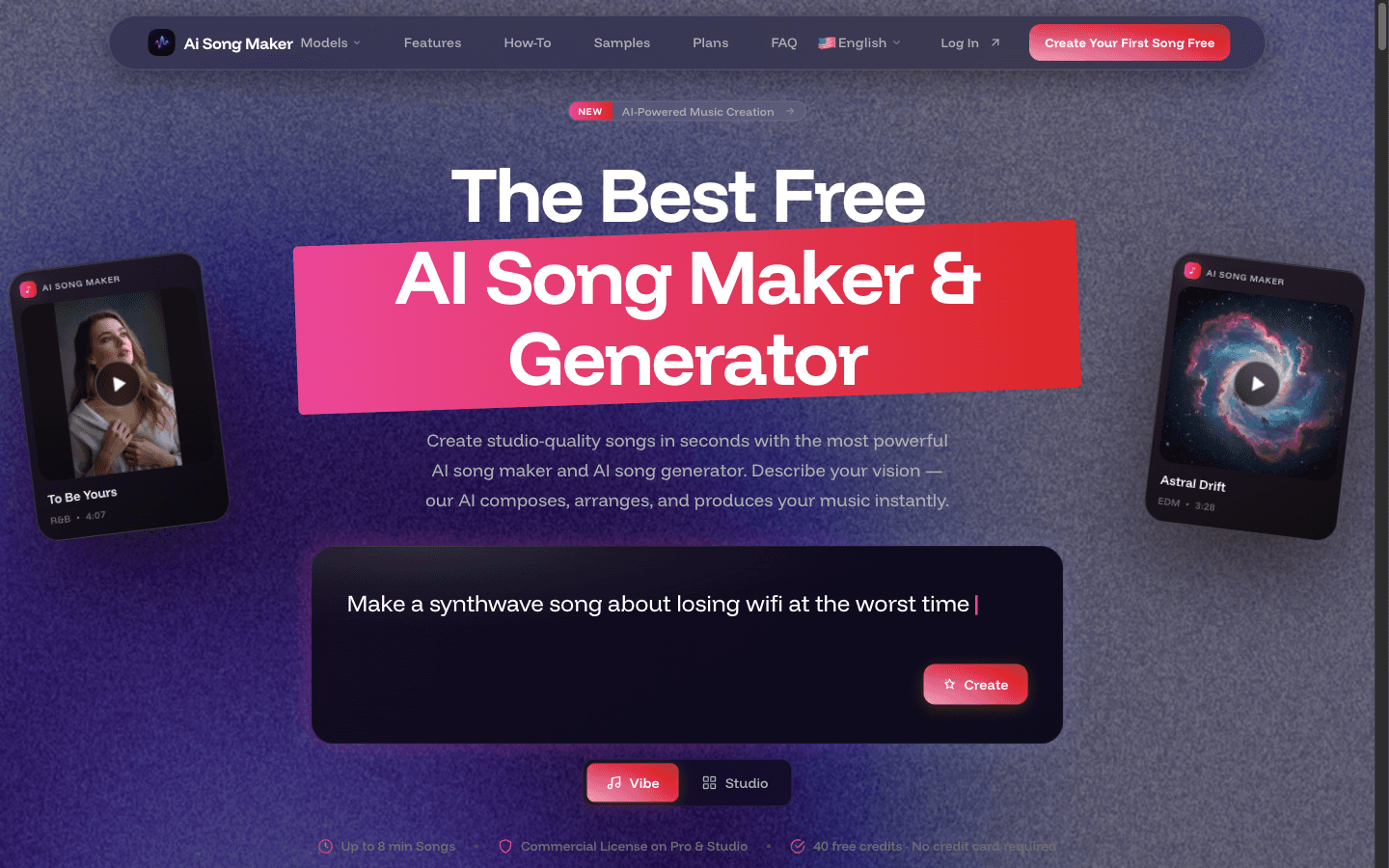
- AI Song Maker: free tier makes listen-only tracks that delete after 30 days; Starter ($7/mo annual) downloads files it doesn't license for monetized use; Pro at $10.50/mo carries the commercial-use license PDF. Buying Starter for a monetized podcast is the classic wrong-tier purchase.
- Tunee AI: free tier allows unlimited downloads with "Created by Tunee AI" attribution — the honest $0 option, with a rough Trustpilot record (2.5/5) on the paid side.
- Specterr: visualizer videos for episodes you clip to video; free tier is watermarked 720p, Pro is $16.50/mo annual.
Launch checklist, in order: RSS feed live and validated in the host → Podpage pointed at the feed → 3 episodes published before you announce anything (binge buffer) → first repurposing batch out within 48 hours of episode one.
The verified cost picture
| Layer | Month 1 | Weekly cadence, steady state |
|---|---|---|
| Hardware | $363 one-time (or $0 phone start) | — |
| Enhancement (Adobe Podcast) | $0 | $0 |
| Editing (Descript, external, optional) | $0–24 | ~$24 |
| Transcription/repurposing | $0–9.99 | $19–29 |
| Audio hosting | $0 | $0–19 |
| Website (Podpage Basic annual) | $12 | $12–19 |
| Music (license tier) | $0 (attribution route) | $0–10.50 |
| Total (own picks) | ~$23.42 | ~$47–85 |
Even the steady-state ceiling sits under $100/month — and one $500 sponsor spot at 4 episodes a month covers all of it several times. The costs that actually kill first-year podcasts aren't tool subscriptions; they're cadence collapse and format indecision from Step 0.
One line worth keeping: starting a podcast with AI costs $23 the first month — the expensive part was never the tools, it's the 45 minutes a week you still have to talk.
FAQ
How much does it cost to start a podcast with AI?
About $23 the first month on our verified budget build: Podpage Basic at $12, Clipto's $9.99 first month, Swell AI free, Adobe Podcast free, and a $0 host — plus the optional $363 in hardware (or start on a phone in a closet for $0). Steady-state weekly cadence runs $47–85/month including optional Descript editing. Every figure verified from vendor pages October 2026.
What is the best podcast hosting platform?
Audio hosting and website hosting are different layers, and most "best podcast hosting" answers blur them. For audio hosting (RSS + storage), free tiers from the major hosts are genuinely sufficient to start — this is the one layer we don't crown, because no audio host maintains a page in our directory and pricing moves quarterly; verify against the host's own page when you buy. For the website layer, Podpage builds and maintains the site from your feed at $12–19/month, verified.
Can AI edit a podcast for me?
It edits most of the way: filler-word removal, text-based cuts, and gap tightening are one-pass automated in tools like Descript. What stays human: pacing judgment, crosstalk (every transcription-based editor degrades when voices overlap), and the cuts that change meaning. The realistic split is AI doing ~80% of edit labor in a quarter of the time — 25 minutes against 3–4 hours for a 40-minute episode.
Do I need a website for my podcast?
You need a home for the written assets — show notes, the repurposed articles, the search presence. A RSS-only show has nowhere for any of it to live. Podpage automates the site from your feed at $12/month annual; WordPress does the same job with weekly manual chores. The chores are the part that stops by week six, which is why the automation exists.
How long until a podcast makes money?
Honestly: most never do, and the timelines you see quoted are survivorship. What we can verify is the cost side — the stack above runs $47–85/month at weekly cadence, so the bar is one small sponsor spot, not a media business. The controllable inputs are cadence (Step 0), a format with a defined listener, and the repurposing pipeline that turns each episode into a week of searchable content. Set a 12-month horizon before spending on anything beyond the $23 first month.
Related Guides
- AI Podcasting Workflow: From Recording to Distribution — the pillar: the full production system
- Podcast Repurposing: 1 Episode → 12 Content Pieces — the asset pipeline for step 4
- Podcast Show Notes Generator: 5 Tools Compared — the show-notes layer in detail
- Castmagic vs Swell AI — the two repurposing engines
- Clipto Review: Hands-On Test and Verified Pricing — the transcription layer tested
Pricing verified from vendor pages October 2026 (Clipto hands-on tested 2026-10-26). Time figures are estimates from documented practice. Audio hosting is intentionally not chosen for you — see step 5.
Disclosure: This article contains affiliate links. Clipto, Castmagic, Swell AI, Podpage, and the AI music tools have active affiliate partnerships with BestAIStack.io; Descript and Adobe Podcast are external recommendations with no linked affiliate pages. We also recommend tools with no affiliate program when they're the best fit. Pricing can change — verify at checkout.