

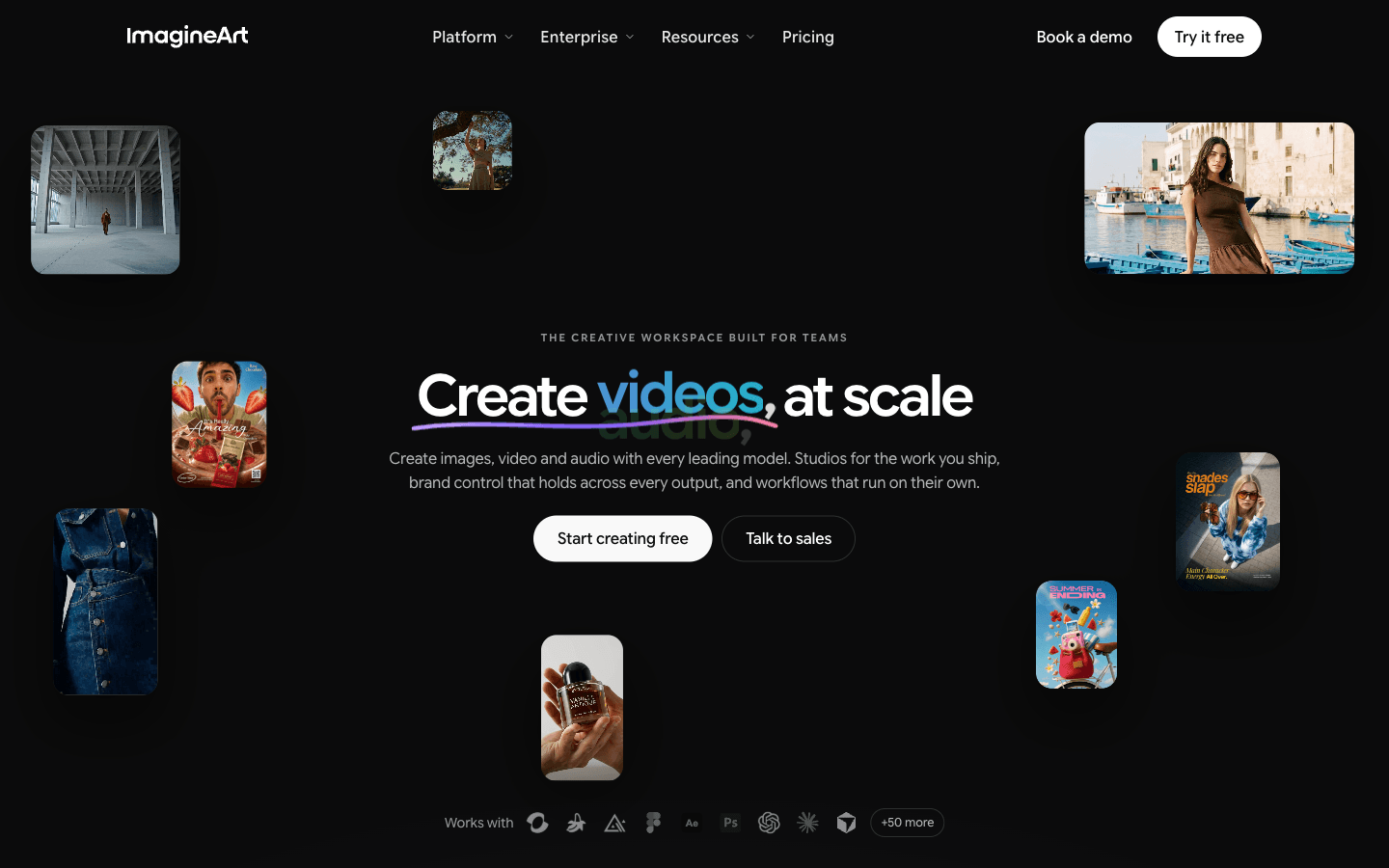
What is ImagineArt?
Reviewed ImagineArt's site, embedded pricing config, and affiliate program as of 2026-10-26 — research-only, no renders. A 50+ model creative workspace (image, video, audio) starting at $9/mo billed yearly: real model breadth and commercial rights in writing, but credits never roll over, video requires a paid plan, and refunds expire in 3–5 days.
Key Features
Multi-Model Workspace
Image, video and audio generation from OpenAI, Google, Kling, ByteDance, MiniMax, Black Forest Labs and ImagineArt's own models, all on one canvas.
Studios
Ad, Fashion and Film Studios turn briefs into on-brand campaign assets — lookbooks, performance ads, storyboards — with character and product consistency across frames.
Workflows, Brand Kits & MCP
Node-based pipelines run on schedule; brand guidelines lock colors, fonts and tone into every generation; plugins reach Photoshop, Figma and Shopify, and MCP connects external agents.
Video Toolkit
Text, image or video to video with lip-sync, captions, video extend, background changer, object replace, upscaling and viral remake — watermark-free downloads, up to 4K on higher tiers.
Pros & Cons
What works
- Every leading model in one workspace — Kling, Seedance, Veo, Nano Banana, FLUX, GPT Image and ImagineArt's own — switchable mid-project without moving files
- Commercial rights to your output stated in writing, with SOC 2 Type II, SSO/MFA and zero data retention on the enterprise tier
- Failed generations refund credits instantly, per the site's own FAQ
- Production scaffolding ships in the subscription: Ad, Fashion and Film Studios, brand kits, node-based Workflows, Photoshop/Figma/Shopify plugins
Watch out for
- Video generation of any kind requires a paid plan; the free tier is locked to base image models
- Refund window is 3–5 days and void after 300 credits — dissatisfaction explicitly doesn't qualify
- Pricing page loads on yearly billing with struck-through prices and a countdown sale; monthly rates weren't visible in our session, and Trustpilot reviews (3.8/5, 1,246) repeatedly cite billing surprises
- Support responsiveness is the most common complaint across Trustpilot and Techreviewer's aggregate — promises to help followed by silence
Who is it for?
Marketing teams and agencies shipping campaign volume
Studios, brand kits and bulk ad generation fit the workflow; Enterprise adds SSO and legal indemnification for AI output.
Ecommerce sellers producing product imagery at scale
Product-shot-to-campaign pipeline with bulk variations — but premium models burn credits well past the headline conversion rates.
Creators experimenting across multiple frontier models
One subscription replaces several single-model tools, provided usage stays inside the monthly quota.
Teams that need a predictable fixed video output
Video requires a paid plan, and output is capped by monthly quotas.
Reviewed ImagineArt's site, embedded pricing config, affiliate program, and four review platforms as of 2026-10-26 — a documentation-level pass, no hands-on renders.
ImagineArt, built by Vyro, has outgrown its "AI art generator" origin. The site now sells a team creative workspace: fifty-plus frontier models — Kling, Seedance, Veo, Nano Banana, FLUX, GPT Image, plus ImagineArt's own — behind one login, with Studios for ads, fashion and film, node-based Workflows, brand kits, and plugins for Photoshop, Figma, and Shopify. The enterprise posture is unusually explicit: SOC 2 Type II, SSO, zero data retention, and full commercial rights to your output, "backed by contract."
| Plan | Price (billed yearly) | Credits | Rough output |
|---|---|---|---|
| Free | $0 | 100/day | Base models only, no video |
| Basic | $9/mo (was $13) | 3,000/mo | ~600 images or 96 videos |
| Ultimate | $34/mo (was $55) | 16,000/mo | ~3.2K images or 516 videos |
| Creator | $83/mo (was $168) | 45,000/mo | ~9K images or 1.5K videos |
The Catch
Credits reset at the start of every billing cycle and never carry over — ImagineArt's own FAQ states this in one sentence. Take two weeks off mid-plan and your unused quota is simply gone; the site's answer is to upgrade or buy a credit pack, not to bank what you paid for. The free tier is a taste, not a trial: daily credits locked to base models, video generation reserved for paying accounts, commercial use gated behind an upgrade. The refund window is 3–5 days and void once you pass 300 credits — dissatisfaction explicitly doesn't qualify.
Then there's how the pricing page presents itself. It loads on the yearly toggle with struck-through reference prices and a countdown clock promising up to 36% off. Monthly rates weren't visible anywhere in our session. That presentation matters because Trustpilot (3.8/5 across 1,246 reviews) carries repeated billing complaints — charges higher than expected, support going quiet after promising help, and one reviewer's accusation that monthly prices were secretly yearly. Techreviewer's aggregate lands the same verdict: support is the sharpest weak point.
Who wastes money here: casual testers of premium models, since Veo 3.1 and Kling Pro consume credits several times faster than the base models the headline quotas assume — and anyone who subscribes on desktop autopilot without noticing which billing toggle is active.
ImagineArt doesn't sell a model. It sells the switcher, and it meters every flip in credits.
That's a fair deal if you actually hop between engines. Single-model rivals undercut it — Kling lists $5/mo and Pika $8/mo — but each locks you into one house style. If you make one kind of asset weekly and know which model you like, pay for that tool instead. If you run campaigns across formats and want brand kits, batch ads, and one invoice, start from the AI video category, our guide to creating UGC ads with AI, or the comparisons hub.


