
BestAIStack
AI Video

Opus Clip

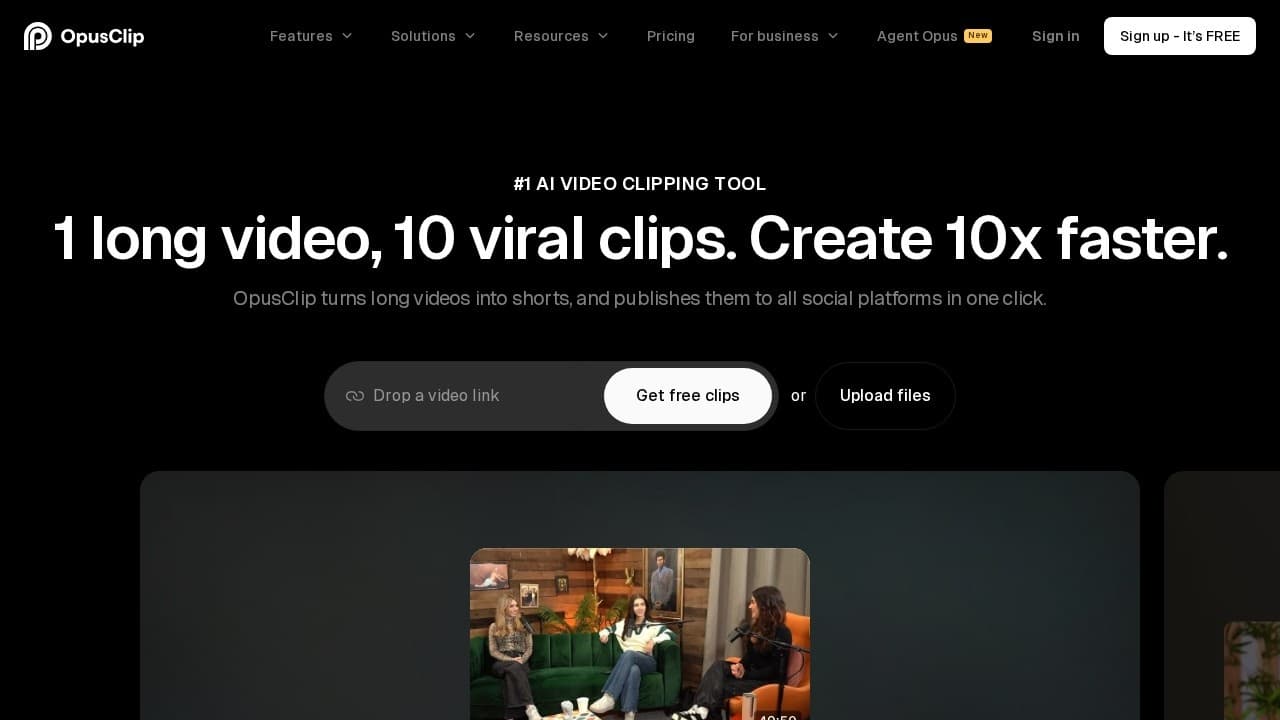
Turn long videos into short viral clips with AI.

Affiliate disclosure: Some links below may earn us a commission at no cost to you.

Quick Verdict

Best for:

Podcast hosts, YouTube creators

Strong for:

Extracts 10–15 viral-potential clips from one long video automatically; AI virality scoring ranks clips by engagement potential before you export

Less ideal for:

AI clip selection sometimes misses context or cuts mid-thought

Pricing starts at:

$19/mo

Best alternative: Arcads

Pricing

freemiumStarting from $19/mo

Verify current pricing on the vendor site.

What is Opus Clip?

Opus Clip is an AI video repurposing tool that analyzes long-form videos and automatically extracts the most engaging 30–90 second segments as vertical short-form clips for YouTube Shorts, TikTok, and Instagram Reels. Creators, podcasters, and marketing teams use it to get 10–15 short clips from a single long video without manual editing. The platform uses AI to score moments by virality potential — identifying high-energy delivery, strong punchlines, and audience hooks — and adds animated captions, speaker labels, and brand overlays automatically. Opus Clip supports YouTube URL import, direct file uploads, and integrations with streaming platforms. Over 10 million creators have used Opus Clip since launch, processing more than 100 million clips. The free tier includes 60 minutes of video processing per month; paid plans start at $19 per month for 150 minutes.

Key features of Opus Clip

  • AI clip detection

    Analyzes pacing, delivery, and content to identify the most engaging 30–90 second moments from long videos.

  • Virality score

    Ranks extracted clips by estimated viral potential so you publish the best content first.

  • Auto-captions

    Animated subtitle styles synced to speech — optimized for TikTok, Reels, and Shorts with no manual timing.

  • Brand overlays

    Add logos, colors, and lower-thirds automatically to maintain brand consistency across all clips.

Opus Clip pros and cons

Pros

  • Extracts 10–15 viral-potential clips from one long video automatically
  • AI virality scoring ranks clips by engagement potential before you export
  • Auto-captions with animated subtitle styles tuned for TikTok and Reels
  • 10M+ creators, 100M+ clips — mature platform with proven output quality

Cons

  • AI clip selection sometimes misses context or cuts mid-thought
  • Free tier caps at 60 minutes per month — fills quickly for weekly podcasters
  • No built-in social scheduling — export and post manually or connect to a scheduler

Who should skip Opus Clip

  • AI clip selection sometimes misses context or cuts mid-thought
  • Free tier caps at 60 minutes per month — fills quickly for weekly podcasters
  • No built-in social scheduling — export and post manually or connect to a scheduler
  • Short-form creators (native) — Opus Clip is a repurposing tool — for native TikTok creation, use Arcads or TopView instead.

Who is Opus Clip best for?

AudienceFitNotes
Podcast hostsgreat10–15 clips per episode without editing. 100M+ clips processed for podcasters.
YouTube creatorsgreatRepurpose long-form YouTube videos into Shorts automatically. YouTube URL import supported.
Marketing teamsgoodWebinar and event footage repurposed into social content. Free tier covers occasional use.
Short-form creators (native)limitedOpus Clip is a repurposing tool — for native TikTok creation, use Arcads or TopView instead.

More tools in this category

View all
A
ArcadsFeatured

Create AI UGC-style video ads for ecommerce and performance marketing.

From $110/moAI Advertising
C
CliptoFeatured

Turn video and audio into transcripts, summaries, and reusable content.

Free · from $15/moAI Transcription

Create AI avatar videos and translate videos into any language.

Free · from $24/moAI Video

Opus Clip FAQ

How many clips does Opus Clip generate per video?

Typically 10–15 clips per 60-minute video. You can set minimum and maximum clip length (15–180 seconds) and the AI selects the highest-scoring moments within that range.

Is Opus Clip free?

Yes, the free tier includes 60 minutes of video processing per month. Paid plans start at $19/month for 150 minutes with additional export formats and brand features.

How does Opus Clip compare to Clipto for repurposing?

Opus Clip extracts short video clips; Clipto transcribes and generates text content (blog posts, show notes, social captions). Most serious creators use both: Opus Clip for the video channel and Clipto for the text/newsletter channel.

Guides mentioning Opus Clip