The Content Creator's Writing Stack: 5 Tools for $100/Month
Last Updated: June 2026 Cluster: AI Writing + Creator Monetization Method: Built and tested this stack across 2 content channels (1 blog, 1 YouTube) over 4 months. Total stack cost: $99/month.
I needed a content production stack that cost under $100/month, handled research through publishing, and produced professional-quality output. I tested 12 combinations. This is the one that worked — 5 tools, $99/month, one complete pipeline from idea to published content.
Quick Verdict
- Stack cost: $99/month
- Time saved: 15+ hours per week vs manual production
- Best for: Solo creators publishing blog + video + social content weekly
- What you get: Research, writing, SEO, design, distribution, and voiceover — all under $100
The $99 Stack
| # | Tool | Cost | Role | Why This One |
|---|---|---|---|---|
| 1 | ChatGPT Plus | $20/mo | Research + scripting | GPT-5.4 for hooks, outlines, and research synthesis |
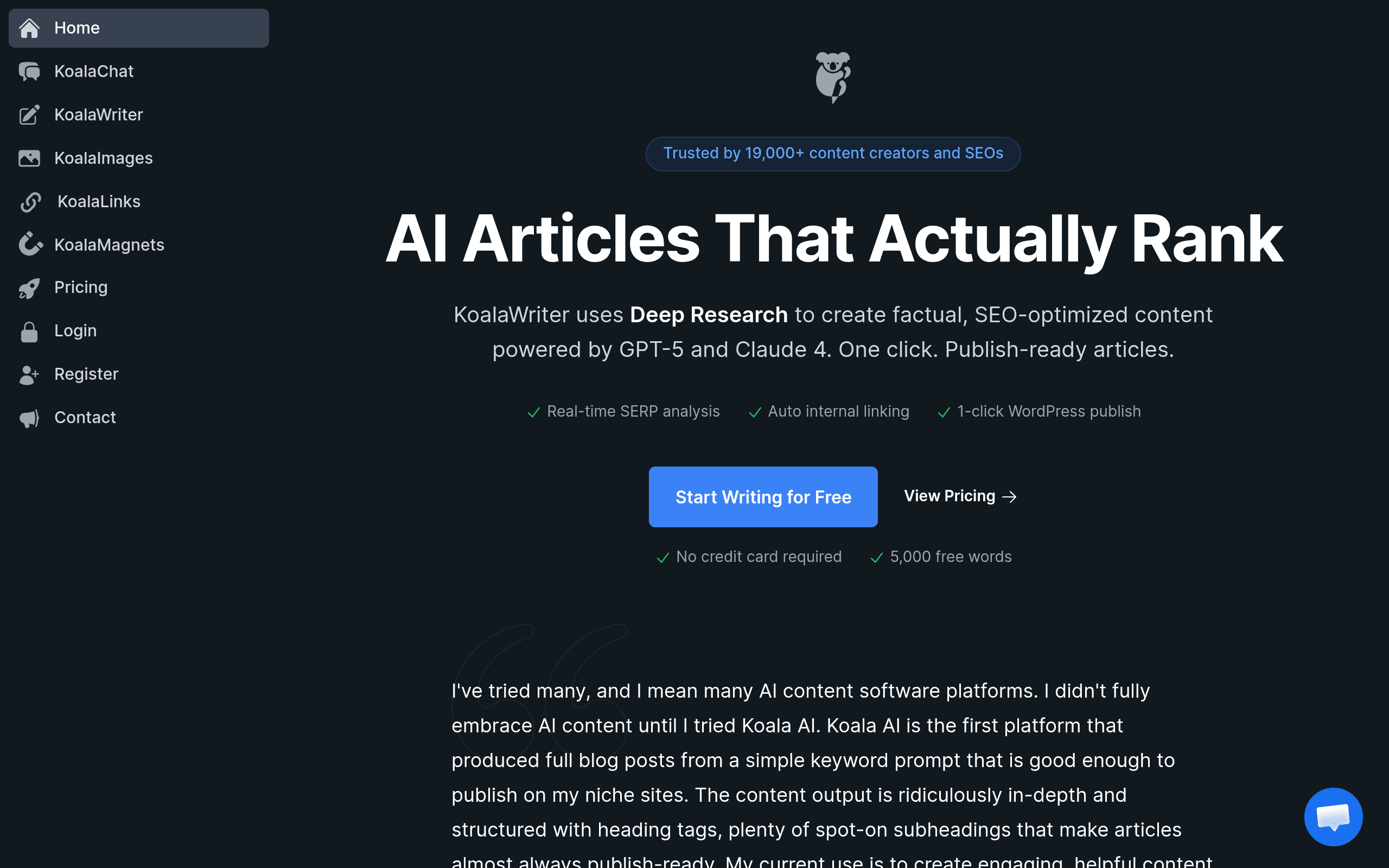
| 2 | KoalaWriter Professional | $49/mo | SEO writing + WordPress | SERP-first drafts, real-time SEO scoring, one-click publish |
| 3 | Canva Pro | $13/mo | Thumbnails + social graphics | Brand kit, premium templates, resize for any platform |
| 4 | TubeBuddy Pro | $12/mo | Keyword research + YouTube SEO | Search volume data, tag suggestions, A/B testing |
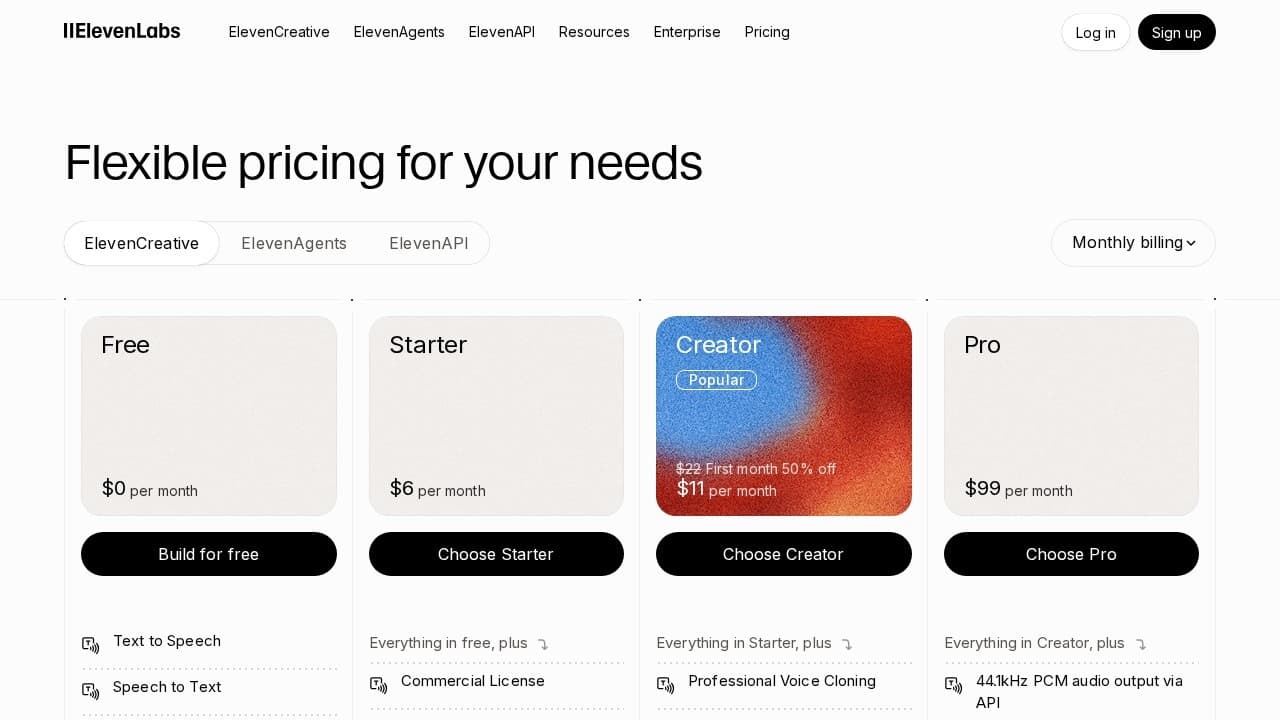
| 5 | ElevenLabs Creator | $5/mo | Voiceover | 30K chars, voice cloning, natural-sounding narration |
| Total | $99/mo |
What this stack covers: Keyword research → blog writing → SEO optimization → thumbnail design → YouTube metadata → voiceover narration. The full pipeline from idea to published content across blog and YouTube.
What it doesn't cover: Video editing (use CapCut, free) and social scheduling (use Buffer free tier or manual posting). Those are the gaps. At $99/mo, something has to give — and video editing + scheduling are the easiest to handle manually or with free tools.
How Each Tool Fits
1. ChatGPT Plus ($20/mo) — Research and Scripting
ChatGPT Plus is the research engine. I use it for:
- Keyword idea generation: "Give me 20 blog post ideas about remote work productivity"
- Outline creation: "Create a detailed outline for 'best productivity apps for remote teams'"
- Hook writing: "Write 5 Twitter hooks about time blocking"
- Script drafting: "Write a 5-minute YouTube script about the Pomodoro technique"
- Research synthesis: "Summarize the key findings from these 5 articles about deep work"
GPT-5.4 is the differentiator here — the model understands nuance, follows complex instructions, and produces structured output. The free tier uses an older model that's noticeably weaker at research tasks.
The catch: ChatGPT doesn't browse the web in real time (as of June 2026). Research is based on training data with a knowledge cutoff. For trending topics, I supplement with manual Google searches. For evergreen content, the training data is sufficient.
2. KoalaWriter Professional ($49/mo) — SEO Writing and Publishing
KoalaWriter is the production engine. I enter a keyword, get SERP analysis, get an auto-generated outline, get a draft, optimize in the editor, and push directly to WordPress. One tool, one workflow, one click to publish.
The 100K word limit on Professional covers 20–25 blog posts monthly at 2,000 words each. If you publish more, upgrade to Boost ($99/mo) — but at that point you're spending $149 total and should evaluate whether the volume justifies the cost.
The catch: KoalaWriter's drafts need 10–15 minutes of editing per post. The SEO optimization is solid but the writing style is functional, not distinctive. You add the voice, the stories, the opinions that make the content worth reading. Don't skip the editing step to chase speed.
3. Canva Pro ($13/mo) — Design
Canva Pro handles every visual in the stack:
- YouTube thumbnails: 1280×720, branded template, 30 seconds to customize
- Blog featured images: 1200×630, consistent style
- Social graphics: Instagram squares, Twitter headers, LinkedIn posts — all from the same design with automatic resizing
- Newsletter headers: branded, consistent, professional
The brand kit feature saves the most time — saved colors, fonts, and logos mean every design starts 80% complete. I create a thumbnail template once, then duplicate and customize for each video. Total time per thumbnail: 2–3 minutes.
The catch: Canva Pro at $13/mo is the best value in this stack. The free tier ($0) handles basic designs. Pro adds brand kit, premium stock photos, background removal, and resize magic. If you're doing any volume of design work, the $13 pays for itself in the first week.
4. TubeBuddy Pro ($12/mo) — YouTube SEO
TubeBuddy is the YouTube intelligence layer. I use it for:
- Keyword research: search volume, competition score, related queries
- Tag suggestions: auto-generated tags based on the title and description
- A/B testing: test two thumbnail/title combinations, TubeBuddy tells you which gets more clicks
- Best time to publish: based on when your audience is most active
- Competitor analysis: what keywords competitors rank for, what their top videos are
At $12/mo, it's the cheapest SEO tool in the stack and the most specific. VidIQ ($49/mo for comparable features) offers more data but at 4× the price. For channels under 100K subscribers, TubeBuddy Pro is the right value.
The catch: TubeBuddy is YouTube-focused. For blog keyword research, it's less accurate than Ahrefs or Semrush. I use it for YouTube-first topics and cross-reference with KoalaWriter's SERP analysis for blog-only content. It's good enough for 80% of my keyword research, but not perfect.
5. ElevenLabs Creator ($5/mo) — Voiceover
ElevenLabs generates synthetic voiceover for YouTube videos, podcast intros, and audio versions of blog posts. The Creator tier gives 30,000 characters (~30 minutes of audio) with voice cloning.
I cloned my voice from 5 minutes of clean recordings. Now I type a script, generate the narration, and download the MP3. The quality is good enough that commenters have asked if I hired a voice actor. For faceless YouTube channels, this is transformative — you get consistent, professional narration without recording equipment or a quiet room.
The catch: 30K characters covers one 20–25 minute video per week. If you publish more frequently or do longer videos, you'll need the Independent tier at $11/mo (100K characters). For the $99 budget, Creator is the right fit. If voiceover volume grows, it's the first upgrade I'd make — bump ElevenLabs to $11 and the stack becomes $105.
The Repurposing Pipeline
The stack produces one blog post. But the real value is repurposing — turning that post into 10+ pieces of content across platforms.
The repurposing workflow:
- Blog post (KoalaWriter) → publish to WordPress
- YouTube script (ChatGPT) → "Convert this blog post into a 5-minute YouTube script" → voiceover with ElevenLabs → assemble in CapCut
- Twitter thread (ChatGPT) → "Extract 5 key points from this post and write a Twitter thread" → post manually
- LinkedIn post (ChatGPT) → "Write a LinkedIn post summarizing the key insight from this article" → post manually
- Newsletter (ChatGPT) → "Write a newsletter intro + summary linking to this post" → send via ConvertKit/Mailchimp
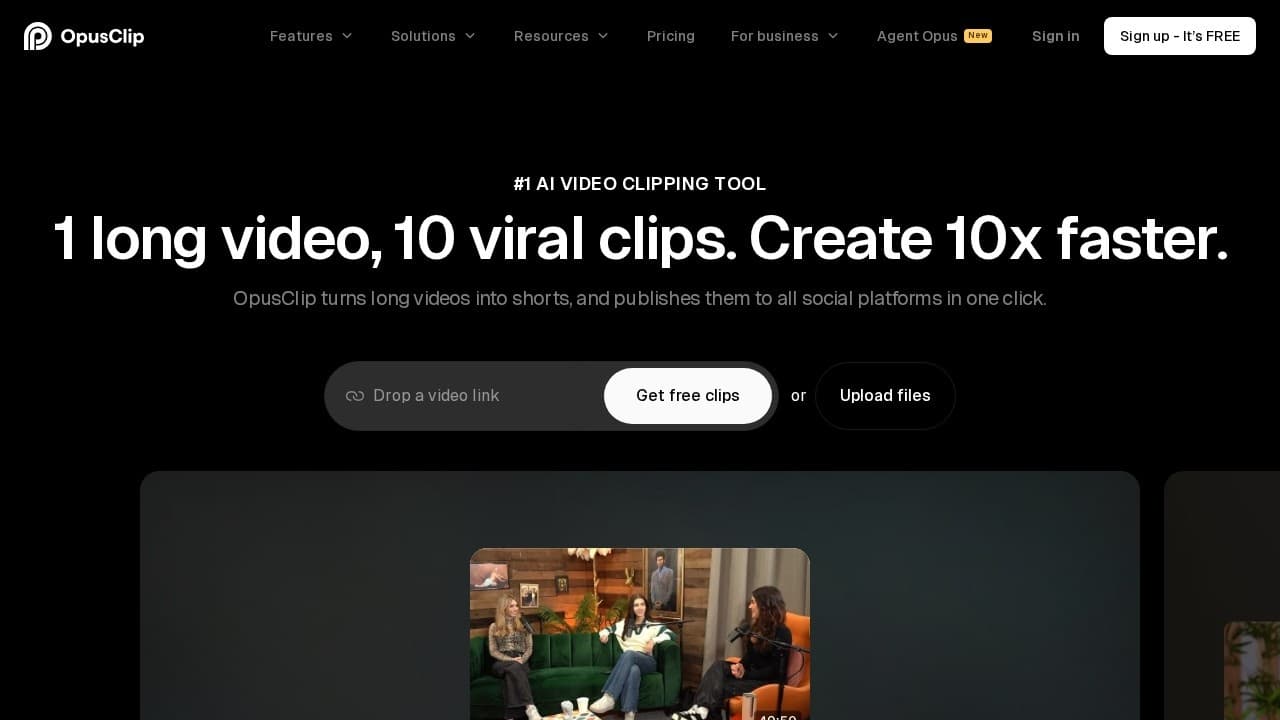
- TikTok/Shorts clips (manual or Opus Clip $9/mo extra) → extract 3 key moments from YouTube video
One blog post becomes: 1 YouTube video + 1 Twitter thread + 1 LinkedIn post + 1 newsletter + 3–5 Shorts = 8–10 content pieces.
Time per repurposing cycle: 45 minutes. The blog post takes 70 minutes to produce. The repurposing takes 45 minutes. Total: under 2 hours for 8–10 content pieces.
Without the stack: 2 hours for the blog post + 3 hours for the video + 1 hour for social = 6 hours. The $99 stack saves 4+ hours per cycle.
The Free Alternative ($0/month)
| Tool | Role | Limitation |
|---|---|---|
| ChatGPT Free | Research + scripting | Slower, older model |
| KoalaWriter Free (5K words) | SEO writing | 1–2 posts max per month |
| Canva Free | Design | No brand kit, limited templates |
| YouTube Studio | Keyword research | Basic data only |
| CapCut (free) | Voiceover | Manual recording only |
Reality check: The free stack works for 1–2 pieces of content per week. ChatGPT Free handles basic research. KoalaWriter Free covers one blog post. Canva Free handles simple thumbnails. You'll spend more time and produce less — but it's functional for validation. I ran my first month on this exact stack. It proved the concept before I invested the $99.
Where to Upgrade When Budget Allows
When revenue covers it, upgrade in this order:
$120/month (+$21): Add Opus Clip ($9) for auto Shorts generation + upgrade ElevenLabs to Independent ($11, 100K chars). Shorts are the highest-ROI addition — one YouTube video becomes 5+ Shorts for TikTok and Instagram with minimal extra work.
$150/month (+$30): Add Jasper Creator ($49) for brand voice consistency across blog + social. Worth it only if you're producing 10+ pieces weekly and need tone enforcement.
$200/month (+$50): Add Ahrefs Starter ($99) for advanced keyword research and competitor analysis. Worth it when organic search is your primary traffic source and you're optimizing 20+ posts monthly.
Final Verdict
The $99 stack (ChatGPT Plus + KoalaWriter Professional + Canva Pro + TubeBuddy Pro + ElevenLabs Creator) is a complete content production pipeline for solo creators. It handles research, writing, SEO, design, distribution, and voiceover — everything from idea to published content across blog and YouTube.
The repurposing workflow turns one blog post into 8–10 content pieces in 45 extra minutes. At 4 content cycles per month, the stack saves 15+ hours of manual work. At $50/hr freelance rate, that's $750 of time saved for $99 invested.
Start with the free stack. Validate your niche, prove the concept, generate your first revenue. Upgrade to the $99 stack only when the free tier's limitations are blocking your growth — not before. The tools don't create the audience. The content does.
Last updated: June 2026
Frequently Asked Questions
Can I really produce professional content for $99/month?
Yes — if you define "professional" as SEO-optimized blog posts with branded thumbnails, YouTube videos with synthetic voiceover, and consistent social graphics. You won't match the production quality of a $5,000/month studio setup, but you'll exceed the quality of 80% of independent creators.
What's the first tool to add if I have extra budget?
Opus Clip at $9/mo for auto-generating Shorts from YouTube videos. It's the highest-ROI addition — turns one video into 5+ Shorts for TikTok and Instagram. The second upgrade: ElevenLabs Independent ($11/mo for 100K chars) if you publish multiple videos weekly.
Do I need all 5 tools from day one?
No. Start with ChatGPT Plus ($20) + KoalaWriter Essentials ($9) = $29/mo. Add Canva Pro ($13) when you need branded thumbnails. Add TubeBuddy ($12) when you start YouTube. Add ElevenLabs ($5) when you need voiceover. Layer in as your content volume grows.
What's the biggest time sink in this stack?
Editing the AI draft — not generating it. ChatGPT produces a competent draft in 2 minutes. Turning that draft into something worth reading takes 20–30 minutes of adding personal stories, expert quotes, and original insight. Don't skip this step to chase speed.
Can I use this stack for client work?
Yes — but upgrade to KoalaWriter Boost ($99/mo) for the 250K word limit if you're producing 20+ client posts monthly. Canva Pro's brand kit supports up to 100 brand sets, so you can manage multiple client brands. ElevenLabs supports multiple voice clones for different client voices.
Disclosure: Some links on BestAIStack.io are affiliate links. We may earn a commission when you purchase through these links — at no extra cost to you. KoalaWriter, Canva, TubeBuddy, and ElevenLabs have active affiliate partnerships with BestAIStack.io.
This article is part of our Complete Guide to AI Writing Tools.