

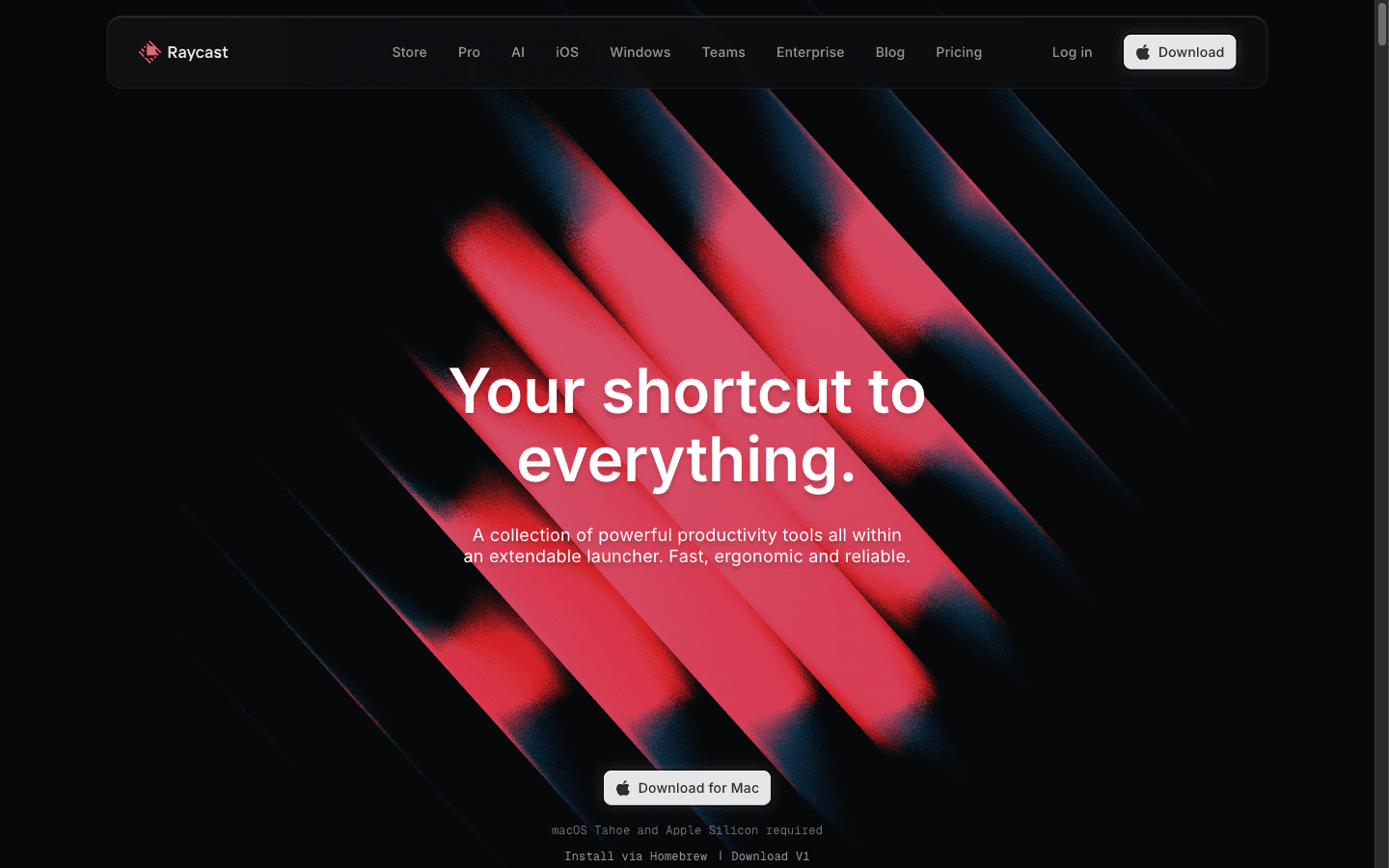
What is Raycast?
Reviewed Raycast's site, docs, and pricing as of 2026-10-27; research-only, no hands-on. Raycast is a keyboard-first macOS launcher — app search, clipboard history, snippets, window management, quicklinks — extended by thousands of community extensions, with an AI layer (chat, agents, Quick AI, screen awareness) reserved for paid plans from $8/mo billed annually. AI usage is metered in monthly credits (500 on Pro) that expire 60 days after they're granted, though bring-your-own-key users can run AI without spending any. Reviews are sparse but positive where they exist: 4.7/5 on G2 (16 reviews), 3.8/5 on Trustpilot (9).
Key Features
Launcher core
Keyboard palette for apps, files, and commands plus clipboard history, snippets, quicklinks, window management, calculator, and calendar — all free.
Raycast AI
AI chat, one-hotkey Quick AI, agents with instructions and memory, scheduled automations, screen awareness, and AI commands across OpenAI, Anthropic, Perplexity, and other providers.
Extension ecosystem
Thousands of store extensions (Linear, Notion, 1Password, Spotify, JIRA) plus a React-based API with hot reloading for building your own.
BYOK and privacy posture
Plug in existing AI subscriptions or API keys without burning credits; data stays local first; Ollama integration for fully local models.
Pros & Cons
What works
- The free tier is a complete launcher, not a demo: clipboard history, snippets, quicklinks, window management, calculator, calendar, emoji picker, thousands of extensions, and even custom-extension developer tooling at $0 — free for organizational use too (vendor pricing page, 2026-10-27).
- Bring Your Own Key sidesteps the credit meter entirely: connect an existing Claude or ChatGPT subscription, or your own API keys from OpenAI, Anthropic, and Google, and AI runs in Raycast without consuming credits (vendor AI page, 2026-10-27).
- One interface for every major model: Raycast AI fronts OpenAI, Anthropic, Perplexity and more, supports local models via Ollama, and its provider agreements prohibit training on your AI interactions (vendor AI page, 2026-10-27).
- Users rate it as a genuine Spotlight replacement: 4.7/5 on G2 across 16 reviews (14 five-star, zero below four), with speed and flexibility the recurring praise; community scale backs it — 37k Slack members, 90k X followers (raw-g2.txt; raw-home.txt).
Watch out for
- macOS-first, and increasingly demanding: the current version requires macOS Tahoe and Apple Silicon outright, and G2 reviewers note the full feature set lives on macOS — Windows and iOS builds are young (raw-home.txt; raw-g2.txt).
- AI credits are a metered subscription: Pro includes 500/month, unused credits expire 60 days after granting, top-ups expire after 12 months and require an active subscription, and top-tier models are locked to Pro+ ($192/yr) and Max ($480/yr) (vendor pricing FAQ, 2026-10-27).
- There is no Pro plan without AI — the vendor FAQ states this directly — and custom themes are Pro-only; one Trustpilot reviewer calls being forced to subscribe for UI customization 'a cutthroat move' (raw-pricing.txt; raw-tp.txt).
- Free-tier ceilings: clipboard history is capped at 3 months (vs unlimited on Pro), Raycast Notes at 5, and AI is absent entirely (raw-pricing.txt).
Who is it for?
Mac power users and developers
The launcher core is free forever, extensions are React-based for devs, and G2's 16-review base is almost entirely developer praise for speed and integrations.
Users who already pay for Claude or ChatGPT
BYOK means their existing subscription powers Raycast AI without consuming credits — Pro at $8/mo billed annually covers the rest (themes, sync, unlimited history).
Teams standardizing shared workflows
Teams Pro adds unlimited shared commands, snippets, and quicklinks at $12/user/mo billed annually, but the free team plan caps at 5 shared commands and 30 snippets/quicklinks.
Windows-first or heavy frontier-model users
The latest version requires macOS Tahoe and Apple Silicon; Windows is new. And unbounded frontier-model usage means Pro+ ($192/yr) or Max ($480/yr) — or supplying your own key.
Reviewed Raycast's site/docs/pricing as of 2026-10-27; research-only, no hands-on. Everything here comes from the vendor's own pages and two review platforms — we haven't lived in the launcher for a month.
Raycast is a keyboard launcher for macOS: one palette for opening apps, searching files, managing windows, expanding snippets, and digging through clipboard history, extended by thousands of community extensions. The AI era made it broader — chat one hotkey away, agents that read Linear and file your tasks, scheduled automations, screen awareness — all metered through credits on paid plans.
The Catch
Raycast is macOS-first, and the credit meter is the second catch. The current version requires macOS Tahoe and Apple Silicon outright; Windows and iOS builds exist but are young, and G2 reviewers flag that the full feature set lives on macOS. Then the metering: Pro's 500 monthly credits sound roomy until you read the fine print — unused credits expire 60 days after they're granted, top-ups expire after 12 months and require an active subscription, and top-tier models are reserved for Pro+ ($192/yr) and Max ($480/yr). There is no Pro plan without AI, custom themes are Pro-only, and if you cancel, leftover credits sit unusable until you resubscribe.
What it actually costs
| Plan | Annual (default) | Monthly | AI credits/mo |
|---|---|---|---|
| Free | $0 | $0 | — |
| Pro | $96/yr ($8/mo) | $10/mo | 500 |
| Pro+ | $192/yr | $20/mo | 3,000 |
| Max | $480/yr | $50/mo | 7,500 |
| Teams Pro | $144/user/yr ($12/user/mo) | $15/user/mo | 500/user |
BYOK is the pressure valve: connect an existing Claude or ChatGPT subscription, or your own API keys, and AI usage doesn't consume credits at all. If you already pay for frontier models elsewhere, $8/mo Pro may be all you ever need.
Where it fits
The free tier is a genuinely complete launcher — clipboard history (3 months), snippets, window management, thousands of extensions — and it's free for organizational use too. Pair it by job: Voila handles AI in the browser while Raycast handles the OS, and Superpower ChatGPT organizes ChatGPT history on the web side. For teams, shared commands beyond the 5-command free cap need Teams Pro.
Raycast is keyboard-first, macOS-first. The AI is a subscription wrapped around it — bring your own key and the subscription part gets cheap.
Raycast FAQ
Is Raycast actually free?
How do Raycast AI credits work?
How much does Raycast Pro cost?
Alternatives to Raycast


Voice agents for builders — build, deploy, and improve voice AI agents as fast as you ship
