AI Podcast Editing vs Traditional DAWs: Where Each One Wins (2026)
Last updated: October 27, 2026 | Method: research-based. The AI-editing behavior is documented from vendor documentation and the public practitioner record; the DAW side reflects long-standard industry practice (Adobe Audition, Reaper, Audacity). Time comparisons are estimates assembled from documented workflows, not our own measured season — flagged where the record is thin. Pricing verified October 2026.
The question behind "AI podcast editing vs traditional DAWs" is never really about software. It's whether the skill you need in 2026 is an editor's ear or an editor's delete key. After working through the documented record on both sides — and the costs — our answer is that the choice is by episode segment, not by person: AI text editing wins the talking, DAWs win the craft, and the people shipping fastest use both in a fixed order.
Quick verdict: for talking-head and interview podcasts where the raw material is mostly voice, AI text-based editing (Descript, external, from ~$24/month) cuts a 40-minute episode from roughly 3.5 hours of DAW work to about 25 minutes — and that's not hype, it's the structural difference between editing audio and editing text. For produced shows with music beds, sound design, layered ambiance, or crosstalk-heavy panel conversations, a DAW (Adobe Audition $22.99/month, Reaper $60 one-time, Audacity free) still does what no transcript editor can. Most working podcasts in 2026 are both, on different minutes of the same episode.
The structural difference (why the time gap is real)
a DAW edits sound; a transcript editor edits meaning. That's the whole 8x gap.
In a DAW, every edit is an operation on waveforms — find the moment visually, cut, crossfade, check, repeat. In a transcript editor, the episode is text: delete the sentence, the audio cut follows automatically. Filler-word removal that takes an hour of hunting in a waveform runs in one click against a transcript. Tightening a 2-second gap between speakers is a setting, not a scroll-and-squint session.
The documented practice for a solo producer lands consistently at these magnitudes:
| Task (40-min episode) | Traditional DAW | AI text editing |
|---|---|---|
| Filler-word removal | 45–60 min | ~2 min (one pass + review) |
| Cutting content segments | 60–90 min | ~15 min (delete text) |
| Tightening speaker gaps | 20–30 min | ~3 min (automated) |
| Levels and enhancement | 15–30 min | ~5 min (AI enhance, e.g. Adobe Podcast) |
| Final listen (both routes) | 20–30 min | 20–30 min |
| Typical total | ~3.5 hrs | ~25–45 min |
Both columns exclude recording. Both include the final listen, which no tool has removed and which we'd argue is the most important 20 minutes in the table.
Where AI editing breaks (the parts the demos skip)
crosstalk, music, and sound design. If your show is heavy on any of these, the transcript is the wrong control surface for those minutes.
- Crosstalk. When two people talk over each other, transcription degrades and the text stops matching the audio cleanly. Fast interrupt-driven interviews — the most engaging format, not coincidentally — need manual waveform passes regardless of tool. This is the single biggest limitation and no vendor leads with it.
- Music beds and produced segments. A voice-over-music intro, a produced transition, a licensed clip: these aren't sentences. Editing them "as text" is nonsense; they live on the DAW timeline.
- Sound design and restoration. Hum removal, spectral repair, detailed EQ, noise gating — the DAW's toolset. AI enhancement (Adobe Podcast, free) handles room tone impressively but is a blunter instrument; it can make voices sound processed on difficult sources.
- The taste problem. Both routes remove filler. Whether a pause should exist is a judgment about comedy, tension, and emphasis. The AI gives you the 80%; the last 20% is why podcast producers still have jobs.
The DAW's side of the ledger
Fair to the other team: Audacity is free and has edited thousands of shipped podcasts. Reaper is $60 one-time with a 60-day full trial — the best value in audio software, period. Adobe Audition ($22.99/month as of vendor pricing; verify current) is the broadcast standard with the deepest restoration toolkit.
What the DAW gives you that text editing can't: precise multi-track control, real sound design, MIDI/music handling, mastering chains, and repair tools for bad recordings. What it costs you is the time table above — paid in every episode, forever, at hourly rates that dwarf any subscription. A podcast editor at $50/hour spending 3.5 hours per episode is a $700/month line item that text editing cuts to roughly $100–150.
The true cost, honestly
| Route | Tools (verified Oct 2026) | Human time per episode | Effective monthly cost at 4 eps |
|---|---|---|---|
| DAW only | Audacity $0 / Reaper $60 once / Audition $22.99/mo | ~3.5 hrs | $0–23 + 14 hrs ($700 at $50/hr) |
| AI text edit only | Descript ~$24/mo (external) | ~25–45 min | ~$24 + 2–3 hrs ($100–150) |
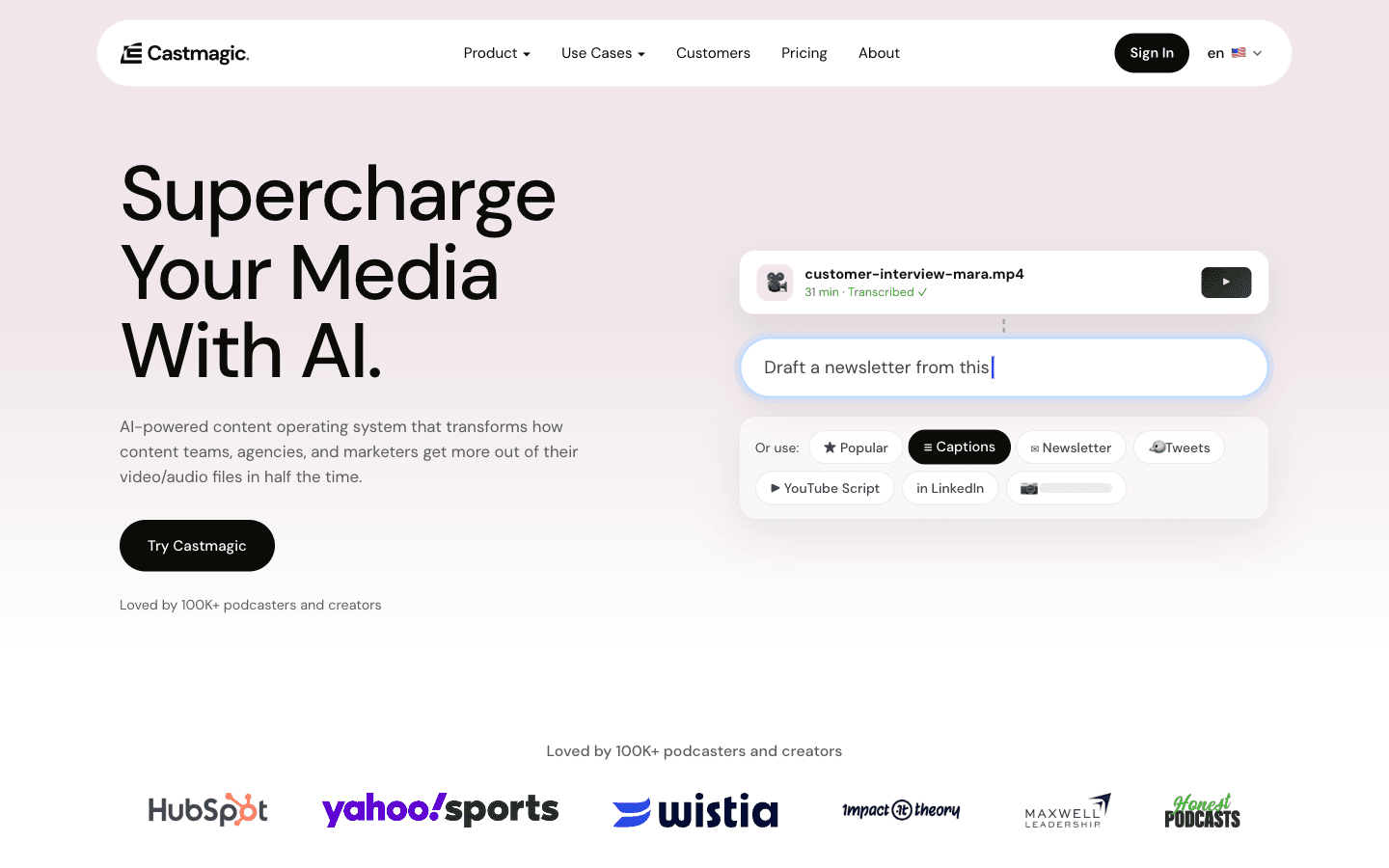
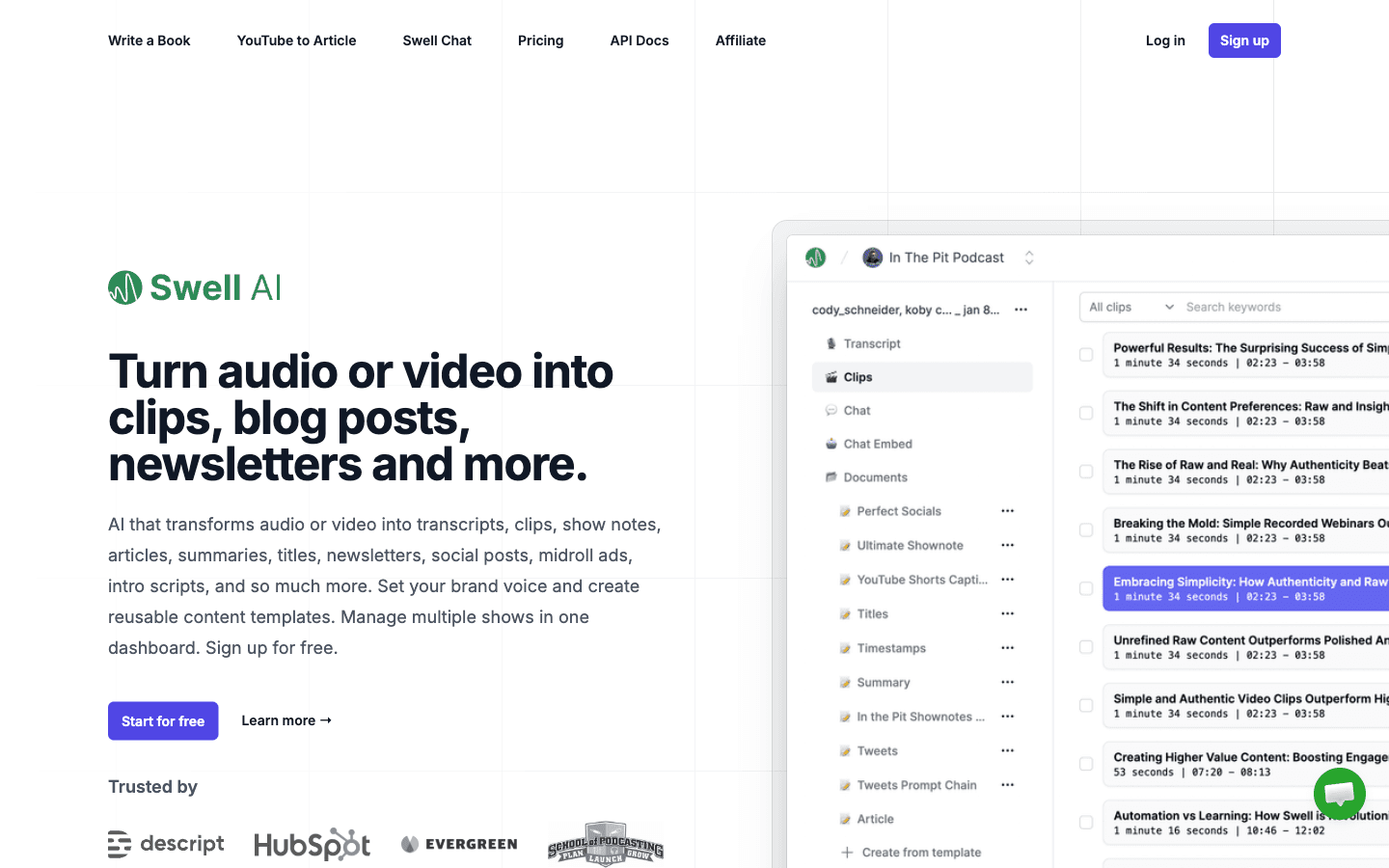
| AI + repurposing pipeline | Descript + Castmagic $19+ or Swell AI $0–29 | ~25–45 min edit, minutes of repurpose | $43–77 + 2–3 hrs |
| Hybrid (recommended) | Descript or free DAW, ordered below | ~45–60 min | $0–24 + 3–4 hrs |
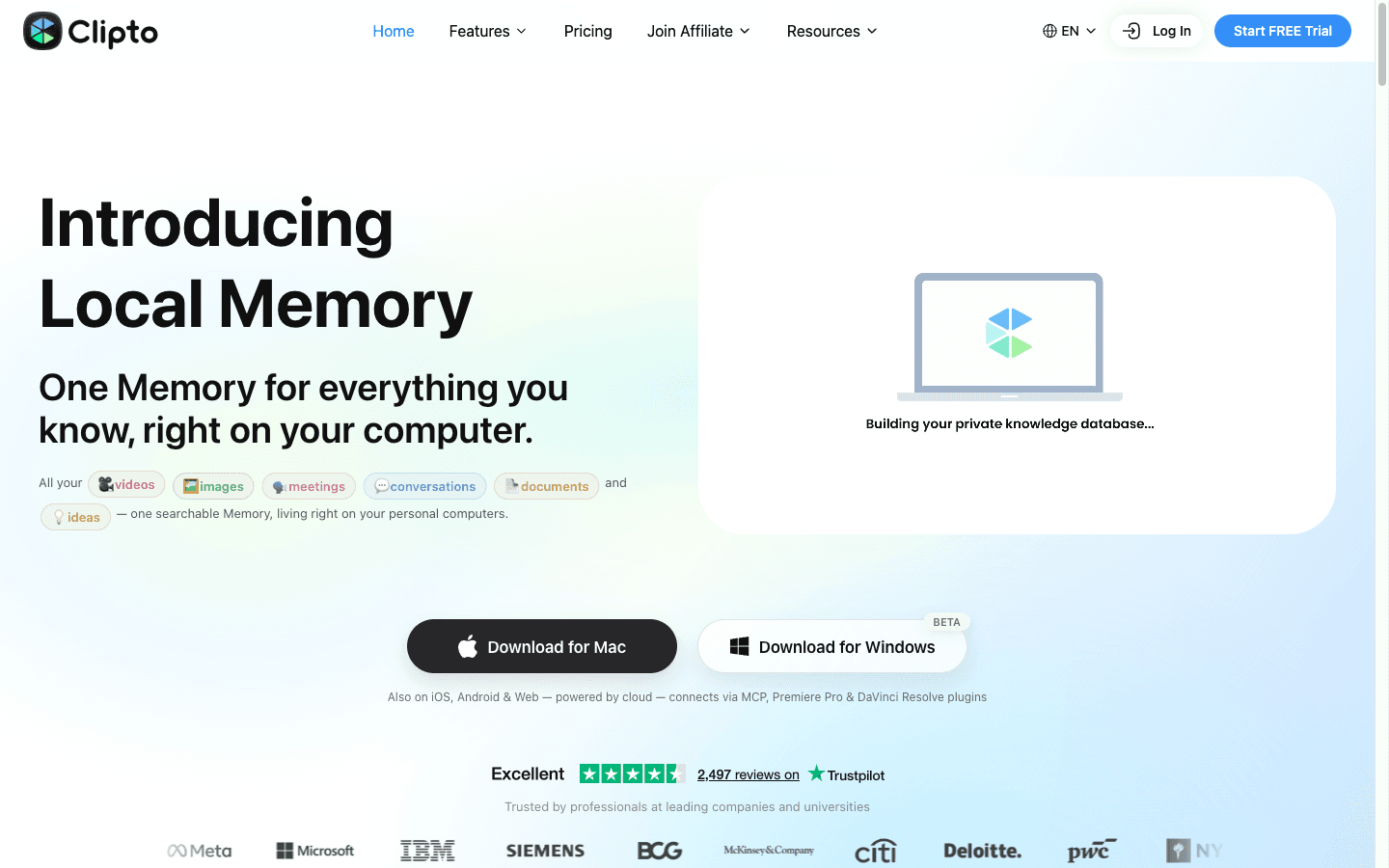
The repurposing row is in here deliberately: transcription-adjacent tools (Clipto at $9.99 first month for the searchable transcript layer) make the edit's byproduct — the transcript — earn money as show notes, articles, and clips. A DAW produces no such byproduct.
The hybrid order that actually ships
enhance first, edit text second, DAW last — and only for the minutes that need it.
- Enhance the raw audio (Adobe Podcast Enhance, free) — 5 minutes, biggest quality jump per minute spent.
- Edit the talking in the transcript editor — cuts, fillers, gaps. This is 90% of most episodes' runtime.
- Export to the DAW only the segments that need craft — the produced intro, the music bed, the section with crosstalk — and do the surgical work there.
- Assemble and master — back in either tool; a DAW wins if the show has a real sound-identity layer.
- Final listen at 1.5x — non-negotiable in every route. The artifacts AI editing leaves (over-tightened pauses, robotic filler removal) are listenable, not visible.
Shows that are pure conversation can live entirely in steps 1–2 and 5. Shows with produced elements run the full chain. Nobody sensible runs the whole episode in a DAW anymore — the time math is simply too bad — and nobody sensible runs a music-heavy produced show entirely in a transcript editor. The tools stopped being rivals the way word processors and typewriters didn't.
One line worth keeping: AI editing took the typing out of podcast editing; the DAW keeps the parts that are actually music.
Should you still learn a DAW in 2026?
If your show is voice-only and your budget is time-poor: no — text editing plus free enhancement ships a respectable episode, and your hours belong to recording and promotion. If your show has produced elements, or you aspire to sound-designed narrative formats: yes, at Reaper's $60 one-time depth, because the craft ceiling lives there. And if you hire editors, know that the 2026 market rate conversation has shifted — you're paying for judgment hours, not cutting hours, and quoting DAW-era rates should get a conversation about text-editing workflows.
FAQ
Is AI podcast editing good enough to replace a DAW?
For voice-heavy episodes, it replaces 80–90% of DAW editing time — filler removal, content cuts, and gap tightening run in minutes instead of hours. It does not replace the DAW for crosstalk-heavy segments, music beds, sound design, or audio restoration. Most working podcasts in 2026 use both: text editing for the talking, a DAW for the produced minutes.
Why is AI (text-based) podcast editing so much faster?
Because the edit happens on text, not sound. Deleting a sentence cuts the audio automatically; filler-word removal is one pass; speaker gaps tighten by setting. A DAW performs every edit as a manual waveform operation — find, cut, crossfade, verify. The documented magnitude for a 40-minute episode: roughly 25–45 minutes of text editing against 3.5 hours in a DAW, both excluding recording.
What's the best AI podcast editing software?
Descript (external recommendation, from ~$24/month) is the category's reference implementation — transcript-first editing with filler-word passes and studio sound. Adobe Podcast Enhance (free) is the standard enhancement layer before editing. For the post-production pipeline — show notes and clips drafted from the finished episode — Castmagic ($19+/month) and Swell AI ($0–29/month) automate what used to be a separate afternoon. Pricing verified October 2026.
Do professional podcasters still use DAWs?
Yes — for the parts AI editing doesn't cover. Produced and narrative shows (music, sound design, layered scenes) live largely in DAWs like Audition, Reaper, or Pro Tools. Even voice-only shows keep a DAW for restoration and mastering. What's genuinely declining is DAW time-per-episode on standard interview formats, which is where the text editors eat the hours.
Can AI editing fix bad audio?
Partially. AI enhancement (Adobe Podcast, free) cleans room echo, hiss, and uneven levels impressively on typical recordings — but it can't recover distorted (clipped) audio, separate overlapping voices, or rescue a recording made in a swimming pool. Poor source audio still limits every downstream tool; the 30 seconds of room tone and a closet to record in remain the highest-ROI studio investment.
Related Guides
- AI Podcasting Workflow: From Recording to Distribution — the pillar this comparison sits in
- Start a Podcast With AI: Step-by-Step Setup — the full stack, priced
- Castmagic vs Swell AI — the post-edit pipeline compared
- The AI Transcription Workflow — what the transcript byproduct becomes
Time figures are documented-practice estimates, not measured results. Pricing verified October 2026: Descript and Adobe Audition from vendor pages (external, recheck before purchase), Castmagic and Swell AI from their tool pages.
Disclosure: This article contains affiliate links. Castmagic, Swell AI, and Clipto have active affiliate partnerships with BestAIStack.io; Descript, Adobe Audition, Reaper, and Audacity are external recommendations with no linked affiliate pages. We also recommend tools with no affiliate program when they're the best fit.