

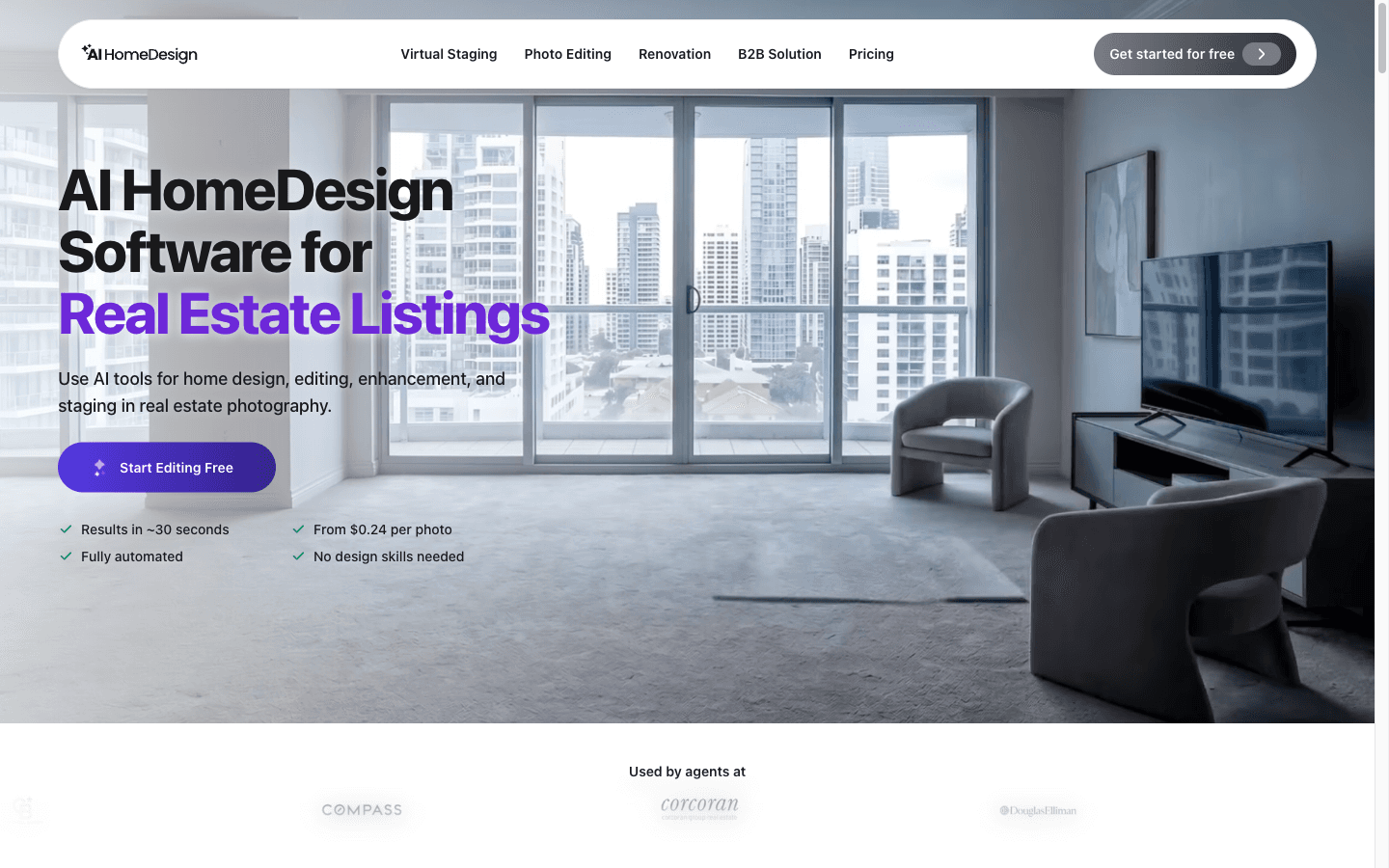
What is AI HomeDesign?
Reviewed AI HomeDesign's site, pricing, and review footprint on 2026-10-26; not deployed yet, so nothing here is hands-on. The Vancouver-based tool sells AI editing for real-estate listing photos — virtual staging, item removal, day-to-dusk, enhancement, and seven renovation tools — priced per photo credit rather than per render, with subscriptions starting under $20/mo billed yearly. Every tool run on the same photo stays within one credit, which makes it the cheapest per-finished-image entry in its own published comparison against human services. Independent verification is thin: Trustpilot carries the only substantial review record, and its G2 profile holds just two reviews.
Key Features
AI Virtual Staging
Furnishes vacant or furnished rooms across 15 room types and 8 design styles (120 combinations), with existing furniture removable first; results in under 5 seconds, MLS-ready output, free regeneration and chat-based edits.
One credit per photo, all tools included
A credit attaches to the photo, not the render: staging, item removal, enhancement, day-to-dusk and all seven renovation tools stay within one credit per image — restyles and regenerations don't re-charge.
AI Day to Dusk & Item Removal
Converts daytime exteriors to twilight with window lights and strips clutter or objects from any shot; Trustpilot photographers report ~100-image dusk batches and call the eraser its standout tool.
Enterprise plumbing: API, MCP, white-label
REST API with webhooks, an MCP server for AI-assistant workflows, SSO and sub-accounts, and white-label output on request; volume pricing scales to 10,000 photos/month at the same $0.24 per photo.
Pros & Cons
What works
- $0.24–$0.63 per finished photo versus $24 per staged image at human service BoxBrownie — 40–100× cheaper per image — and one credit covers every edit on the same photo; the vendor's own receipt example works a kitchen photo through staging, decluttering, enhancement and 10 furniture looks for $0.24 total.
- Free to start without a card, previews unwatermarked, plus a 7-day full-refund window for first-time subscribers who used 3 or fewer generations.
- Speed: staged renders in under 5 seconds per the virtual staging page (~30 seconds for the full toolbox per the homepage), against 24–48 hours for human virtual staging.
- Real-estate-specific depth: 15 room types × 8 styles = 120 staging combinations, plus day-to-dusk, item removal and 7 renovation tools; day-to-dusk is the most consistently praised feature in Trustpilot reviews, with photographers running ~100-image batches.
Watch out for
- Trustpilot sits at 2.7/5 (47 reviews, only 4 in the last 12 months); the company replies to 25% of negative reviews and typically takes over a month.
- Physical-accuracy failures reported: floating objects, artwork wrapping around walls, item removal deleting unrelated objects, furniture inconsistent between two angles of the same room, and architectural changes absent from the original photo (Trustpilot, Oct 2026) — and the vendor's own on-site testimonial concedes furniture-scale and perspective problems in larger apartments.
- Billing and refund friction: a reviewer reports €97.03 in charges after their Apple subscription showed cancelled; another says an unused trial renewed twice and the refund was refused; a third was offered a refund conditional on a Zoom interview. The 7-day refund excludes renewals and anything past 3 generations.
- No pay-as-you-go — subscription only. Monthly billing carries an 84% premium ($35 vs $19 for Pro), and the entry Pro plan only rolls over unused photos on yearly billing.
Who is it for?
Full-time listing agents (~40 photos/month)
Pro Plus at $29/mo billed yearly covers ~8 listings of key-room staging, all 11 tools work on one credit per photo, and unused photos roll over — the site's own persona picker lands here too.
Real estate photographers (~120 photos/month)
Enterprise ($49/mo, 200 photos) adds priority support, rollover, and the only access to API/webhooks; photographers on Reddit call it solid but flag frequent UI redesigns.
Brokerages and teams
SSO, sub-accounts, white-label on request and volume pricing to 10,000 photos/mo at $0.24/photo — though one Trustpilot enterprise buyer hit an auto-renewal refund fight.
Occasional stagers and homeowners
No pay-as-you-go: the cheapest entry is $19/mo yearly ($35 monthly). A human service at $24/image undercuts the subscription if you stage a handful of photos a year.
Reviewed AI HomeDesign's site, pricing page, and Trustpilot profile on 2026-10-26. I have not run a listing through it — everything below comes from public pages, not hands-on testing.
AI HomeDesign (aihomedesign.com, Vancouver) is an AI toolbox for real-estate listing photos: virtual staging, item removal, day-to-dusk conversion, image enhancement, and seven renovation tools, all sold as photo credits. The pricing mechanic that matters: a credit attaches to the photo, not the render. Restage the same kitchen in eight styles, declutter it, repaint the walls, and move it to dusk — it stays one credit. Their pricing page works a kitchen photo through staging, item removal, enhancement, and ten furniture looks for $0.24 total, because (as the page itself argues) most competitors charge per attempt.
The Catch
The failures people report are physical, not cosmetic. An October 2026 Trustpilot review describes floating objects, artwork wrapping around walls, item removal deleting the wrong things, and furniture that changes between two angles of the same room. The vendor's own on-site testimonial from a Keller Williams agent admits it struggles with furniture scale and perspective in larger apartments. Every output is sold as MLS-ready — when a render hallucinates a sofa, that's a claim you're making to buyers, not one the vendor answers for.
The second catch is the subscription shape. There's no pay-per-image option, so occasional stagers buy a plan they'll barely drain. Pro is $19/mo billed yearly but $35 month-to-month — an 84% premium for flexibility. The 7-day refund is narrower than it reads: first subscription only, three or fewer generations used, input packs and renewals excluded. Trustpilot carries charges-after-cancellation reports; one German reviewer was debited €97.03 across three months after their Apple subscription already showed cancelled.
True cost per listing
A typical vacant listing stages 5 key-room photos:
| Route | Cost per 5-photo listing | Turnaround |
|---|---|---|
| AI HomeDesign (Pro Plus, yearly) | 5 × $0.36 = $1.80 | seconds |
| Human virtual staging (BoxBrownie) | 5 × $24 = $120 | 24–48 h |
| Physical staging | "thousands of dollars per property" (vendor-cited) | days |
BoxBrownie is edit-first — a human retoucher fixes what the AI gets wrong. AI HomeDesign is volume-first — cheap enough to restyle a room nine times until one render survives.
If you stage 40+ photos a month on yearly billing, the math is hard to beat, and rollover credits cushion slow months. If you stage two listings a quarter, pay $24 per image to a human service and skip the subscription entirely. Agents building a personal brand alongside listings can pair this with headshot tools — Aragon AI or Photo AI — and cover both photo types for under $100/mo combined.
AI HomeDesign FAQ
How much does AI HomeDesign cost?
Does AI HomeDesign charge per render or per photo?
What is AI HomeDesign's refund policy?
Alternatives to AI HomeDesign

Brand-first AI design suite for presentations, infographics and business docs — priced per seat, metered in AI credits.

Credit-based AI photoshoots from one selfie — cheap per render, expensive per keeper.

Related articles
All postsguide
Best AI Design Tools 2026: 8 Tools Compared by Design Job and Real Cost
The 2026 AI design field, sorted by job: brand design suites (Visme $12.25/seat), presentations (DocHipo $12/seat), AI photoshoots (Photo AI Studio $19/mo), photo colorization (Palette $72/yr), interior staging (AI HomeDesign $19/mo), journey mapping (UXPressia $36/seat), ad ops (Adpiler $39/mo) — every price verified October 2026, with the catch for each.
alternatives
5 Visme Alternatives for 2026: Design Tools Compared by Job, With Verified Prices
Visme's Trustpilot sits at 3.1/5 on auto-renewal and cancellation complaints, and its per-seat annual pricing assumes a team. We compared five alternatives — DocHipo, UXPressia, Photo AI Studio, AI HomeDesign, and Adpiler — by the design job they do, with pricing verified October 2026.