

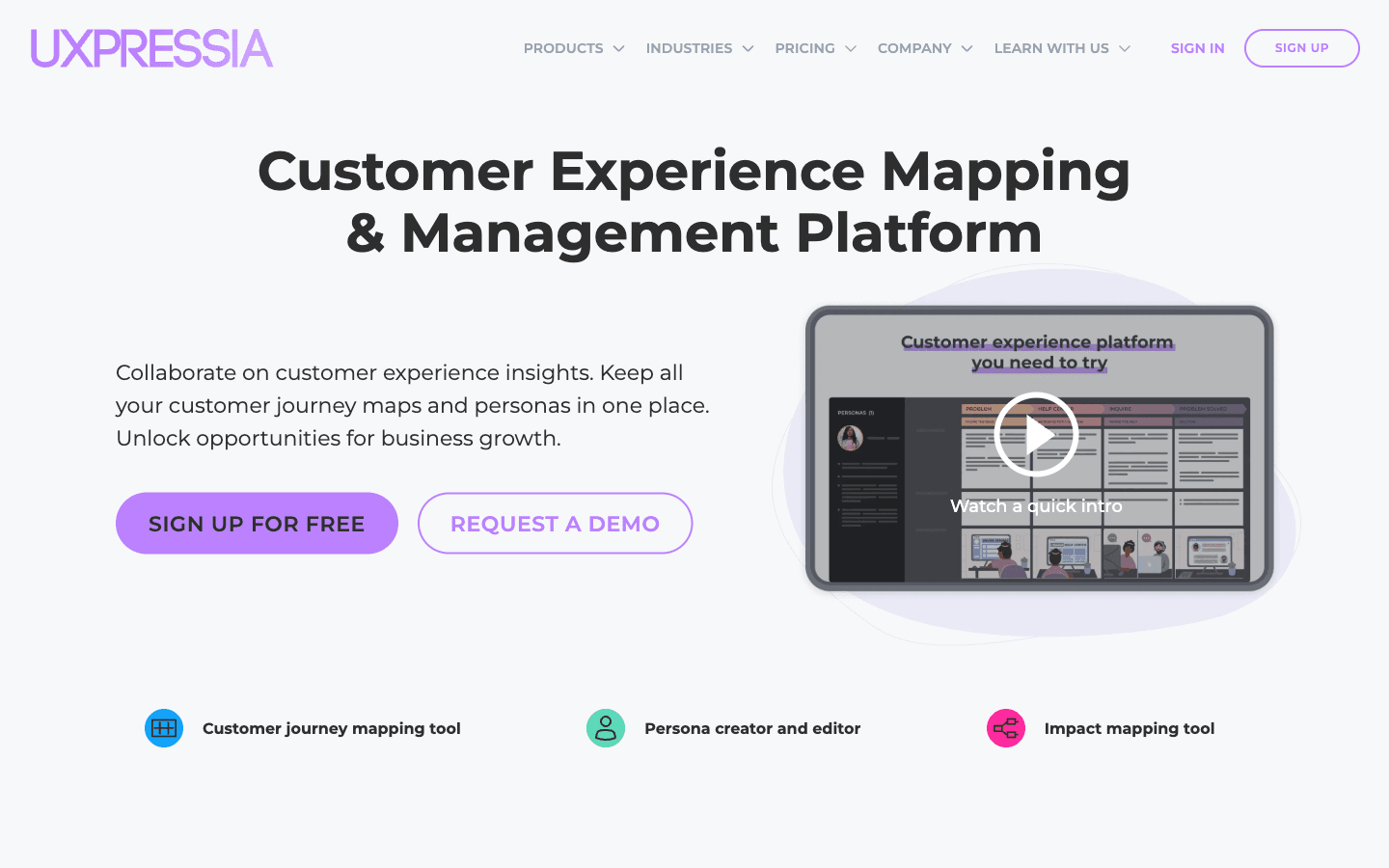
What is UXPressia?
Reviewed UXPressia's site, pricing page, and G2/Trustpilot reviews as of 2026-10-26; not deployed, so nothing here is hands-on. UXPressia is a customer-journey-mapping platform (journey maps, personas, service blueprints, impact maps) with a broad AI layer — persona generation, journey-map generation, and chat-with-persona simulation, capped at 30/60/100 requests per month on Free/Pro/Business. Pricing is per contributor seat in USD: Free, Pro US$36/user/mo, Business US$95/user/mo, Enterprise custom. G2 sits at 4.5/5 (37 reviews); Trustpilot at 4.6/5 (37 reviews, none in the last 12 months).
Key Features
Customer journey maps & CX repository
Journey maps, personas, service blueprints, and impact maps in one workspace with tags, statuses, ownership, and reusable CX Chunks; team library and board/Design views unlock at Business.
AI persona generator & simulator
Generates customer/employee/user/buyer personas with photos, industry and regional specifics; the improver polishes profiles in-editor and the simulator lets you chat with personas to test ideas. Caps: 30/60/100 requests/mo on Free/Pro/Business.
AI journey map generator & import
Drafts journey maps from your input and imports maps from images (3/5/20 documents per month by tier); AI-powered insights and storyboard generation unlock at Business.
Collaboration & governance
Comments, version history, user roles and teams, password-protected share links, and presentation mode; Enterprise adds SSO, MFA, provisioning, custom domain, and IP whitelisting.
Pros & Cons
What works
- Free plan is a working tier, not a demo: 3 journey maps + 3 personas + 3 impact maps, comments, PNG export, and 30 AI persona generations/month at US$0.
- Journey-specific structure out of the box — map columns, persona blocks, blueprint and impact-map formats — and a G2 reviewer who was hired to compare mapping tools for a UX team reports always coming back to it.
- Nine distinct AI feature lines with published request caps (persona generator, improver, simulator, photo generator, journey-map generator, image import, editing, insights, storyboard), where most mapping competitors ship one generator at most.
- Export and governance ladder: vector PDF/CSV at Pro (US$36/seat), PPTX + branding at Business (US$95/seat), SSO/MFA/IP whitelisting at Enterprise — a G2 reviewer cites A3-size PDF export where Miro and PPT workflows struggle.
Watch out for
- Per-seat pricing compounds at the tier teams actually need: PPTX export, branding, and native integrations (Slack, Jira, Mixpanel, Google Analytics) exist only at Business US$95/user/mo — five seats run US$475/mo at monthly billing.
- Free tier walls: 3 maps/personas/impact maps, PNG-only export, email sharing with 1 user; one G2 reviewer (March 2025) reports having to pay before viewing work created during the trial.
- Integration gaps flagged by G2 reviewers — no Dovetail, Figma live embeds, Canva, or image banks; native integrations start at Business; no mobile app.
- Review base is small and partly stale: 37 reviews on G2 (4.5/5) and 37 on Trustpilot (4.6/5, zero in the last 12 months); the site's own rating widgets (4.8/78, 4.5/22) match neither platform's current counts.
Who is it for?
CX consultants and agencies delivering journey maps as client work
Templates, presentation mode, PPTX export and branding at Business (US$95/seat), and version history — the export flexibility client deliverables need.
In-house CX/UX research teams centralizing journeys and personas
The repository model (statuses, ownership, roles) fits, but G2 reviewers miss Dovetail and Figma integrations, so research handoff stays manual.
Solo product managers or UX researchers generating quick personas
Free covers 3 documents of each type plus 30 AI persona generations/month — enough for one live project, not a portfolio.
Teams wanting whiteboard brainstorming or task management
No task assignment or follow-ups; one G2 reviewer places it between Miro and TheyDo, and live-collaboration lag drew early Trustpilot complaints.
Reviewed UXPressia's site, pricing page, AI feature pages, and G2/Trustpilot reviews on 2026-10-26; I have not used the tool, so nothing below is hands-on.
UXPressia is a customer-experience platform organized around journey maps: customer journey maps, personas, service blueprints, impact maps, and reusable "CX Chunks" in one workspace with tags, statuses, and ownership. The vendor claims 400,000+ users and traces the product back to 2015. Its AI layer runs deeper than most mapping tools ship — persona generator, journey map generator, persona photos, an improver, and a simulator you can chat with, each with published monthly caps (30 requests on Free, 60 on Pro, 100 on Business).
The Catch
Seats, not maps, are where the money goes. Pricing is per contributor — Pro US$36/user/month, Business US$95/user/month on monthly billing — and the reasons teams upgrade (PPTX export, branding, native Slack/Jira/Mixpanel/GA integrations) all live at Business, so a five-seat team lands at $475/month before any annual discount. The free plan is a genuine working tier but walled: 3 journey maps, 3 personas, 3 impact maps, PNG-only export, and email sharing with exactly one person. One G2 reviewer (March 2025) reports having to pay before they could view work made during the trial. Two smaller irritants: the "Best value" annual rate never displayed anywhere we captured, and the AI Boost add-on has no public price — you email sales.
What it actually costs
| Team | Plan math | Monthly bill |
|---|---|---|
| Solo consultant | Pro × 1 seat | $36 |
| CX team of 5 | Pro × 5 seats | $180 |
| Team of 5 needing branding/PPTX/integrations | Business × 5 | $475 |
Viewers and people you share maps with outside the workspace ride free — the billing FAQ charges only contributors with paid-feature access.
Where it fits
Miro is canvas-first. UXPressia is journey-first: the column structure, persona blocks, and blueprint formats exist before you type anything, which is why CX consultants and instructors keep choosing it (G2 4.5/5 across 37 reviews, 36 of them 4–5 stars). The depth ceiling is real — reviewers want task assignment, Figma/Dovetail links, and a mobile app — and one put it well: it "sits in the middle between Miro and TheyDo." If your team already lives in Miro, UXPin covers the design-handoff side better; agencies packaging client deliverables can pair it with Adpiler.
Concrete starting move: build one real map on Free. If the 3-map cap or PNG-only export bites, the cheapest Pro seat clears both — and open the annual toggle at checkout with a screenshot ready, since that discounted rate couldn't be verified.
UXPressia FAQ
How much does UXPressia cost?
How many AI personas can you generate on UXPressia?
Who counts as a paid seat in UXPressia?
Alternatives to UXPressia

Brand-first AI design suite for presentations, infographics and business docs — priced per seat, metered in AI credits.

Credit-based AI photoshoots from one selfie — cheap per render, expensive per keeper.

Per-photo AI staging for real-estate listings at $0.24–$0.63/image — cheapest finished photo in its class, with a rough refund record.
Related articles
All postsguide
Best AI Design Tools 2026: 8 Tools Compared by Design Job and Real Cost
The 2026 AI design field, sorted by job: brand design suites (Visme $12.25/seat), presentations (DocHipo $12/seat), AI photoshoots (Photo AI Studio $19/mo), photo colorization (Palette $72/yr), interior staging (AI HomeDesign $19/mo), journey mapping (UXPressia $36/seat), ad ops (Adpiler $39/mo) — every price verified October 2026, with the catch for each.
alternatives
5 Visme Alternatives for 2026: Design Tools Compared by Job, With Verified Prices
Visme's Trustpilot sits at 3.1/5 on auto-renewal and cancellation complaints, and its per-seat annual pricing assumes a team. We compared five alternatives — DocHipo, UXPressia, Photo AI Studio, AI HomeDesign, and Adpiler — by the design job they do, with pricing verified October 2026.