

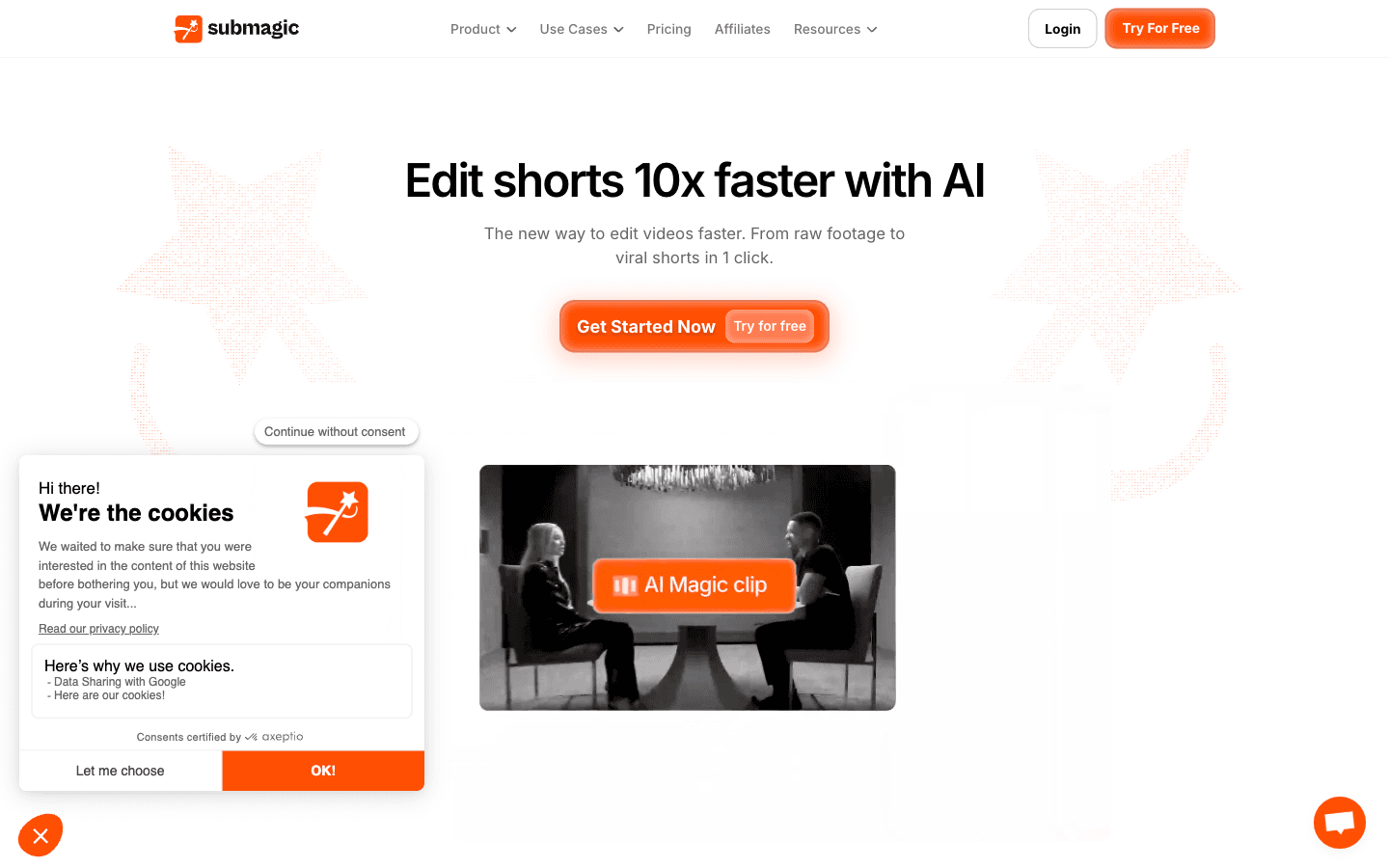
What is Submagic?
Reviewed Submagic's site, pricing, terms, and affiliate signup as of 2026-10-26 — research-only pass, no hands-on editing. A Paris-built, caption-first AI editor that turns long videos or YouTube links into captioned shorts with scheduling and publishing built in; reviewers on Trustpilot and G2 back the caption speed and accuracy, while per-member pricing, a no-refund clause in the terms, and export-queue complaints define the risk.
Key Features
AI Auto Captions
Animated caption styles across 123 languages with a claimed 99% accuracy; standard templates on Starter, premium templates on Pro and up.
Magic Clips
Drops in a long video or YouTube link and returns multiple platform-ready shorts with AI key-moment detection and automatic framing.
AI Cleanup Suite
One-click cuts and trims plus silence, bad-take, and filler-word removal, audio cleaning, auto-zooms, and B-roll from a free pool or Storyblocks from Pro.
Publish, Schedule & API
Direct scheduled posting with analytics from Pro, multi-account publishing profiles on Business, and API access from 10 minutes/month scaling to 100 plus credit packs up to 10,000 minutes.
Pros & Cons
What works
- Caption output is the core competence: 123 languages with a claimed 99% accuracy and animated styles, the two things G2 reviewers tag most (Ease of Use, Captioning Features)
- Magic Clips repurposes one long video or a plain YouTube link into multiple auto-framed shorts, no upload wrangling required
- Publishing is built in — scheduled posting to TikTok, Reels, and Shorts with analytics from Pro and Brand Kit for on-brand output
- The pricing page prints the credit-to-video conversion (45 credits = 15 videos, up to 300 = 100) and drops watermarks on every tier, so volume is forecastable before paying
Watch out for
- Pricing is per member, so a three-seat Business team pays $123/month — three times the headline number
- Starter caps clips at 2 minutes and 15 videos a month, which rules out podcast and interview repurposing that the marketing leads with; real headroom starts at Pro's 5-minute cap
- Billing friction is documented on both sides: terms auto-renew with no refund for any period already started, Trustpilot's 1-star reviews cluster on cancellation and charge complaints, and a July 2026 G2 reviewer reports a refund declined by an AI bot
- Export and rendering hiccups recur in reviews (G2 Slow Rendering tag, 'export delays'), and priority rendering is reserved for Business — while the site's own badges drift (123 vs 48+ languages, a stale 4.7/5 G2 badge against the live 4.6/85)
Who is it for?
Podcasters and YouTubers repurposing long-form into clips on a schedule
Magic Clips works from a URL; segments past 5 minutes need Business's 30-minute cap.
Solo creators posting short-form three to five times a week
Starter's 15 monthly videos cover that cadence; the 2-minute clip cap suits talking-head reels, not interviews.
Agencies and small marketing teams running multiple client accounts
Brand Kit and publishing profiles keep output consistent, but per-member pricing multiplies with every seat added.
Teams wiring clip generation into an automated pipeline
Starter and Pro include 10 API minutes a month; workable automation starts at Business's 100 minutes plus paid packs.
Reviewed Submagic's site, pricing, terms, and affiliate signup on 2026-10-26; research pass only — no editing sessions were run.
Submagic is a Paris-built caption engine with an editor attached. CapCut is an editor with captions attached. That inversion explains both the speed and the ceiling: auto captions across 123 languages with a claimed 99% accuracy, Magic Clips that pull key moments out of one long video or a plain YouTube link, silence and bad-take removal, and a scheduler that publishes straight to TikTok, Reels, and Shorts at up to 4K and 60fps. The terms name the operating entity as TURBO STUDIO, and the pricing page is unusually honest about credit math.
The Catch
The math is where plans break. Starter's 45 credits equal 15 videos a month — roughly three a week — each capped at 2 minutes. TikTok allows ten; podcast segments run longer. The moment your source footage is an interview, the plan you actually need is Pro's 5-minute cap or Business's 30, so the $12 sticker prices out the exact workload the marketing leads with. Pricing is per member too: three seats on Business cost $123 monthly, triple the headline.
| Tier | Yearly /mo | Monthly /mo | Videos /mo | Max clip |
|---|---|---|---|---|
| Starter | $12 | $19 | 15 | 2 min |
| Pro | $23 | $39 | 40 | 5 min |
| Business | $41 | $69 | 100 | 30 min |
Billing is the second edge. Terms auto-renew both cycles and state there is no refund for any period already started. Trustpilot's 1-star slice (7% of 856 reviews) is mostly billing: a card-update overlay reportedly blocking the cancellation screen, ten charge attempts of €46 in a day, and a near-$500 upgrade processed on one tap. A July 2026 G2 reviewer says a refund request was declined by an AI bot. Buy yearly ($144 Starter) and stall in month two — assume the money is gone.
Rendering is the third: G2 tags slow rendering and export delays, with priority rendering reserved for Business.
Who wastes money here: monthly-churning solo creators (the 37–41% yearly discount cuts both ways once refunds are off the table), podcasters on Starter, and anyone expecting API automation below Business — 10 API minutes a month is a demo, not a pipeline.
Submagic does one job — turning talking-head footage into captioned, platform-ready clips fast — and the review mass (Trustpilot 4.5 across 856, G2 4.6 across 85) says it does that job well. Weigh it against Opus Clip if clip selection matters more than caption styling, or Veed if you need a fuller editor; the AI transcription tools for YouTube creators roundup covers the caption layer, the AI tool comparisons hub keeps the field in view, and everything here lives in the ai-video category.
Submagic FAQ
How much does Submagic cost per month?
How many videos can Submagic produce each month?
What is Submagic's refund policy?
Alternatives to Submagic


Related articles
All postsguide
AI Tools Comparison: Every Head-to-Head on This Site (2026)
Every AI tool comparison we've published, in one index: 14 head-to-heads across detection, humanizing, podcasting, video, job hunt, and support — each with pricing verified against the vendor's own page, a stated catch for every tool, and a decision table that picks a winner.
guide
Best AI Video Tools 2026: 10 Tools Compared by Job and Price
The 2026 AI video field, sorted by job instead of hype: text-to-video for marketing (Zebracat $23/mo), clipping (Klap $14, Revid $32), captions (Submagic $12, Zeemo $8), avatars and UGC ads (KreadoAI $19, Akool $12), plus 1of10 and ImagineArt — every price verified from vendor pages October 2026, with the catch that comes with each.
guide
How We Compare AI Tools: The Method Behind Every Head-to-Head (2026)
The comparison method on this site, written down so you can audit it: same-job pairing, pricing re-verified on vendor pages with dates, meter math at real volumes, review records pulled with the awkward parts included, and a winner picked for the commonest case.