1 Blog Post → 15 Social Pieces: The Repurposing Workflow (2026)
Last updated: October 27, 2026 | Method: research-only, assembled from each tool's documented features and pricing verified 2026-10-26/27 from vendor pages. We have not run this exact pipeline end-to-end on a client account yet — what follows is the workflow we'd run, with the failure points we'd watch, not a case study pretending otherwise.
You published a 2,000-word post. It took a day. And now the internet's attention economy wants the same thinking in fifteen smaller shapes: a LinkedIn post, an X thread, a newsletter issue, three captions, a script, a carousel outline. Doing that by hand takes almost as long as the post did. Doing it with a pipeline takes an afternoon — if you know which tool owns which step, and where each one breaks.
Quick verdict, by persona: podcasters and YouTubers should start at Swell AI ($29/mo for 300 minutes), because their source material is already audio. Writers starting from a published post should start at the ChatGPT layer with Superpower ChatGPT ($120/yr) for the atomization pass, then Typeshare (~$20/mo) for platform-native drafting and Typefully ($99/yr) for scheduling. Total stack cost: under $50/month at solo volume.
The pipeline at a glance
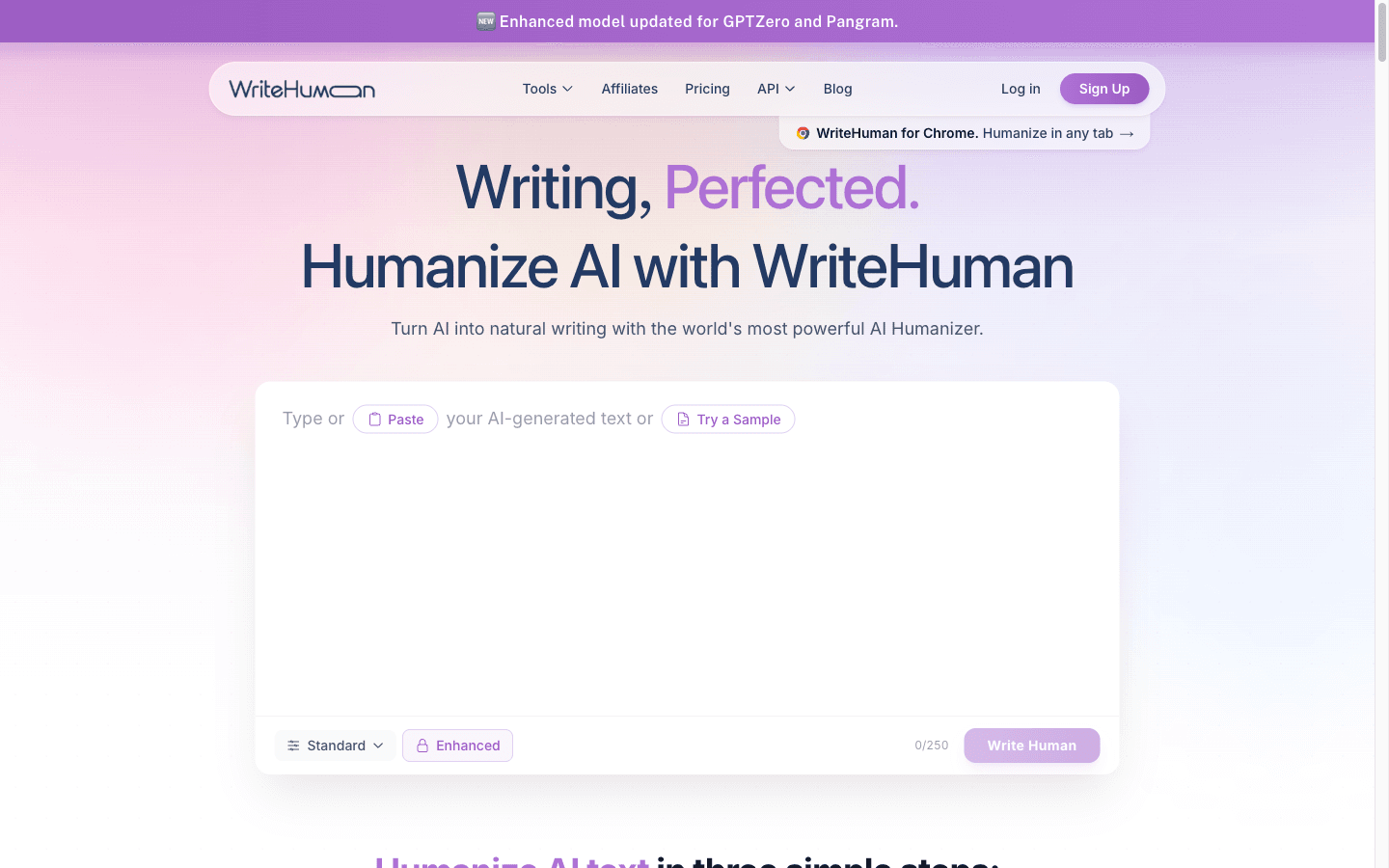
Answer first: atomize (ChatGPT layer) → draft platform-native (Typeshare) → schedule across networks (Typefully) → derive audio/video assets (Swell AI, if you have them) → humanize what got flagged (WriteHuman/GPTHuman) — five steps, one afternoon, under $50/mo at solo volume.
Here's the map we'd run, with the piece count each stage produces from one 2,000-word post:
| Stage | Tool | Output | Piece count |
|---|---|---|---|
| 1. Atomize | ChatGPT Plus + Superpower ChatGPT | angle list, quote cards, thread outline | 5–6 raw pieces |
| 2. Draft native | Typeshare | LinkedIn posts, X posts, Substack Notes | 5–6 drafts |
| 3. Schedule | Typefully | queued posts across X, LinkedIn, Bluesky, Threads | distribution for all |
| 4. Audio/video lane | Swell AI | show notes → article, newsletter, social posts | 3–4 pieces |
| 5. Humanize pass | WriteHuman or GPTHuman | flagged sections fixed before scheduling | quality gate |
The counts overlap deliberately — a quote card drafted in stage 1 becomes a scheduled post in stage 3. Fifteen pieces from one post is the union, not the sum.
Step 1 — Atomize the post (ChatGPT layer)
Answer first: feed the full post to ChatGPT with a prompt that demands angles, not summaries — objections, contrarian takes, numbers worth quoting, questions the post answers — and save the prompt chain so next week starts from muscle memory.
The atomization prompt matters more than the tool. "Summarize this post" gives you five identical summaries. What works is a demands-list: list every claim in this post that would surprise my audience; extract every number with its context; write the objection a skeptic would raise and the post's answer; list the questions this post answers that a headline never could. Run it on a 2,000-word post and you'll pull 15–20 raw angles, of which maybe a third are worth publishing. That ratio is normal — atomization is a sieve, not a printer.
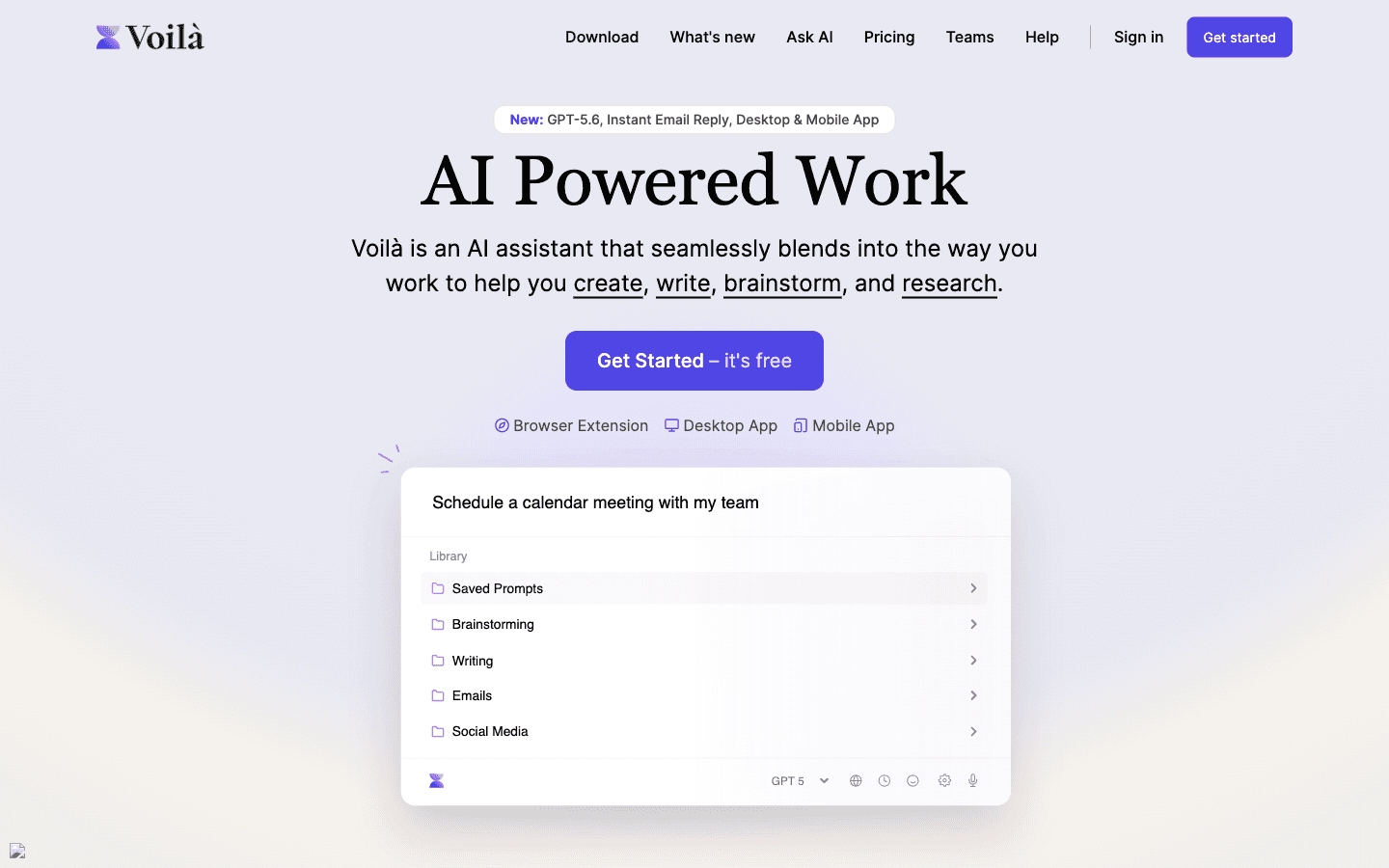
Superpower ChatGPT is the piece of plumbing that makes this repeatable: folders per content pillar, saved prompt chains, and bulk export of everything the session produced (free core, $120/yr Pro — verified 2026-10-27). Voilà covers the same job from $8/mo if you'd rather work inside the browser tab where the post lives.
Where this breaks: the model writes in its own voice, not yours. Every angle it drafts will lean on stock phrasing — "in today's fast-paced world" is one of the nine tells Unifire's humanizer literally names. Budget an editing pass at step 5, or write the final versions yourself from the model's angle list instead of shipping its prose. The atomized list is the asset. The drafted sentences are suggestions.
Step 2 — Draft platform-native (Typeshare)
Answer first: Typeshare's value is that its agents know the shape of each format — X posts with hooks, LinkedIn posts with line breaks, Substack Notes — fed from a Digital Brain that keeps your ideas between sessions, with 500+ templates descended from the Ship 30 for 30 playbook.
Paste your best angles from step 1 and let the format agents do the formatting: the X Agent drafts posts and threads, the LinkedIn Agent builds the professional register, the Substack Agent turns ideas into Notes. The free plan (10 AI idea generations a day, streak tracking, up to 5 collections) is enough to test the habit loop; Pro is tracked at roughly $20/month — with a caveat we verified and you should know: Typeshare has no public pricing page, and that figure is third-party, so confirm in-app before carding up.
The templates are a double-edged sword worth naming. Reviewers note that template-trained output can converge — posts that sound like every other Typeshare user's, drifting marketing-heavy. The defense is the same as step 1: treat the agent's draft as structure, overwrite the phrasing with your own. If your audience follows more than one writer trained on the same templates, convergence is visible.
Where this breaks: Typeshare is a single-writer instrument. No team seats, no shared workflow evidence, and publishing covers X, LinkedIn, Medium, and your own Typeshare profile — scheduling depth beyond that is where the next step takes over.
Step 3 — Schedule across networks (Typefully)
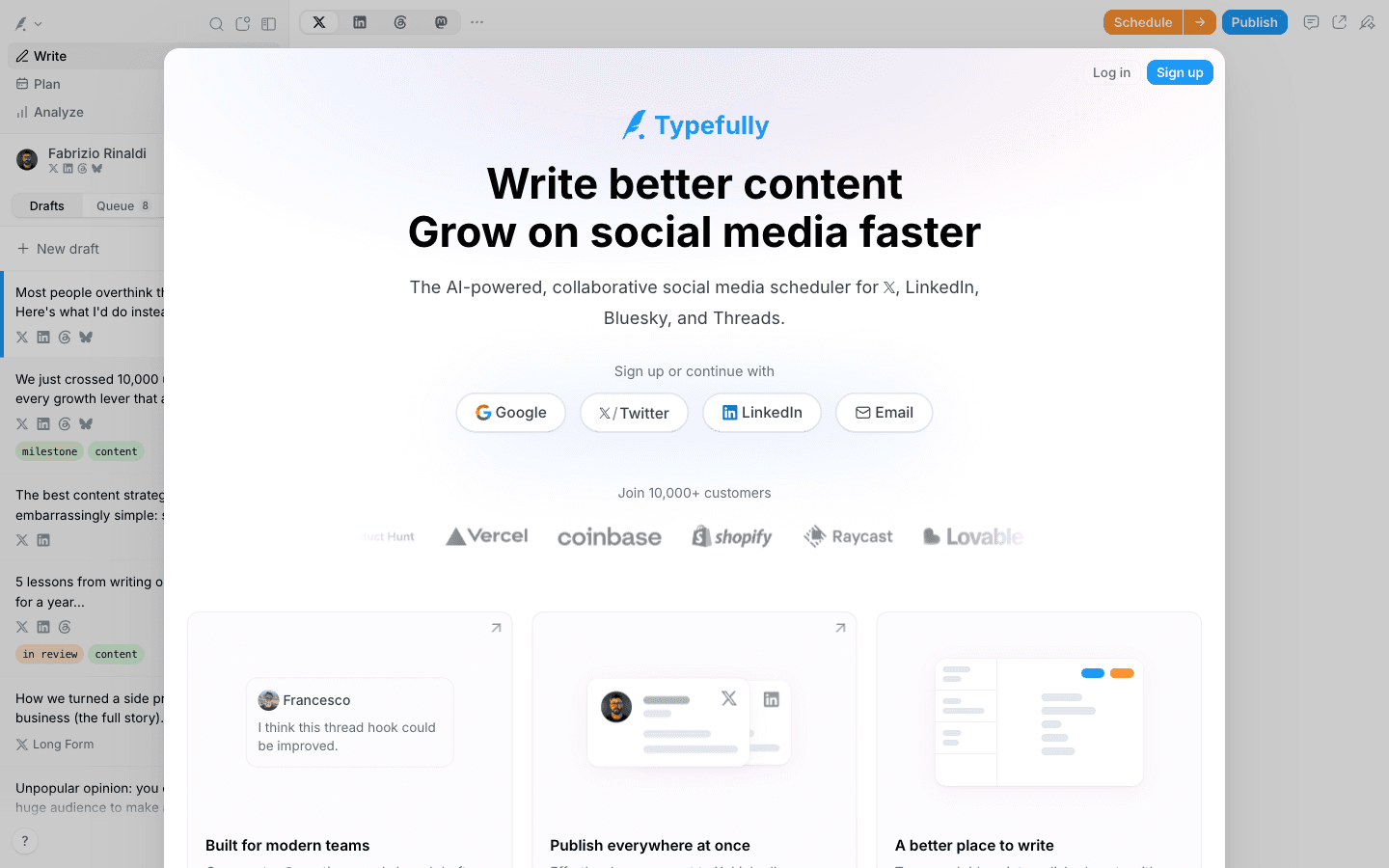
Answer first: Typefully takes one draft and queues it to X, LinkedIn, Bluesky, Threads, and Mastodon with per-platform previews, natural-language scheduling, and auto-plug re-promotion of evergreen posts — and it's the only scheduler in our category shipping an MCP server, so an AI agent can queue drafts into your calendar for you.
The creator plan is $99/year — about $8.25/month for AI rewriting, X analytics, and unlimited media (verified 2026-10-27). The free tier is real: 10 posts a month with advanced scheduling and API access, enough to run a personal queue without paying. For the repurposing workflow specifically, the killer features are the queue discipline (batch a week of step-2 output in one sitting) and Auto-Plug, which re-promotes evergreen posts without you remembering to.
Where this breaks: analytics exist for X only. LinkedIn, Bluesky, and Threads get your posts but return no numbers — a gap a third-party hands-on reviewer hit directly in September 2026. If LinkedIn reporting drives your strategy, pair or skip. Creator is annual-billing-only at $99 up front, and the /refunds URL in Typefully's own sitemap redirects to the homepage rather than a policy — worth knowing before the annual click. We put Typefully and Typeshare head-to-head for the drafting-vs-scheduling decision in Typefully vs Typeshare.
Step 4 — The audio/video lane (Swell AI)
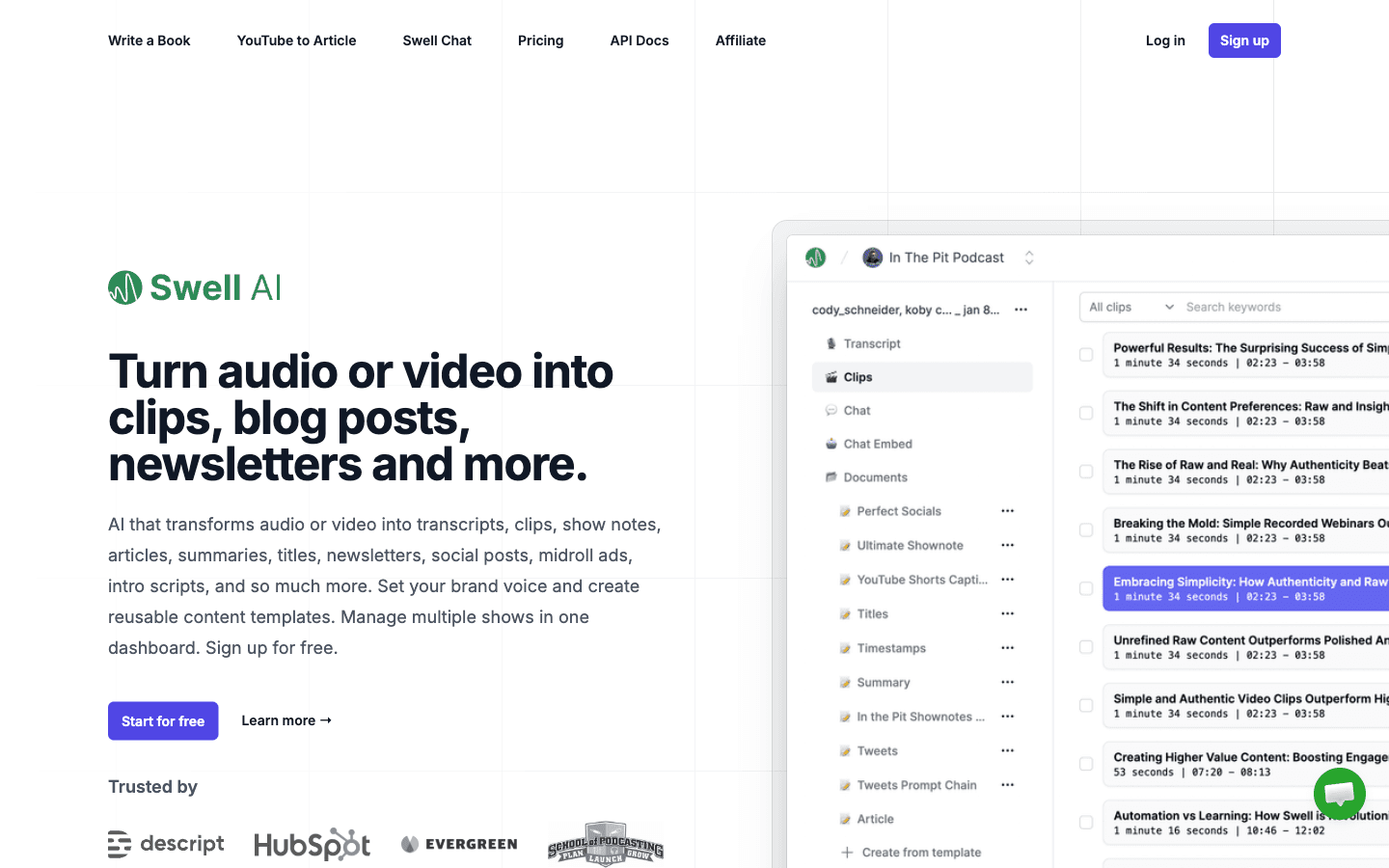
Answer first: if your blog post originated as a podcast episode or video, skip steps 1–2 for the derived assets — Swell AI turns one upload into show notes, an SEO article, a newsletter, and platform-specific social posts, with RSS backfill for your back catalog.
The pricing is minute-metered and legible: Hobby free (1 upload/mo), Studio $29/mo for 300 minutes, Agency $49/mo for 600, $0.13/min overage on Studio, and an $8.99/60-minute pay-as-you-go escape hatch (verified 2026-10-26). The written side is unlimited on every plan. An operator review on G2 (4.5/5) describes the core loop working weekly — RSS in, blog post and social posts out, days of editing compressed to about an hour.
Where this breaks, and it's the sharpest warning in this workflow: the cancellation record. Trustpilot's review (March 2024) reports a card required pre-trial and no self-serve cancel; G2's newest review (September 2026) reports the cancel flow erroring while charges continue and emails going unanswered. The review footprint is thin — no real Trustpilot profile, two G2 reviews — so there's no meaningful satisfaction record either way. Also unexplained: every plan card advertises "Unlimited GPT-3.5 writing," a 2022-era model named on a 2026 pricing page. Our operating rule: pay-as-you-go ($8.99 one-off) until you trust the cancel flow, and never let a subscription sit on this one unwatched.
Step 5 — The humanize gate (before anything schedules)
Answer first: repurposed drafts are the most AI-sounding content you'll publish — compressed, generic, template-shaped. Run the scheduler-bound batch through a detector and fix flagged sections with a humanizer before the queue takes them.
The check is free: GPTZero's tier covers 10,000 words/month, or Originality.AI if plagiarism matters for syndicated content. For flagged sections, WriteHuman ($12/mo annual) scores per sentence and returns 2–5 variations so you fix lines instead of re-rolling documents; GPTHuman ($8.25/mo annual) runs detector and rewriter in one loop. The structural caveat applies double to repurposed content: detector evasion decays after model updates, so re-check anything that sits in a queue for weeks. The full editing method — detector first, rewrite by hand where it counts, humanizer only on stubborn sections — is the 8-step checklist in how to humanize AI blog posts before publishing.
What the stack costs
| Stack | Monthly cost (verified Oct 2026) | Covers |
|---|---|---|
| Free floor | $0 | ChatGPT Free + Typefully free (10 posts/mo) + Typeshare free (10 ideas/day) |
| Solo writer | ~$38–40/mo | ChatGPT Plus $20 + Superpower ChatGPT ~$10 + Typefully $8.25 |
| Writer + audio lane | ~$67–69/mo | Above + Swell AI Studio $29 |
| Full + quality gate | ~$87–90/mo | Above + WriteHuman $12 or GPTHuman $8.25 |
Non-round but honest: the annual plans convert to $8.25 (Typefully), ~$10 (Superpower Pro), $12 or $8.25 (humanizers) — the monthly-cost column mixes annual rates amortized with true monthly prices, and the vendor pages are the source of truth on billing day.
When this workflow isn't worth running
Answer first: skip the pipeline when the post is too thin to atomize, when your audience lives on one platform only, or when volume is so low that manual posting beats pipeline maintenance.
Three specific cases. A 600-word news-reactive post doesn't contain fifteen pieces — forcing the ratio produces fifteen weak posts that underperform one good one. A LinkedIn-only consultant gets more from one hand-written post per day than from a five-network queue; the pipeline pays when multi-platform reach is the goal. And if you publish twice a month, the stack's cost is fine but the habit cost isn't — batch tools earn their keep on rhythm, and an empty queue is just a subscription.
One more quotable rule of thumb: repurposing multiplies reach only as fast as it multiplies quality control. Fifteen unedited AI-voice posts don't beat one good one — they just cost fifteen times the credibility.
Final verdict
The stack we'd run today: atomize in ChatGPT with Superpower ChatGPT keeping the prompt library, draft native in Typeshare, schedule in Typefully, add Swell AI only when audio enters the picture, and never let step 5 get skipped on the way to the queue. Start on free tiers for two weeks, confirm the rhythm survives contact with a real publishing week, then pay for the two tools you actually opened every day.
Last updated: October 27, 2026.
FAQ
How do I repurpose a blog post into social media content?
Atomize first, format second: run the post through ChatGPT with a demands-list prompt (surprising claims, numbers with context, skeptic objections, answered questions), pick the strongest angles, then draft each one native to its platform — LinkedIn's line-broken register, X's hook-first posts — and schedule the batch. Tools: Superpower ChatGPT ($120/yr) for the atomization pass, Typeshare (~$20/mo) for native drafting, Typefully ($99/yr) for scheduling.
How many social posts can one blog post produce?
Fifteen is a realistic ceiling, not a floor: a 2,000-word post typically yields 15–20 raw angles, of which a third survive editing — five to six LinkedIn/X posts, one newsletter section, quote cards, and, if audio exists, show-note-derived assets. Forcing the full count from a thin post produces weak pieces that cost more credibility than they buy reach.
What's the cheapest content repurposing stack?
The free floor is genuinely usable: ChatGPT Free for atomization, Typefully's free plan (10 posts/mo with API access) for scheduling, Typeshare's free plan (10 idea generations/day) for native drafting — $0 total. The first paid upgrade worth making is Typefully Creator at $99/year when 10 posts a month starts binding.
Is Swell AI good for podcast repurposing?
The pipeline works — RSS in, show notes, article, and social posts out, with catalog backfill; a G2 operator review describes days of editing compressed to an hour. The warnings: a thin review record, a March 2024 Trustpilot report of card-required trials with no self-serve cancel, a September 2026 G2 report of cancel-flow errors, and "Unlimited GPT-3.5 writing" on every 2026 plan card. Use the $8.99 pay-as-you-go option until you trust the cancel flow.
Do I need a humanizer for repurposed content?
Usually, yes for the scheduler-bound batch. Repurposed drafts are compressed and template-shaped — the most detector-prone content in a typical week. Check with GPTZero's free tier, fix flagged sections with WriteHuman ($12/mo annual) or GPTHuman ($8.25/mo annual), and re-check anything that sat in a queue for weeks, because detector evasion decays after model updates.
Disclosure: This page contains affiliate links for several tools reviewed. Swell AI, Typefully, Typeshare, Superpower ChatGPT, Voilà, WriteHuman, GPTHuman, and Originality.AI have active affiliate partnerships with BestAIStack.io. We also recommend tools with no affiliate program when they're the best fit. Pricing was verified from vendor pages on 2026-10-26/27 and can change.